Scale In Specific Nodes
I. Overview
This guide describes how to configure node priority ordering when manually scaling in a cluster. Nodes in the cluster have a priority order from 1 (lowest) to 3 (highest). By default, all nodes in the cluster have equal priority of 3.
During a scale-down (reducing node count), when triggered via MachineDeployment or MachineSet, MCM (Machine Controller Manager) prioritizes deleting worker nodes with the lowest priority. Administrators can lower the priority of specific worker nodes by setting the priority value to 1. During subsequent scale-down operations, MachineDeployment will prioritize deleting the worker nodes with the lowest priority.
II. Setup steps
Step 1: Annotate the node you want to delete as follows:
kubectl annotate no <node-name> worker.fptcloud.com/nodepriority=1

Step 2: Perform a manual scale-down of the worker group on the portal by adjusting the min-max node count in the worker group.
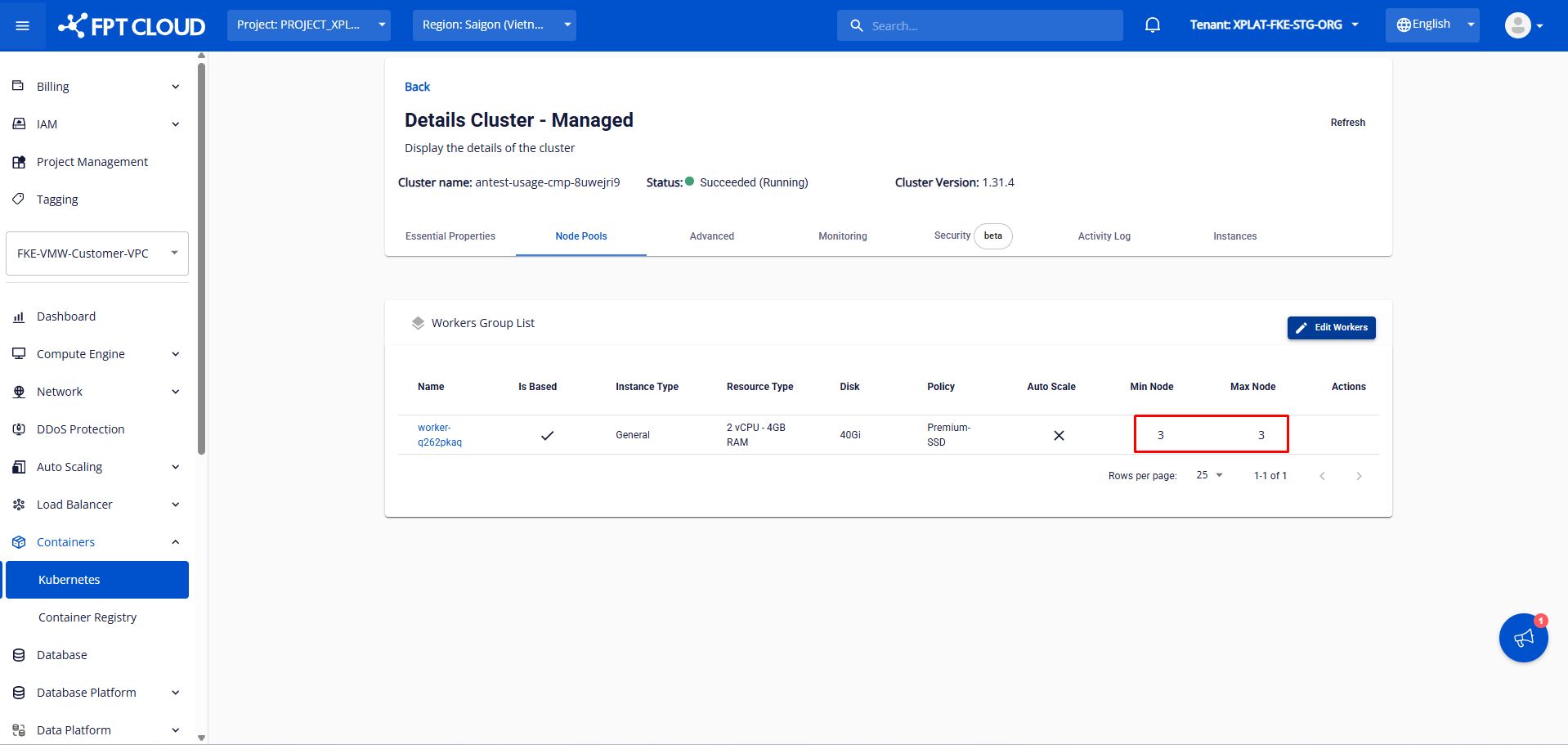
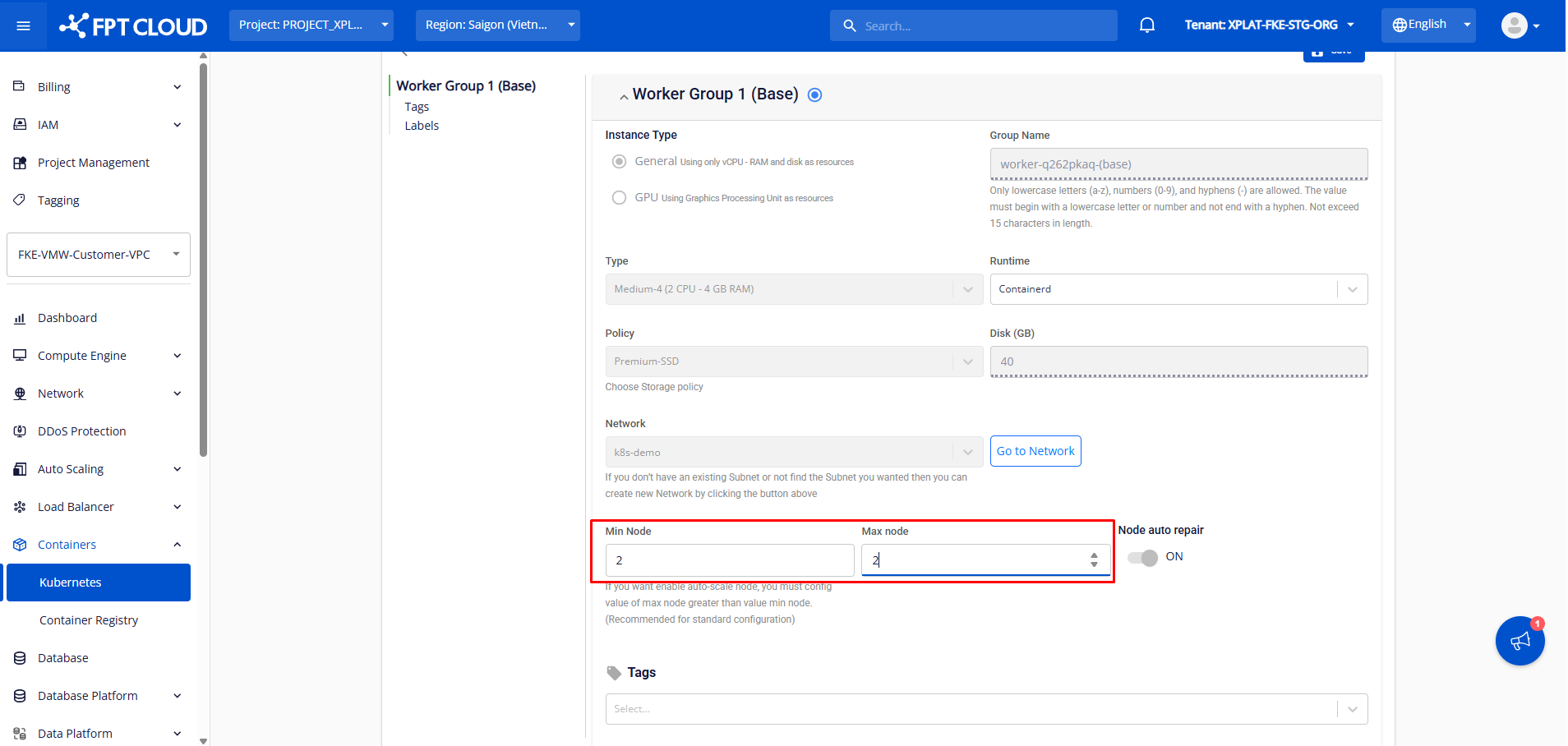
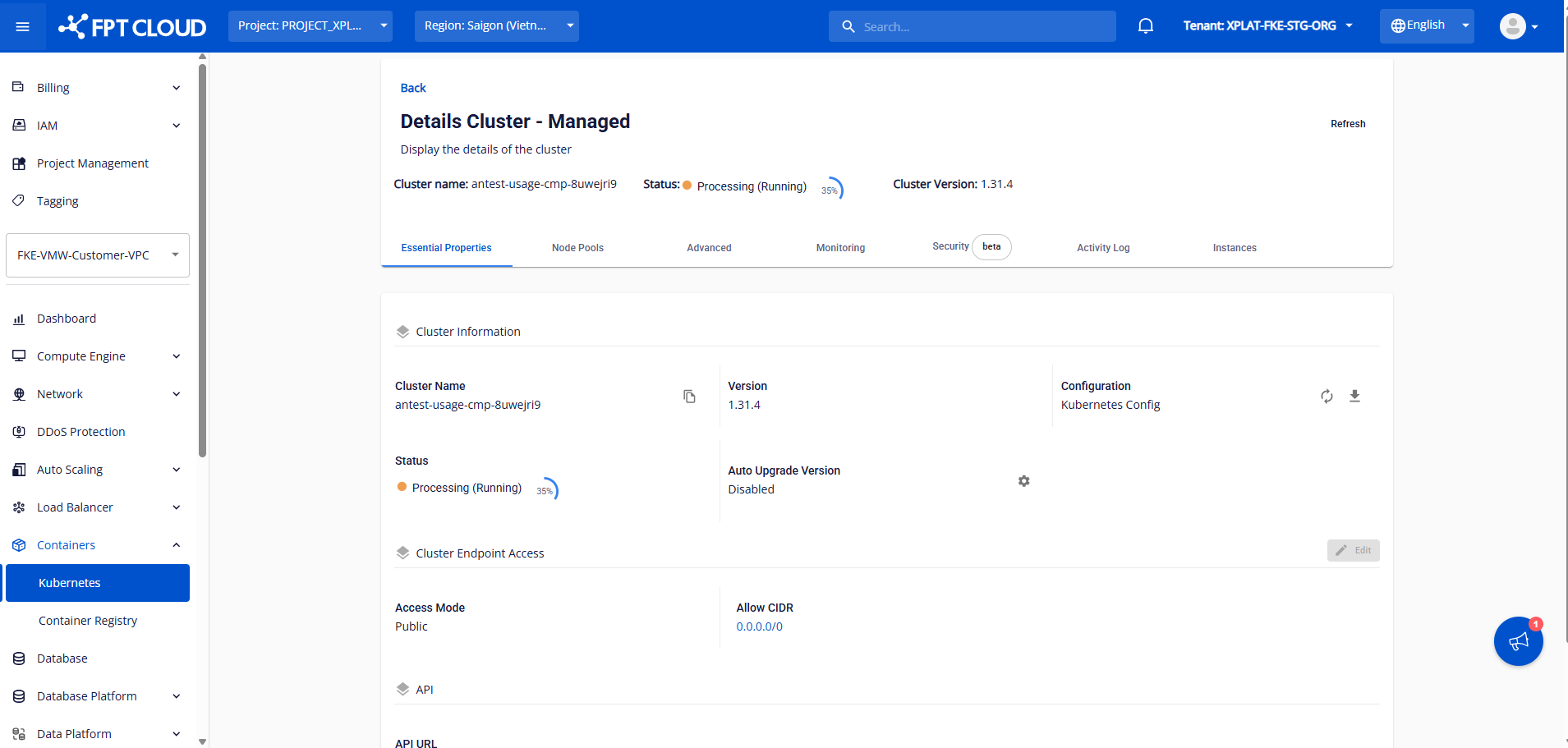
After adjusting the min-max node count, the system will scale in exactly the designated node. The scale-in process takes a few minutes and the cluster status changes to Processing. The cluster continues to operate normally.

You can annotate multiple nodes with worker.fptcloud.com/nodepriority=1 if you need to scale down multiple specific nodes at once.
Note: This feature is not supported when worker nodes are scaled in by the cluster autoscaler.