Accessing FPT Console Portal
To use the FPT Database Engine service on FPT Console Portal, you need to log in with your registered account credentials.
Step 1: Access the login page
Go to the FPT Cloud homepage at https://fptcloud.com/ and click the Login button to navigate to the login page:
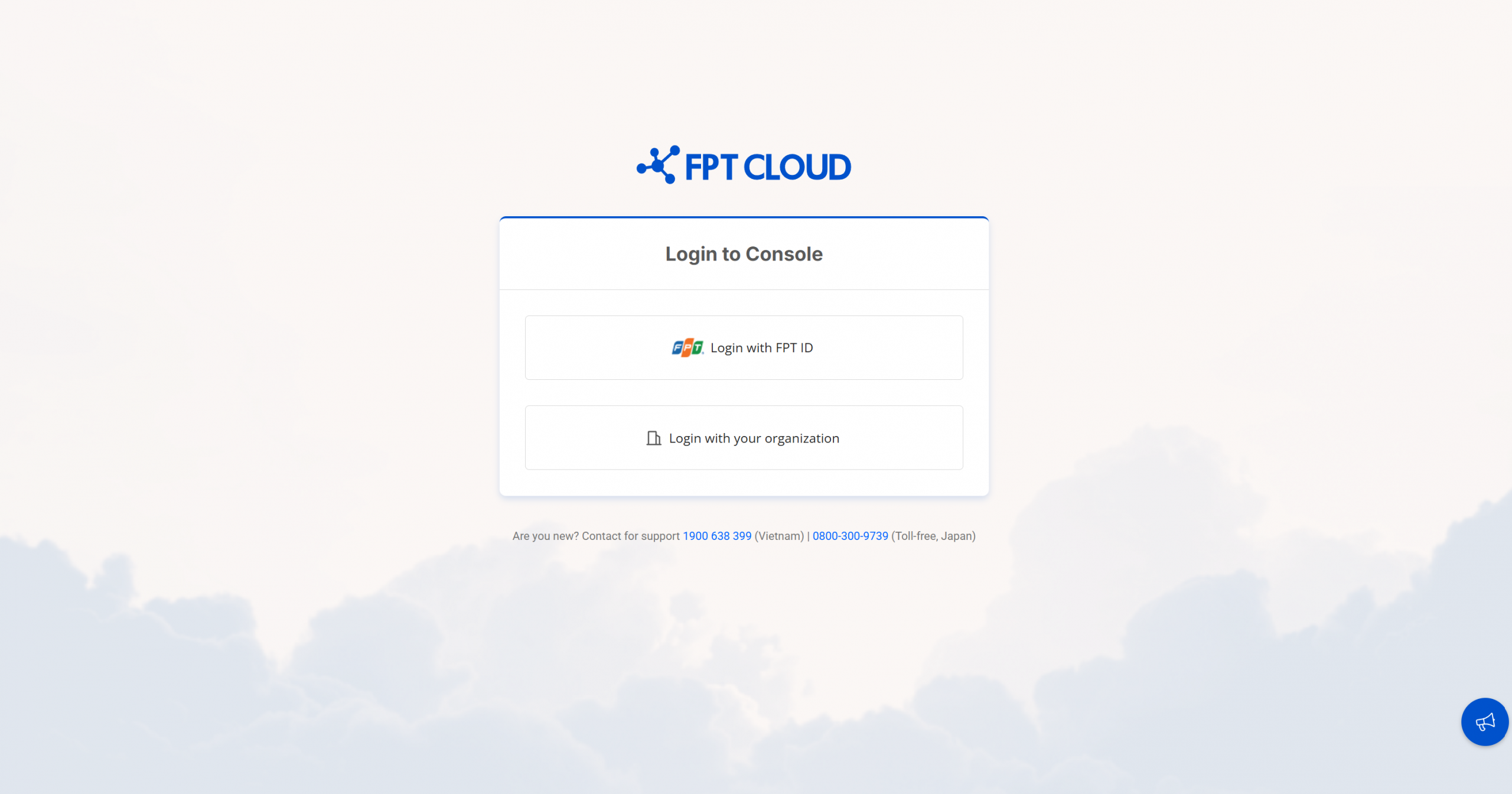
Step 2: Log in
You have two login methods:
- Login with FPT ID: If your account is a personal FPT ID, select this option to log in. You will be redirected to the FPT account login page. Enter the required information to continue.
- Login with your organization: If your organization has a corporate account, select this option to log in with your organization account credentials. You will be redirected to your organization's login page. Enter the required information to continue.
After logging in successfully, you will be redirected to the default FPT Console page, where you can manage DBaaS resources and other cloud services.
Login troubleshooting
If you have difficulty logging in, try the following steps:
- Forgot password: If you forgot your password, click the "Forgot password" link on the login page and follow the instructions to reset your password.
- Account locked: If your account is locked, please contact FPT Cloud Support to unlock it.
- Incorrect login credentials: Check your username and password again to ensure there are no typos.
Note: If you continue to have login issues, please contact FPT Cloud Support for assistance.