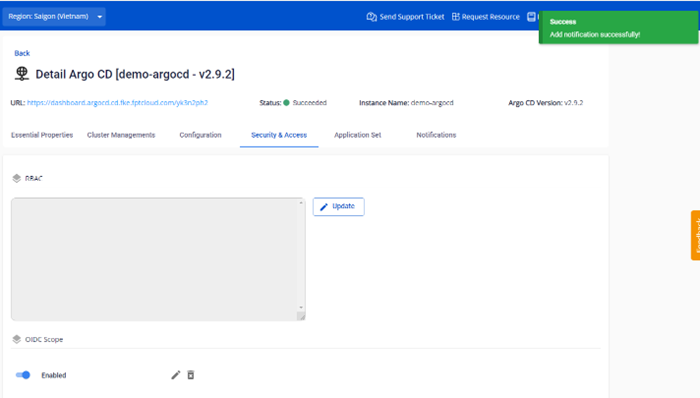
Configure OIDC config
After enabling OIDC, add a new OIDC config to integrate SSO with Keycloak.
- On the Security & Access > OIDC Scope screen, click Add new OIDC.
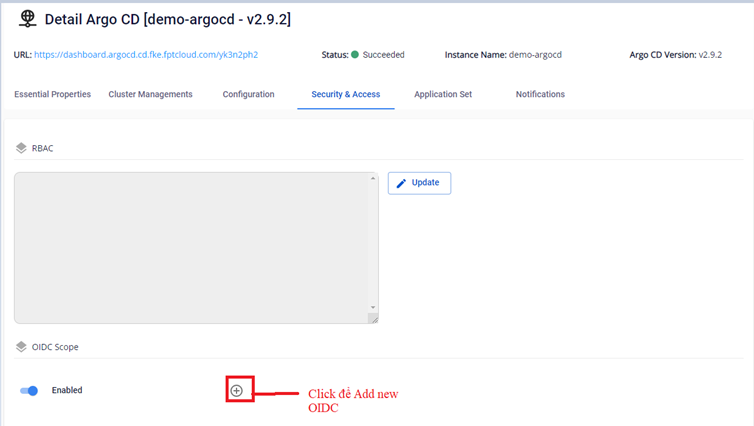
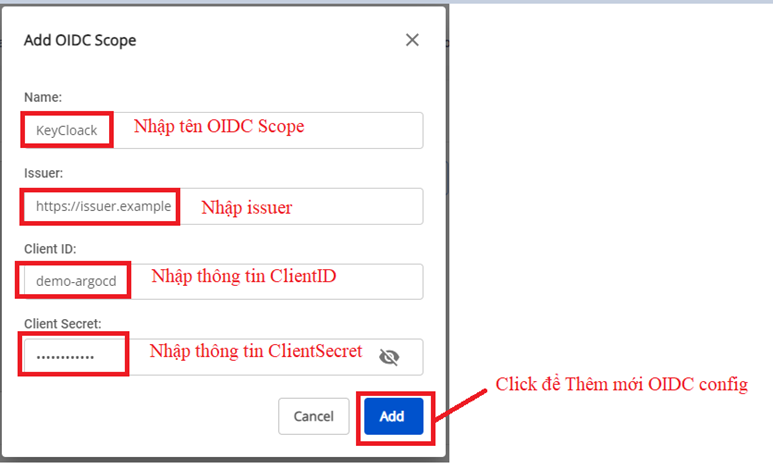
- Enter the OIDC configuration details from your Keycloak system:
- Name: The display name shown on the ArgoCD login screen (e.g.,
Login via [Name]) - Issuer: Obtained from Keycloak after creating the client
- ClientID: The client ID created in Keycloak for managing ArgoCD users
- ClientSecret: The client secret associated with the created ClientID
- Name: The display name shown on the ArgoCD login screen (e.g.,
- Result after configuring OIDC: