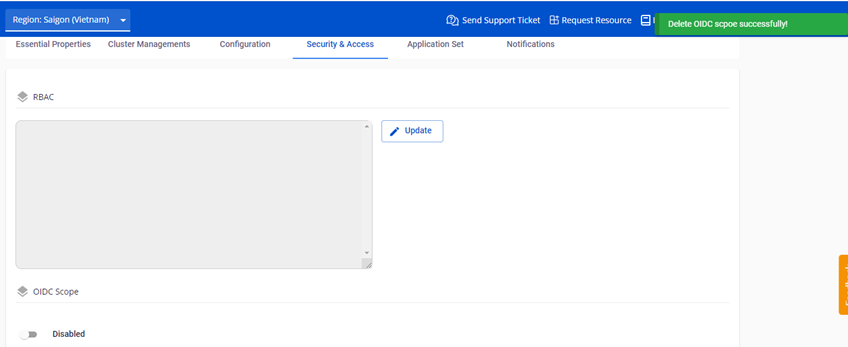
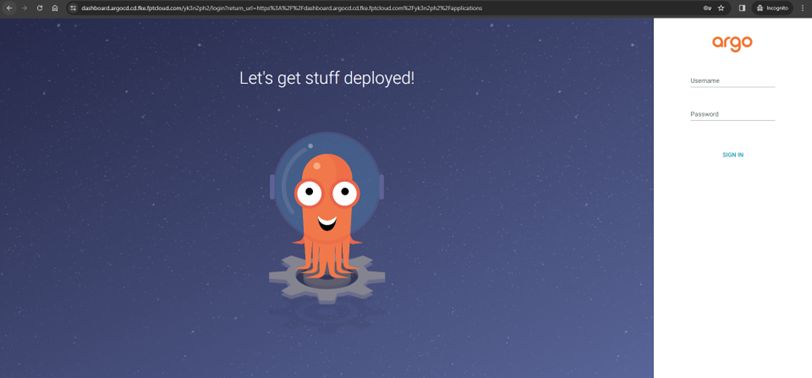
Delete OIDC config
danger
After deletion, the OIDC Scope reverts to a disabled state. ArgoCD will only support login via username/password if the admin account is enabled or a local account exists.
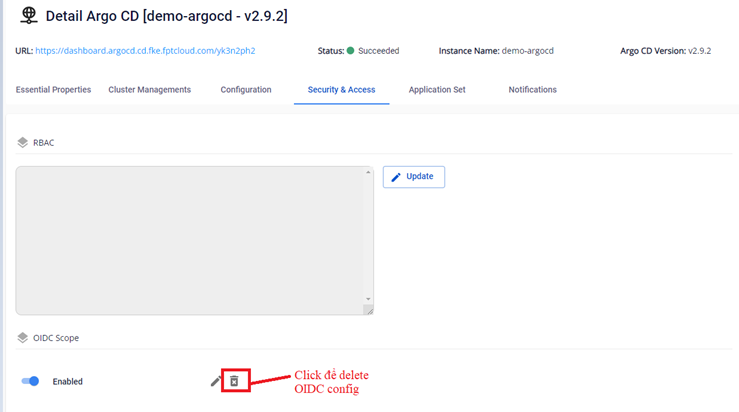
- On the Security & Access > OIDC Scope screen, click Delete on the OIDC Scope you want to remove.
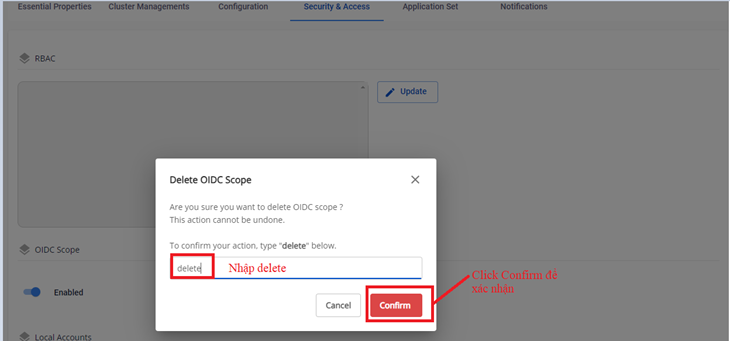
- Type
deleteto confirm the action.
- Result after deletion: