Manage 404 host
A 404 host redirects 404 error pages to a desired page.
-
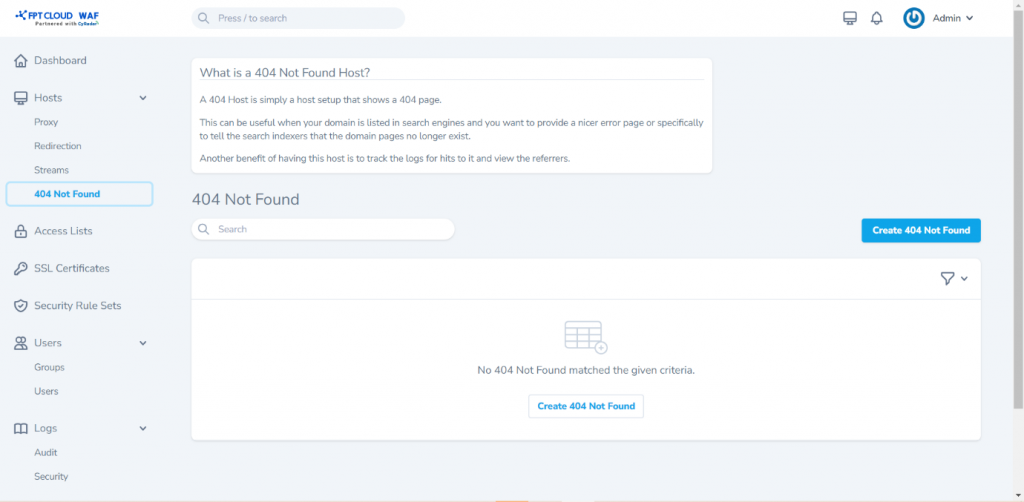
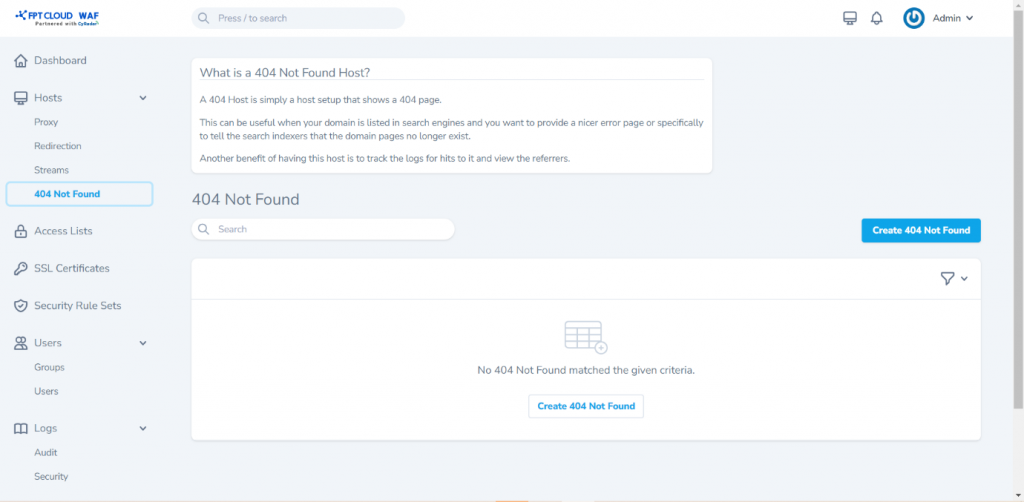
Select Hosts > 404 Not Found from the menu to open the management screen.
-
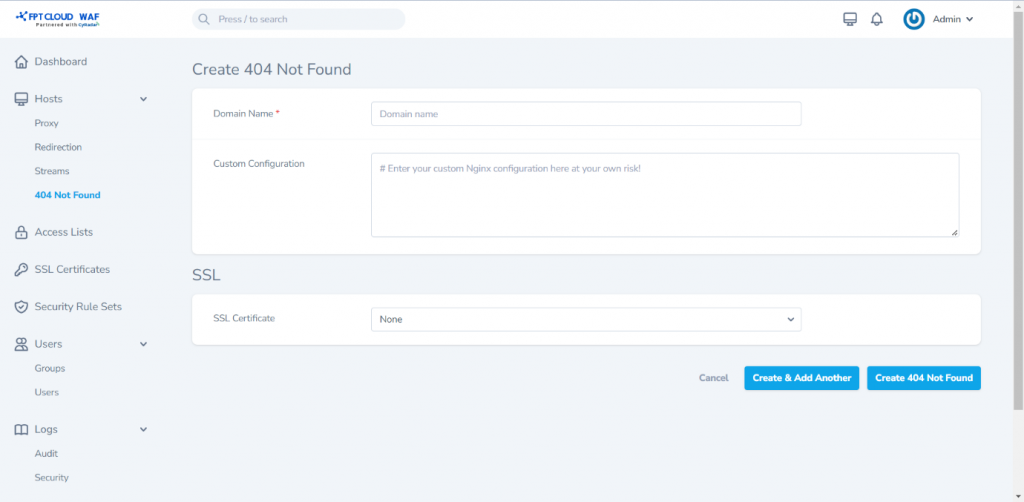
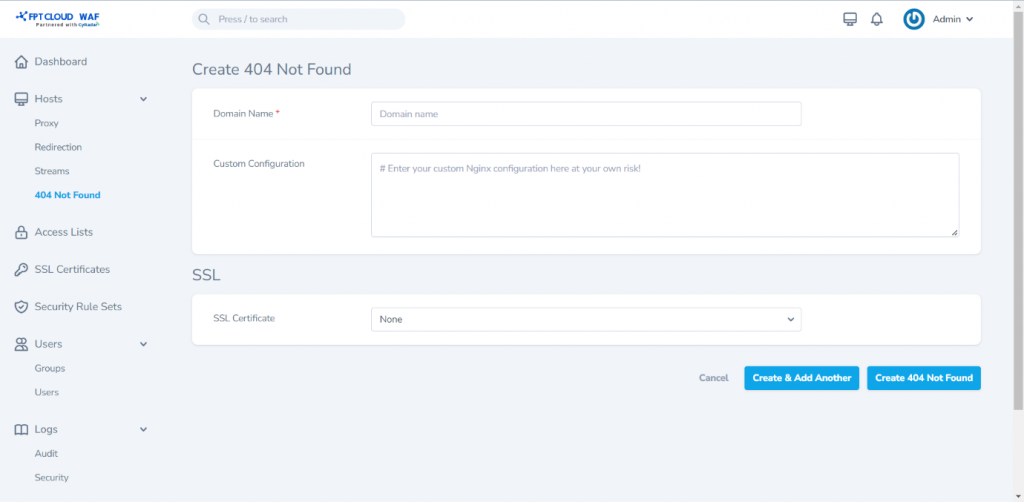
Click Create 404 Not Found to open the creation screen and enter the details:
- Domain Names: Domain or website to redirect when a 404 error occurs.
- Custom Configuration
- SSL Certificate: Select the corresponding SSL certificate for the domain or website.
-
Click Create 404 Not Found to save and complete.