Manage access list
An access list provides whitelist/blacklist functionality for specific IP addresses, combined with HTTP Basic Authentication for proxy hosts. Administrators can configure multiple rules, assign credentials to an access list, and apply it to proxy hosts.
This feature is useful for web services forwarded without built-in authentication, or when you need to block access from unknown IP addresses.
Create an access list
-
Select Access List from the menu to open the management screen.
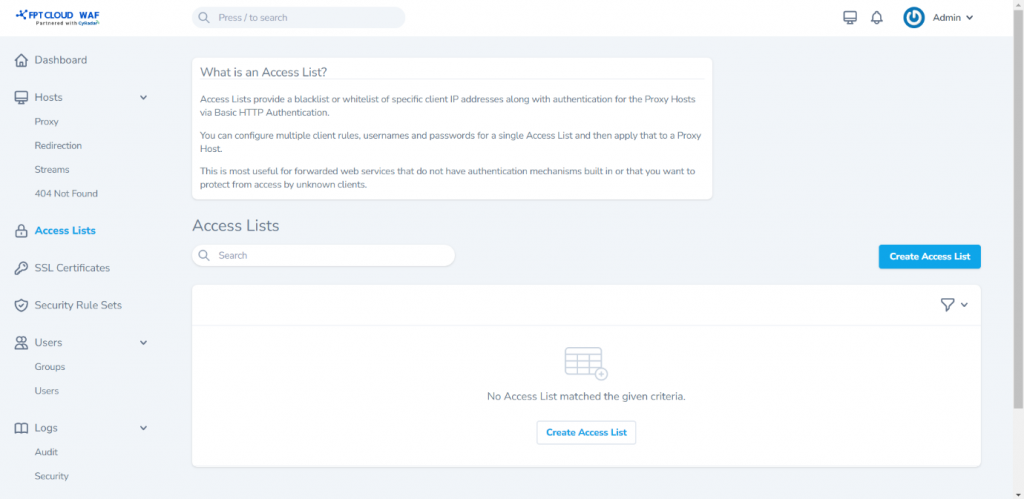
-
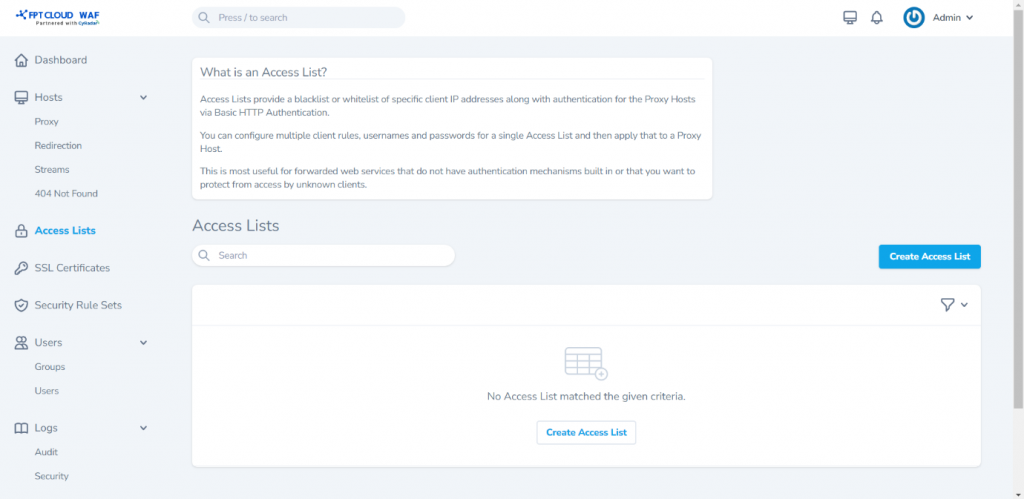
Click Create Access List to open the creation screen and enter:
- Name: Access list name.
- Satisfy Any
- Pass Auth to Host
-
Click Create Access List to create it and open the detail screen.
Advanced configuration
Add HTTP Basic Auth credentials
-
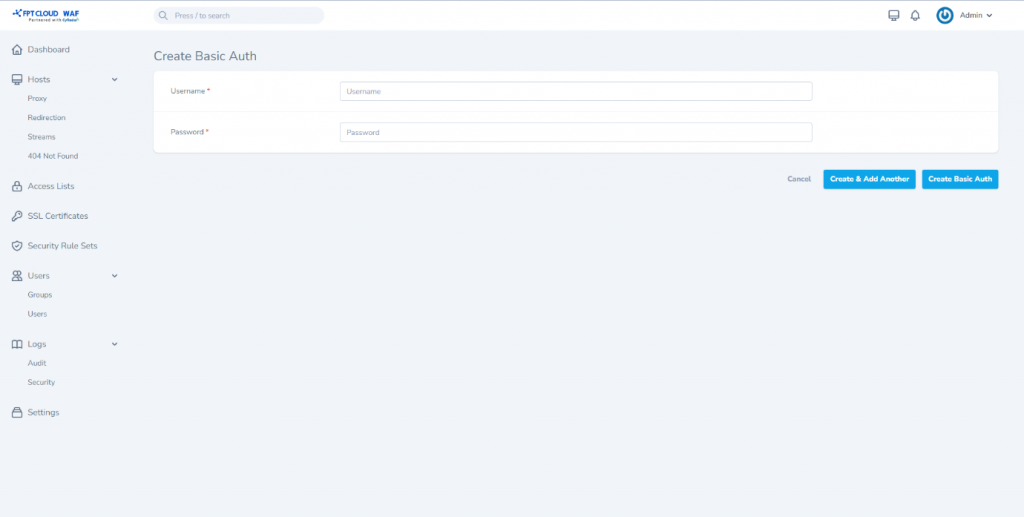
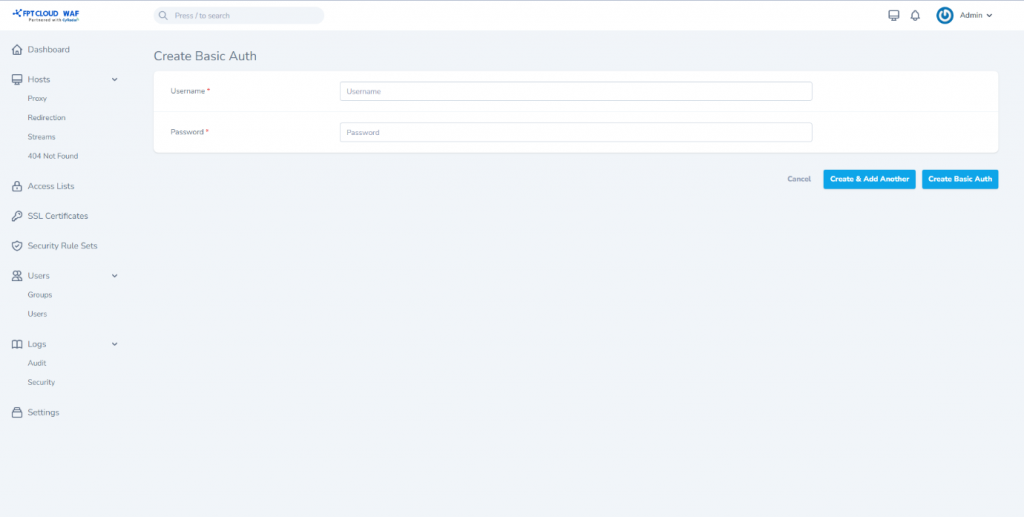
Click Create Basic Auth to add authentication credentials:
- Username: Authentication username.
- Password: Authentication password.
Click Create Basic Auth or Create & Add Another to add multiple accounts.
Add whitelist/blacklist IP rules
-
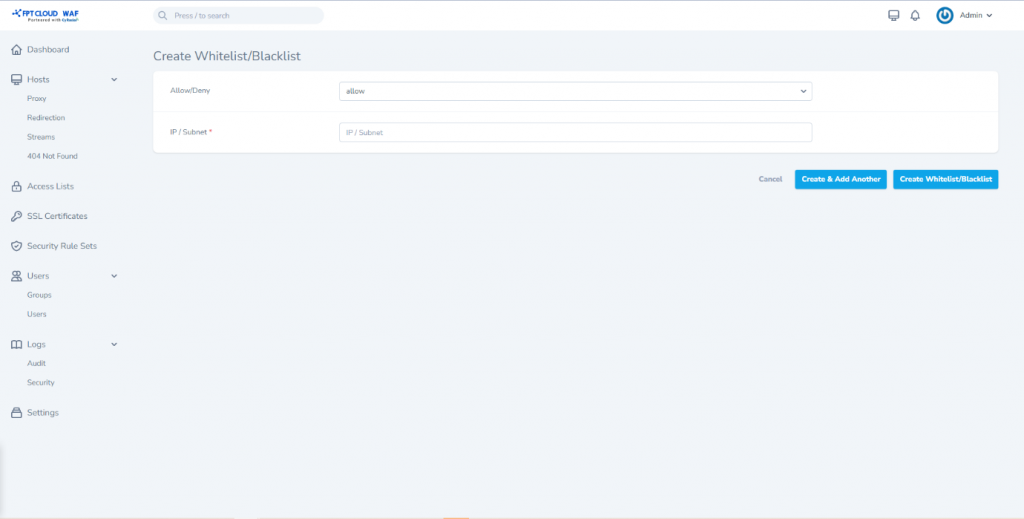
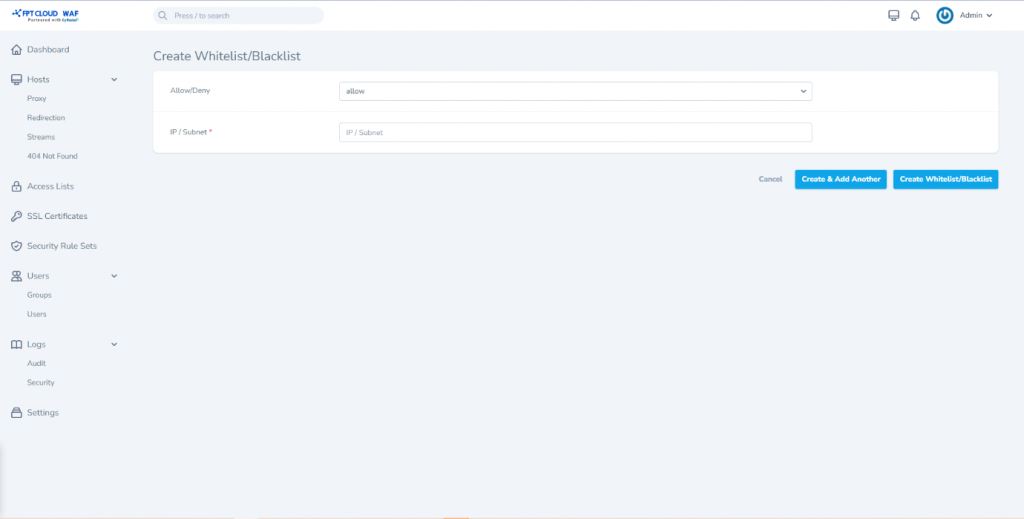
Click Create Whitelist/Blacklist to add IP addresses or subnets:
- Allow: IP or subnet allowed to access.
- Deny: IP or subnet denied access.
- IP / Subnet: Enter the IP address or subnet.
noteAllow/deny rules are applied in the order they are defined.
Assign a proxy host to the access list
-
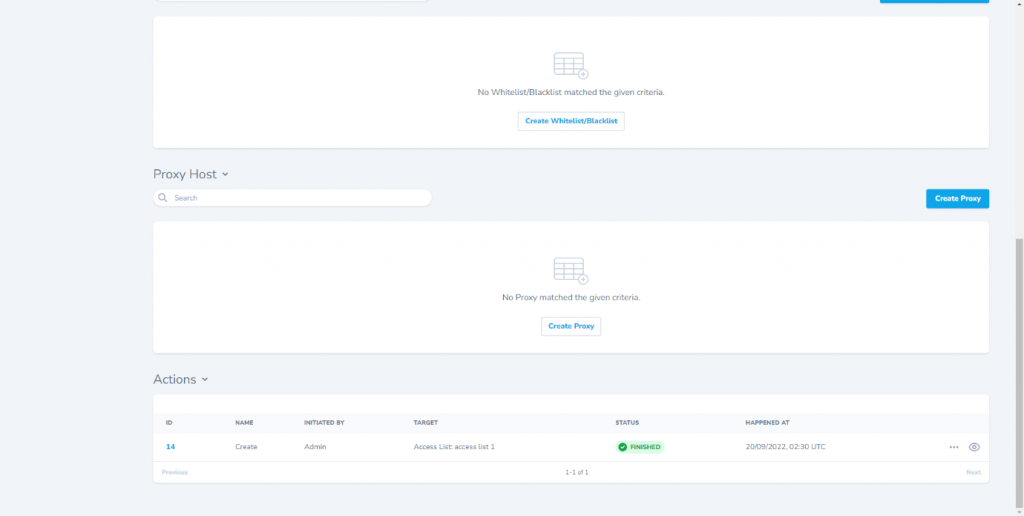
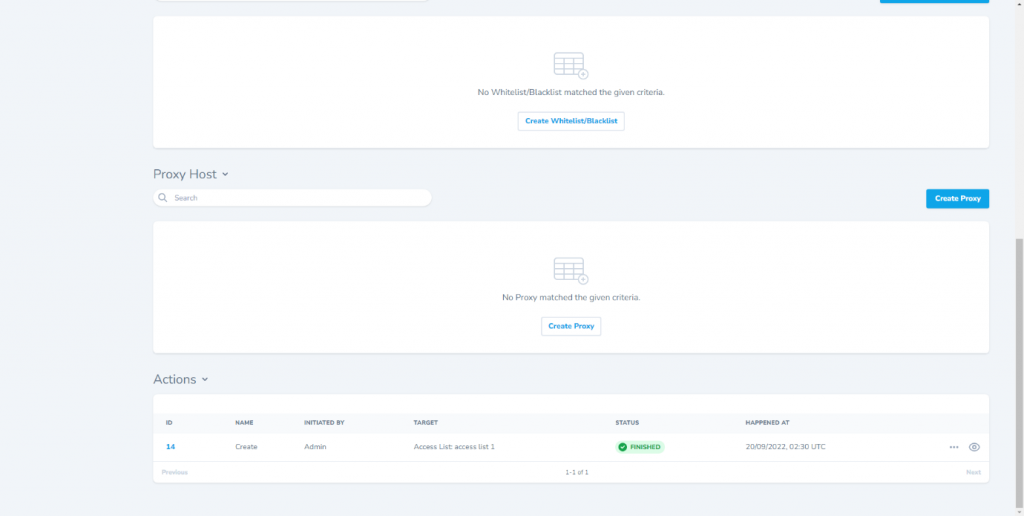
Click Create Proxy to add a proxy host that uses this access list. See Create a proxy host.
Other operations
| Operation | Description |
|---|---|
| Edit | Edit access list details |
| View | View access list details |
| Delete | Delete the access list |