Manage redirection host
A redirection host forwards a URL to another website or URL and displays the content of the destination address.
Create a redirection host
-
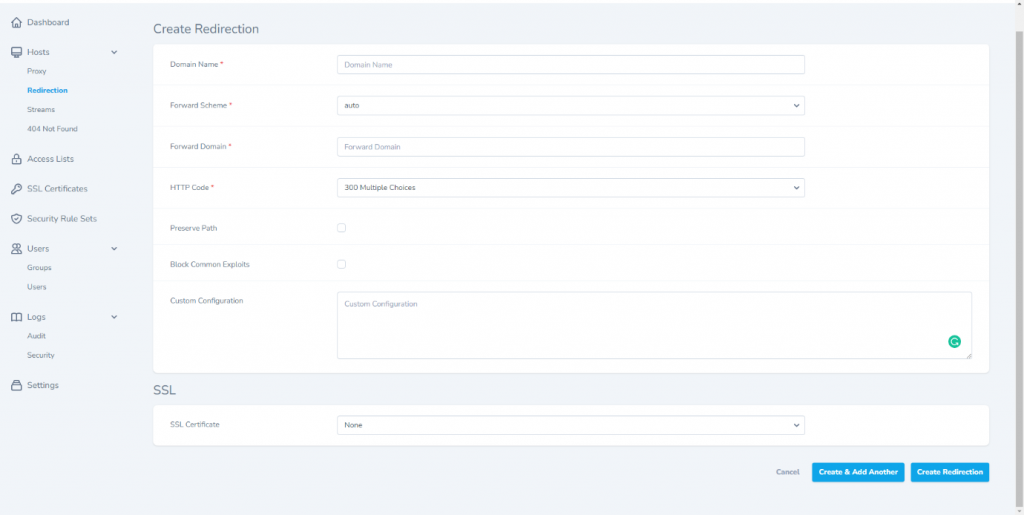
Select Hosts > Redirection from the menu to open the management screen, then click Create Redirection.
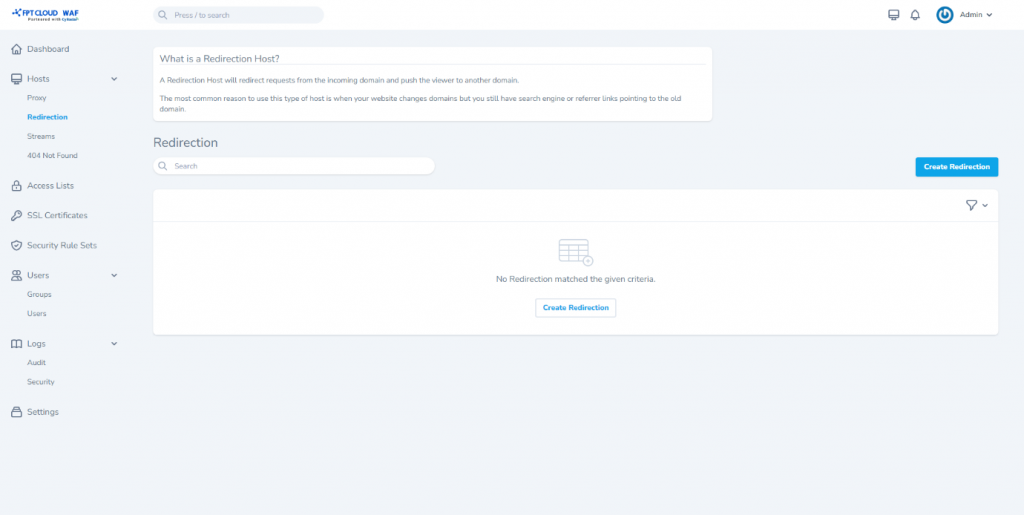
-
Enter the redirection host details:
- Domain Names: Domain or website to add. Must not duplicate the domain name of any existing proxy host.
- Forward Scheme: Protocol for the domain/website (auto/http/https).
- Forward Domain: Target domain or website to redirect to.
- HTTP Code: Redirect type option.
Optional features:
- Preserve Path
- Block Common Exploits
- SSL Certificate: Select the corresponding SSL certificate.
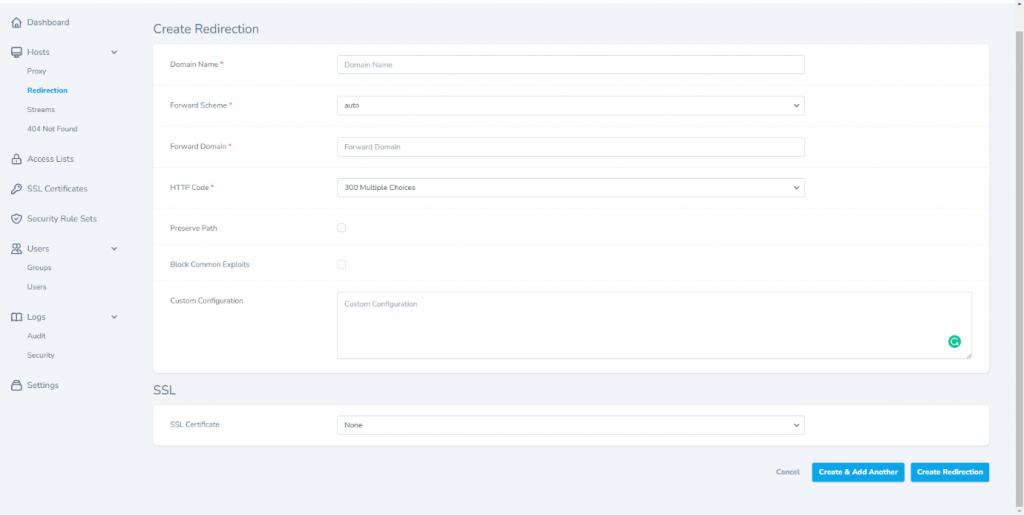
-
Click Save to save.
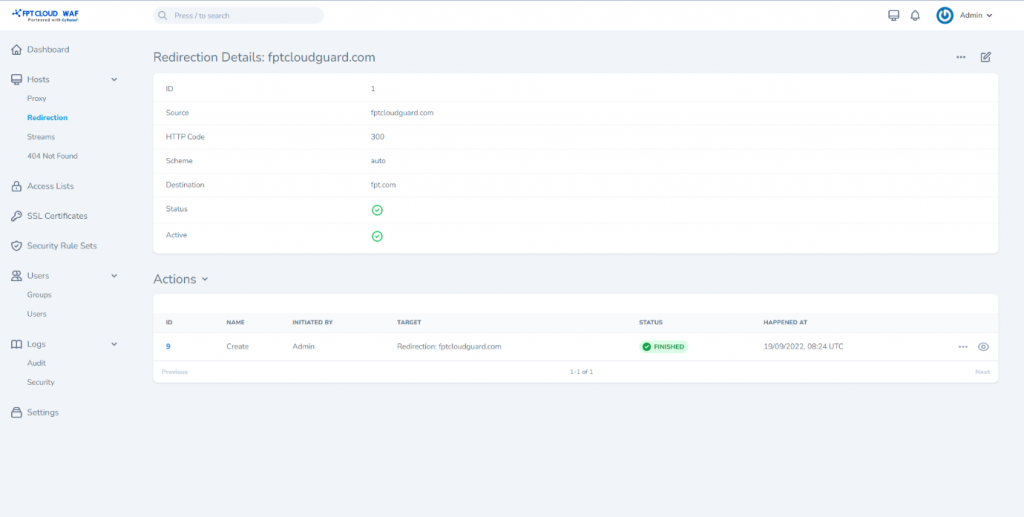
Other operations
| Operation | Description |
|---|---|
| Toggle | Enable/disable the redirection host (active/inactive) |
| Edit | Edit redirection host details |
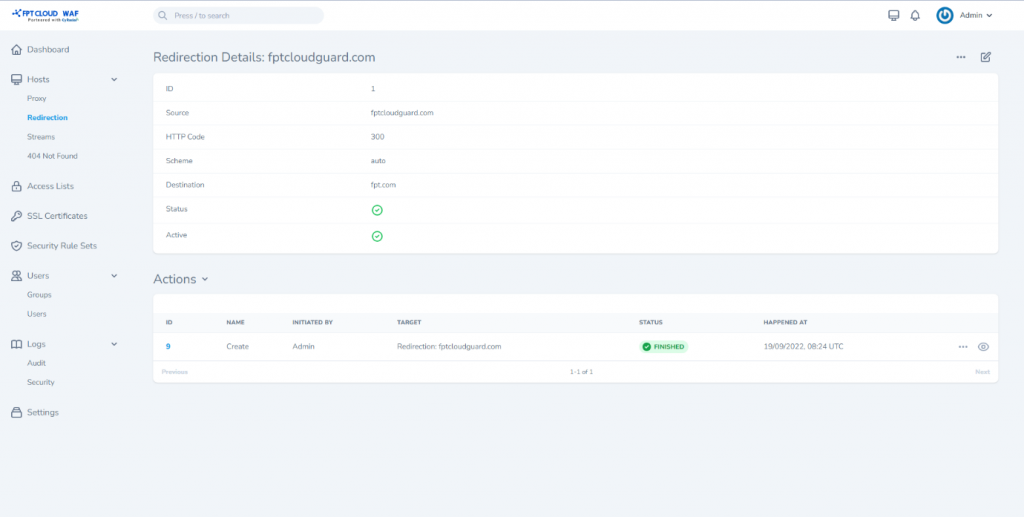
| View | View redirection host details |
| Delete | Delete the redirection host |