View Managed GPU Cluster list
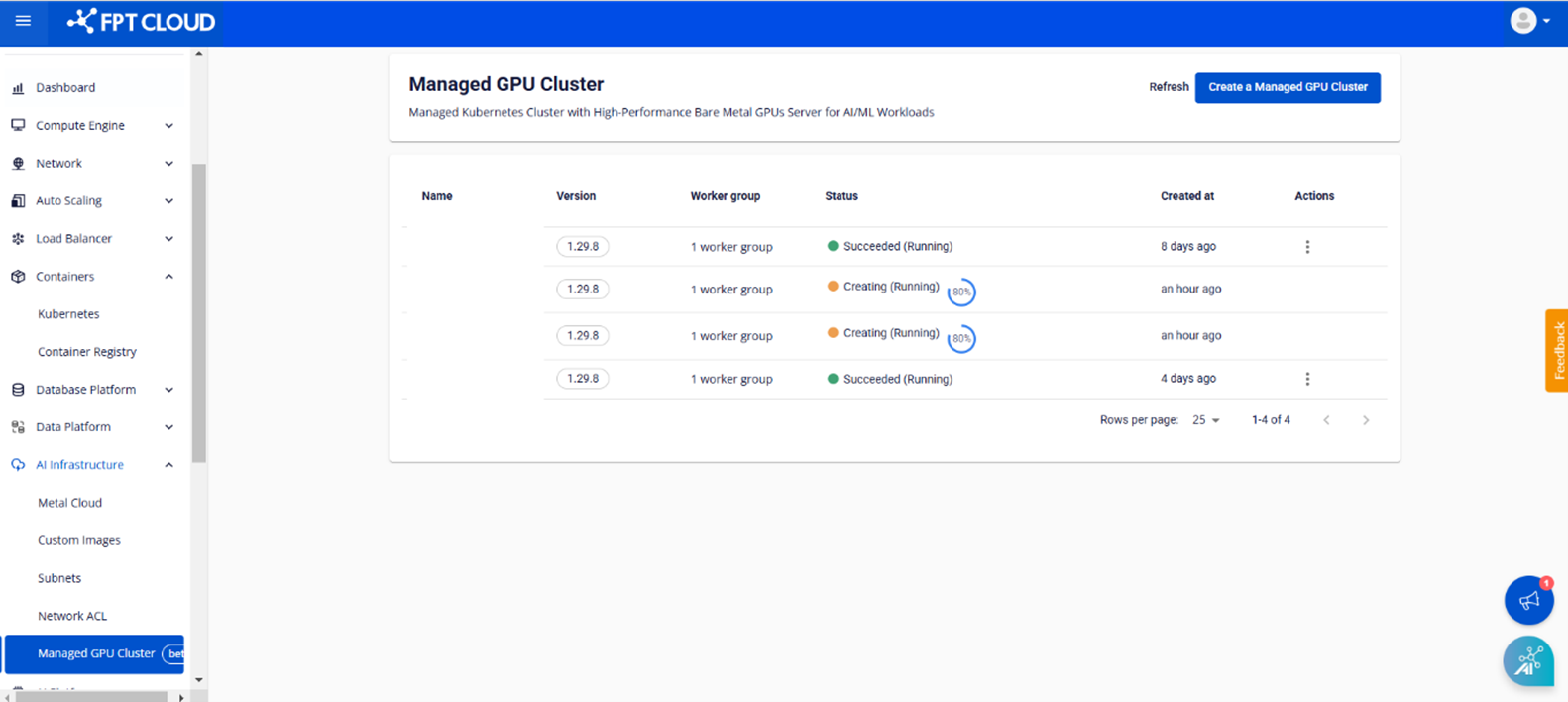
You can view and manage the list of GPU Clusters you have created on the Managed GPU Cluster Management page. To open the Management page, follow these steps:
In the FPT Portal, select AI Infrastructure > Managed GPU Cluster from the menu. The system will display the list of created clusters with key information such as: Name, Version, Worker Group, Status, Created At, Actions.
View cluster details
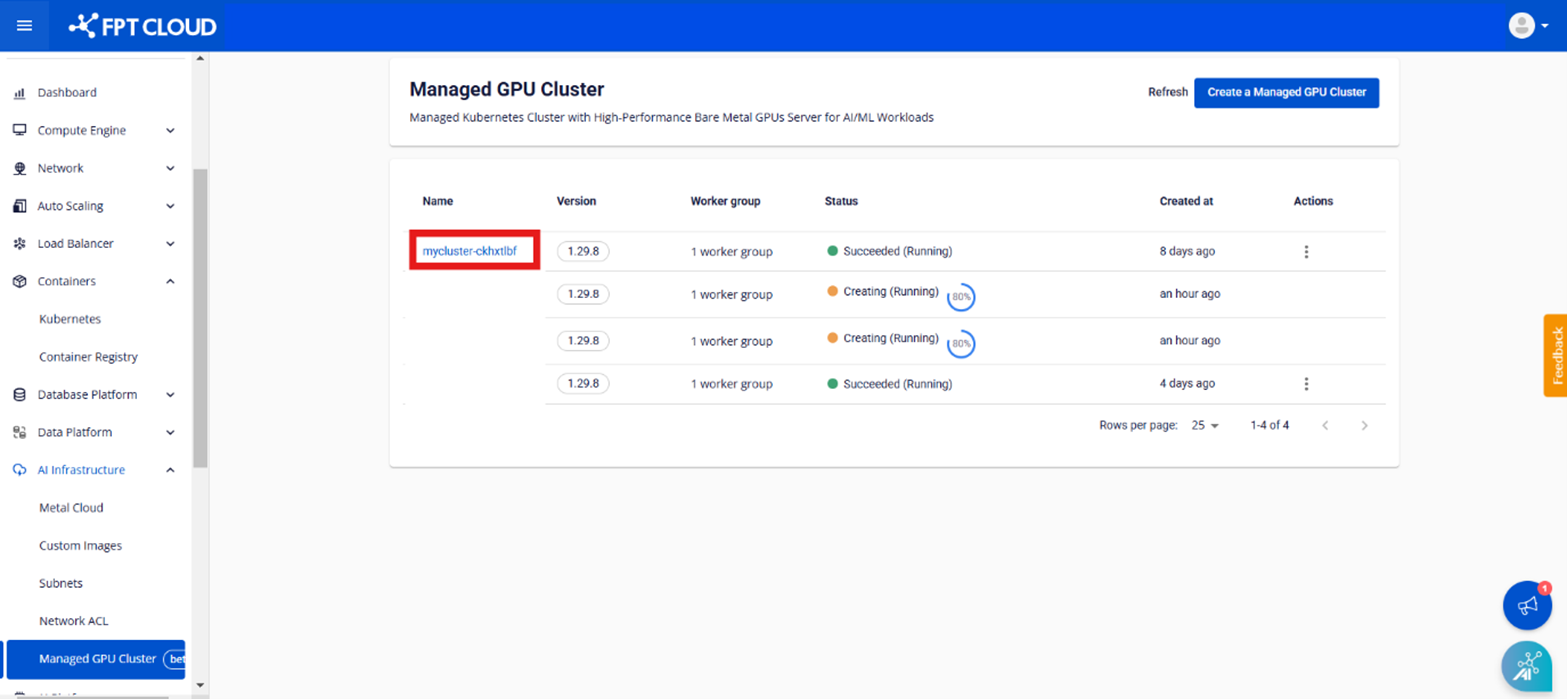
Step 1: In the menu, select Managed GPU Cluster. The system will display the Managed GPU Management page. Select the cluster you want to view in detail.
Step 2: The Essential Properties tab will display the cluster information.
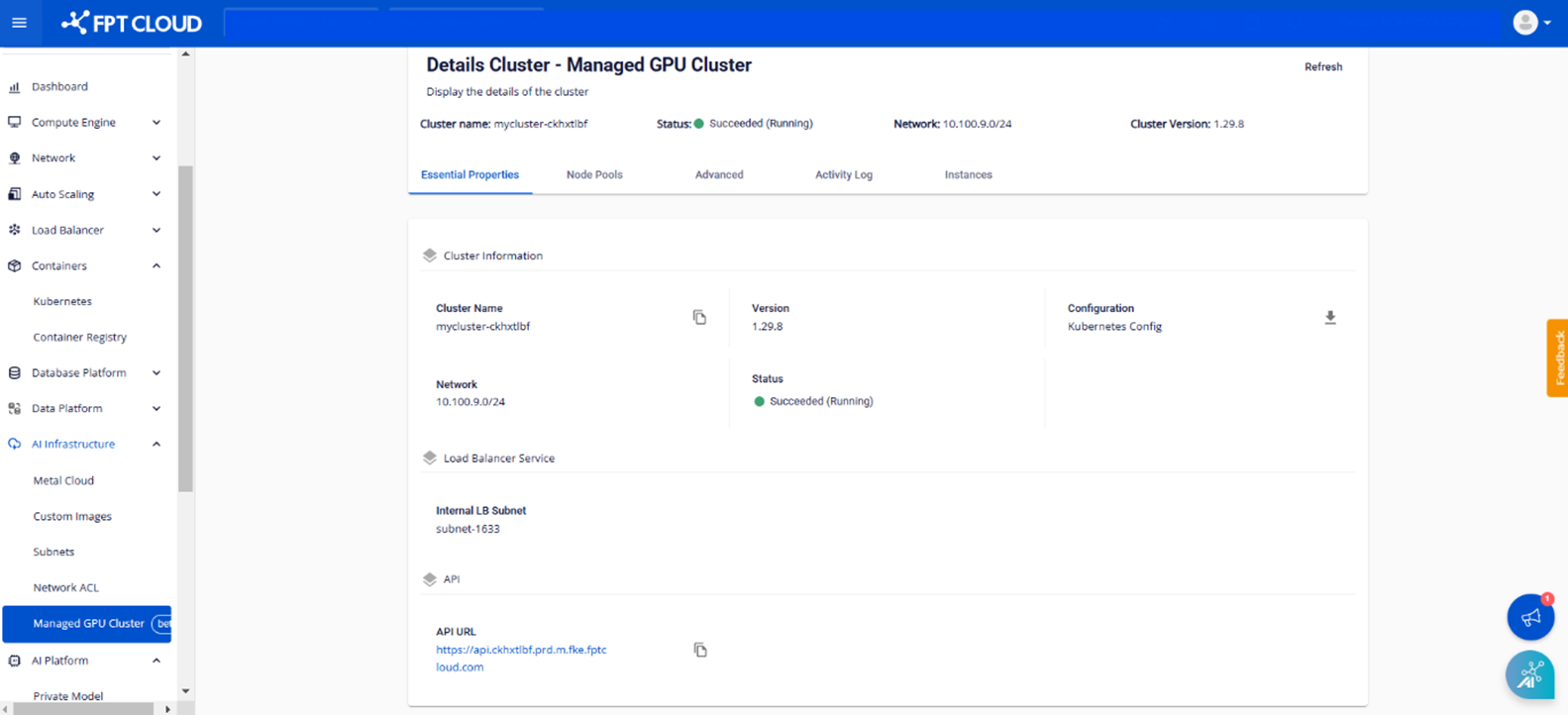
• Cluster Information: Basic information about the cluster, including:
- Cluster Name
- Managed GPU Cluster version
- Managed GPU Cluster config file
- Status
- Network
• Load Balancer Service: Internal LB Subnet information entered during creation.
• API: API URL pointing to the cluster.
Step 3: The Node Pools tab will display all Worker Groups belonging to the cluster and the configuration details of each Worker Group.
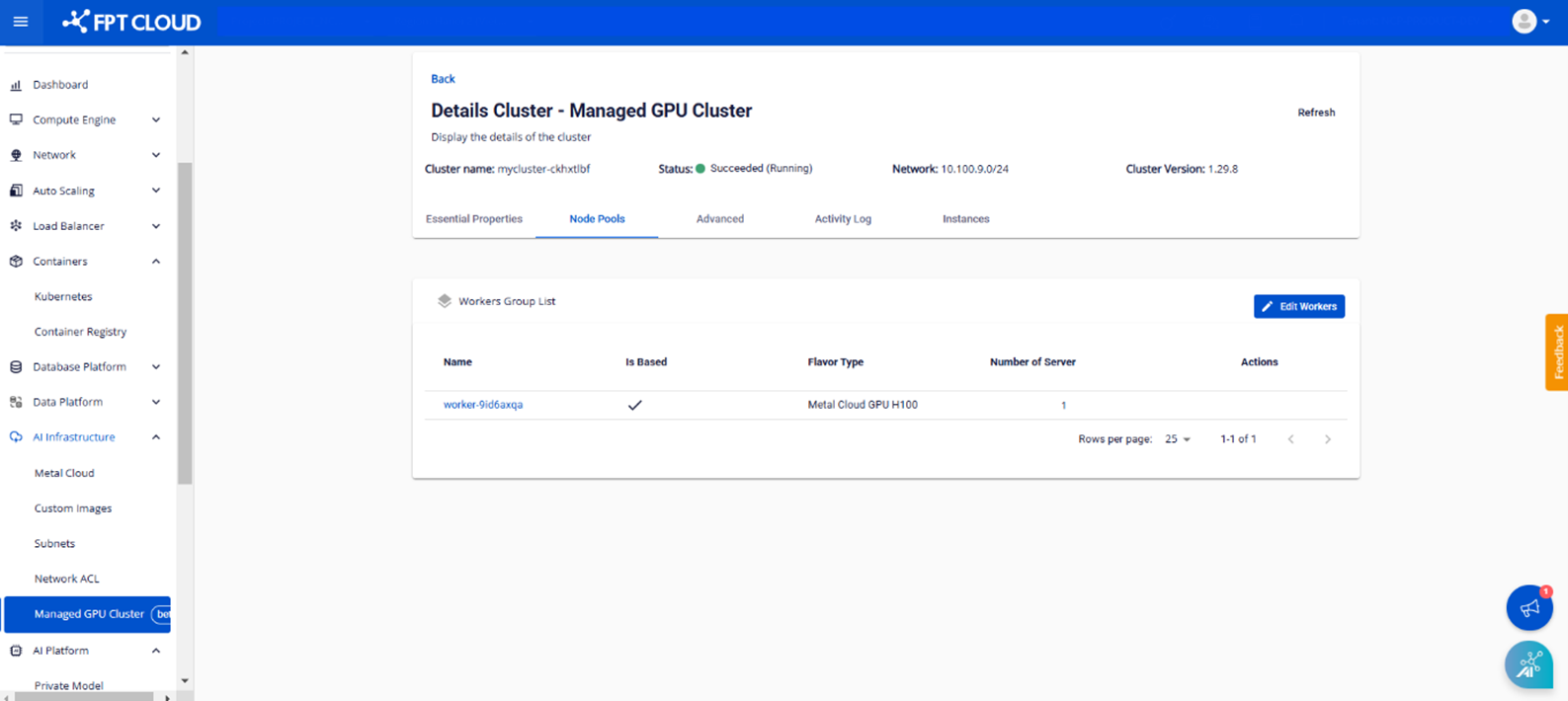
• Name: Worker Group name.
• Is Based: Displays (✔) if it is the base Worker, and (✘) if it is not.
• Flavor Type: Displays the selected resource flavor.
• Number of Server: The number of Metal Cloud servers in the Worker Group.