Edit labels and taints for a worker group
Labels and taints are two important mechanisms for managing and distributing workloads efficiently in a system with multiple Worker Groups. They make it easy to group workers by purpose, performance, or geographic region. Managed GPU Cluster allows users to add, edit, and delete labels/taints directly on the Unify Portal.
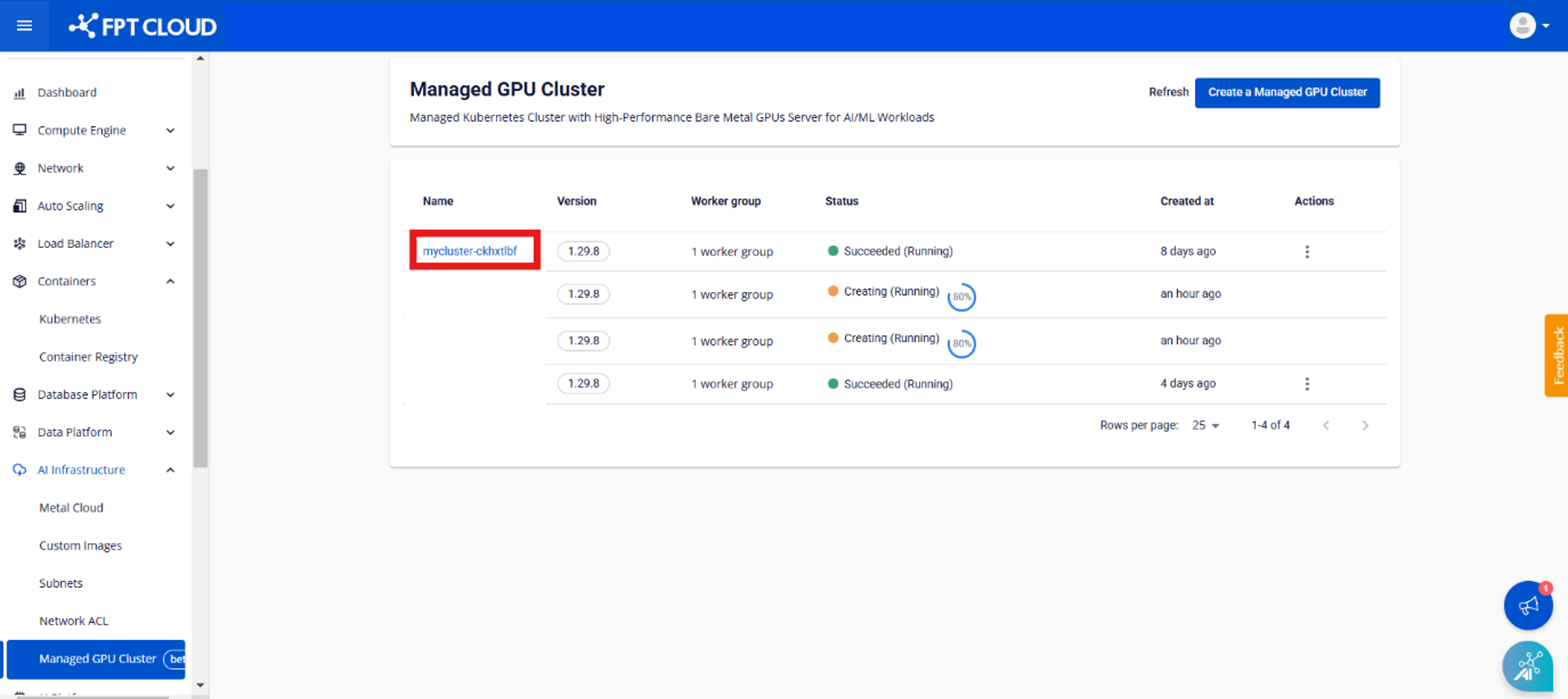
Step 1: In the menu, select AI Infrastructure > Managed GPU Cluster. The system will display the Managed GPU Cluster Management page. Select the cluster you want to edit labels/taints for.
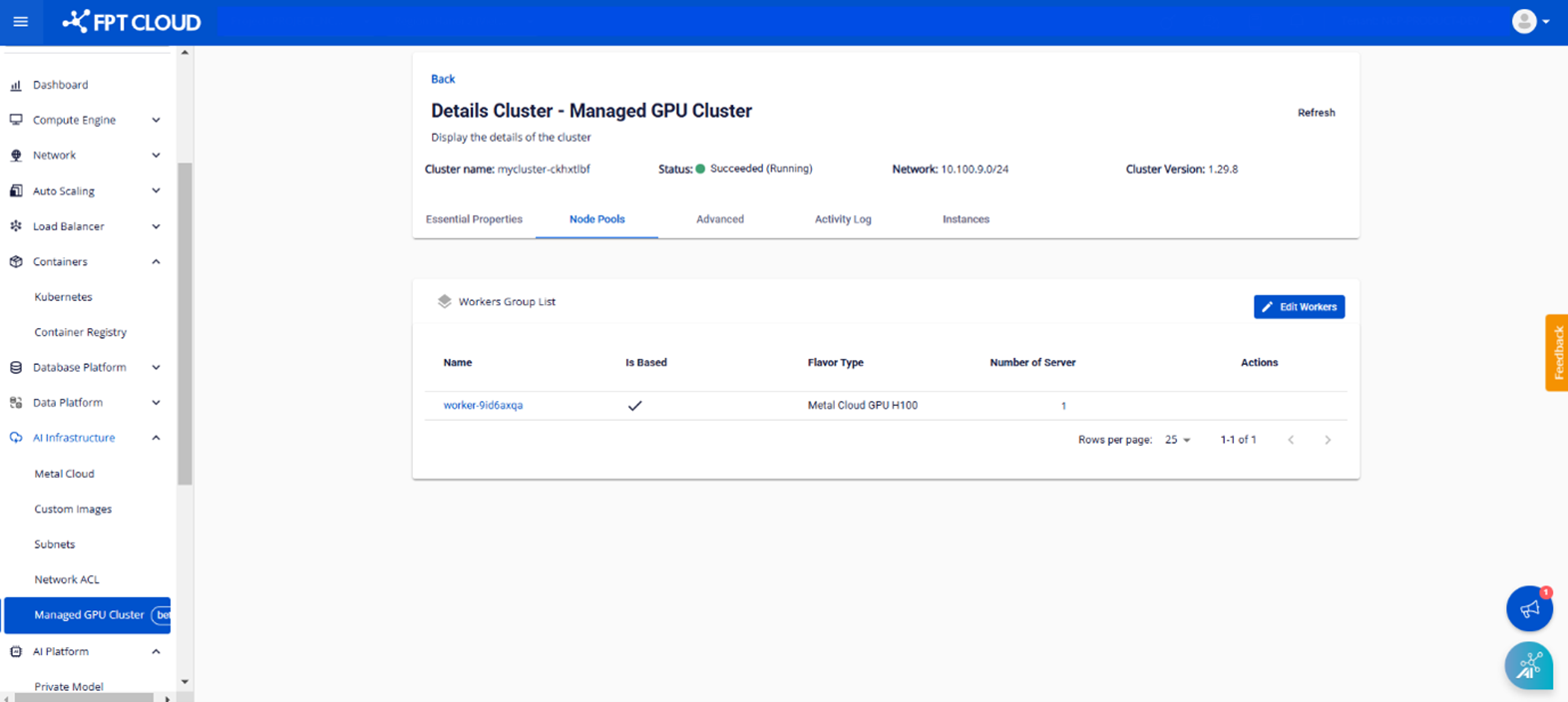
Step 2: Select Node Pools > Edit Workers.
Step 3: Enter the labels and taints you want to add to the Worker Group, then click Save.


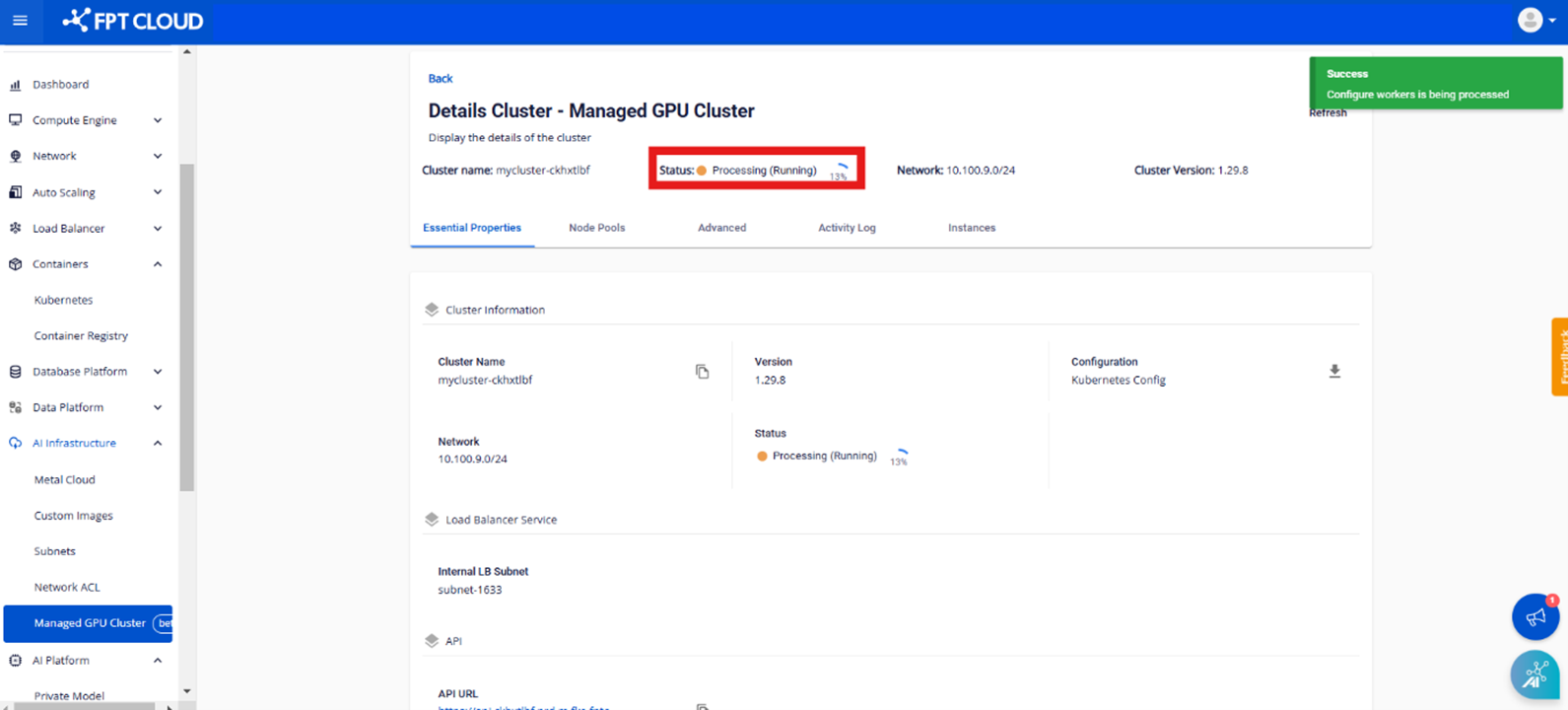
Note:
The process of editing labels and taints will take a few minutes. The cluster status will change to Processing. While this is in progress, users cannot edit the cluster until the process is complete.