Manual scale for Managed GPU Cluster
Manual Scale allows users to proactively adjust the system resource scale as needed. Users can increase or decrease the number of Metal Cloud Servers directly on the portal by following these steps:
Step 1: In the menu, select AI Infrastructure > Managed GPU Cluster. The system will display the Managed GPU Management page. Select the cluster you want to scale.
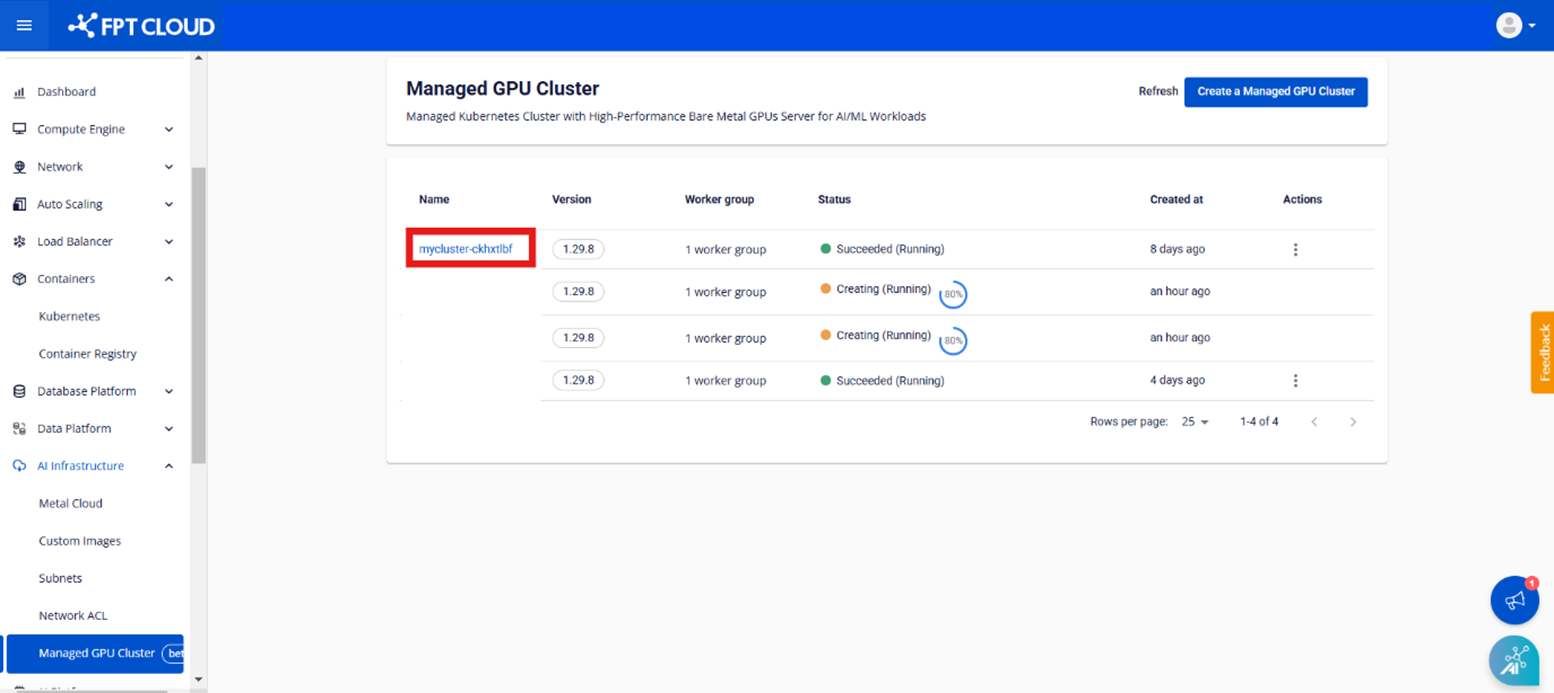
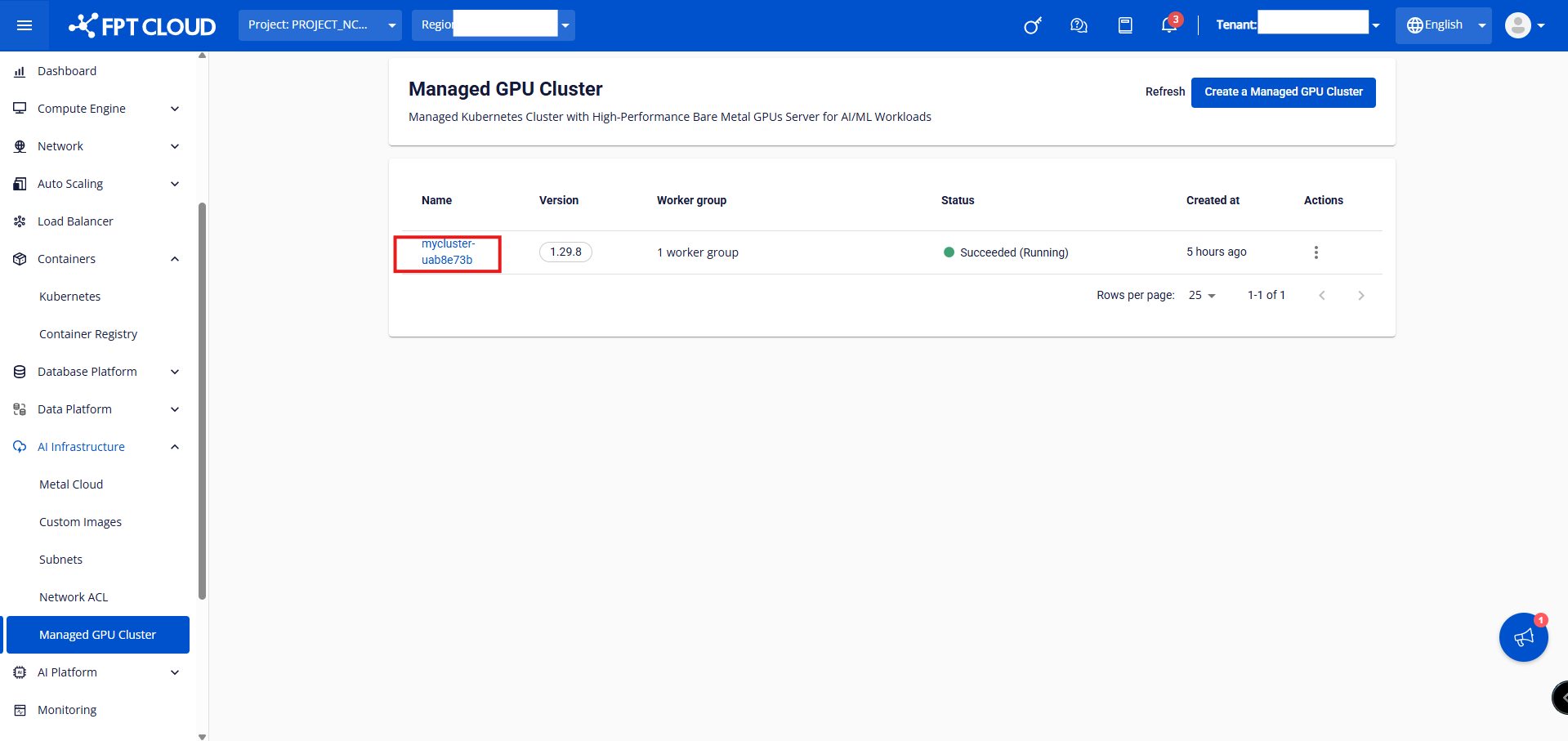
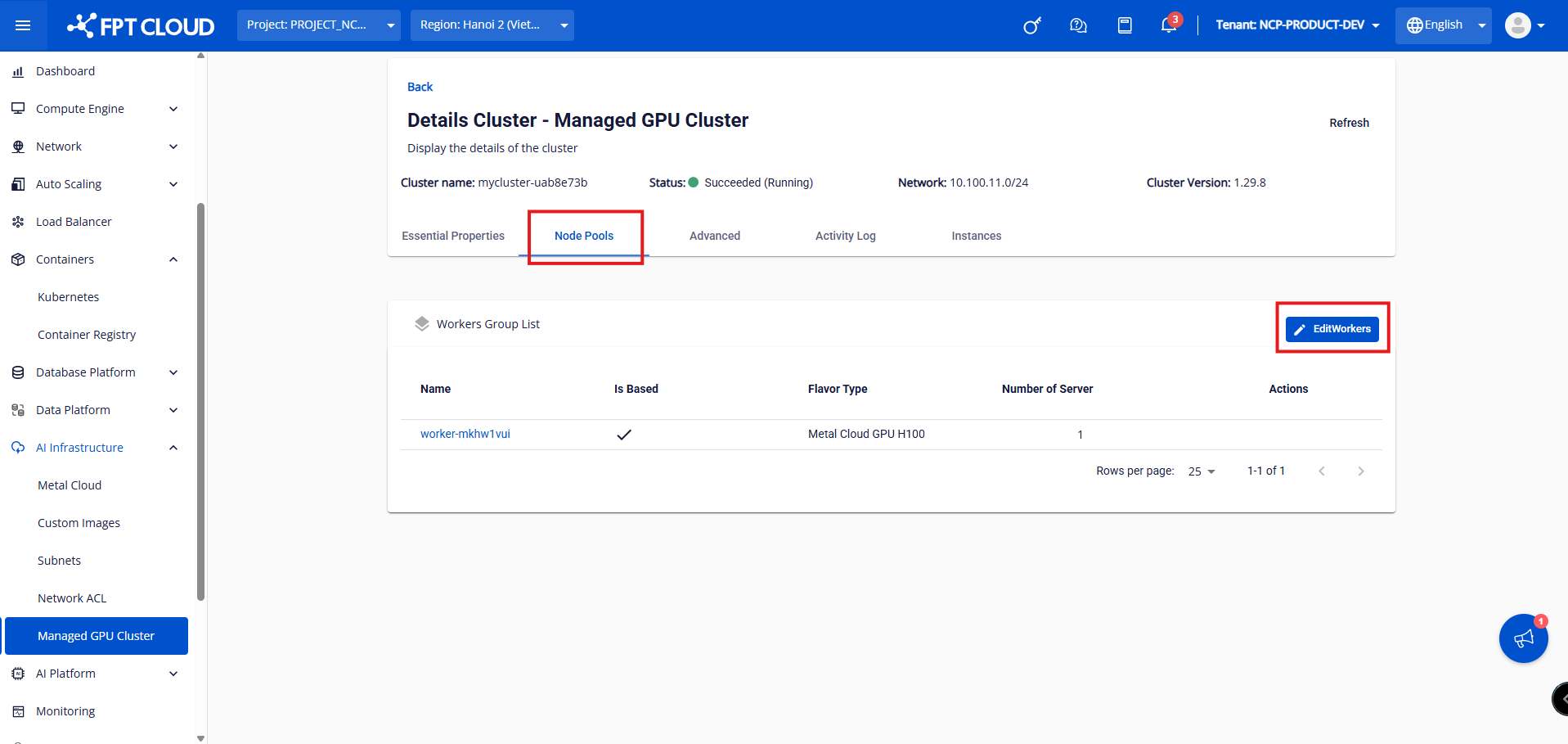
Step 2: Click on the cluster you want to scale, then select Node Pools > Edit Workers.
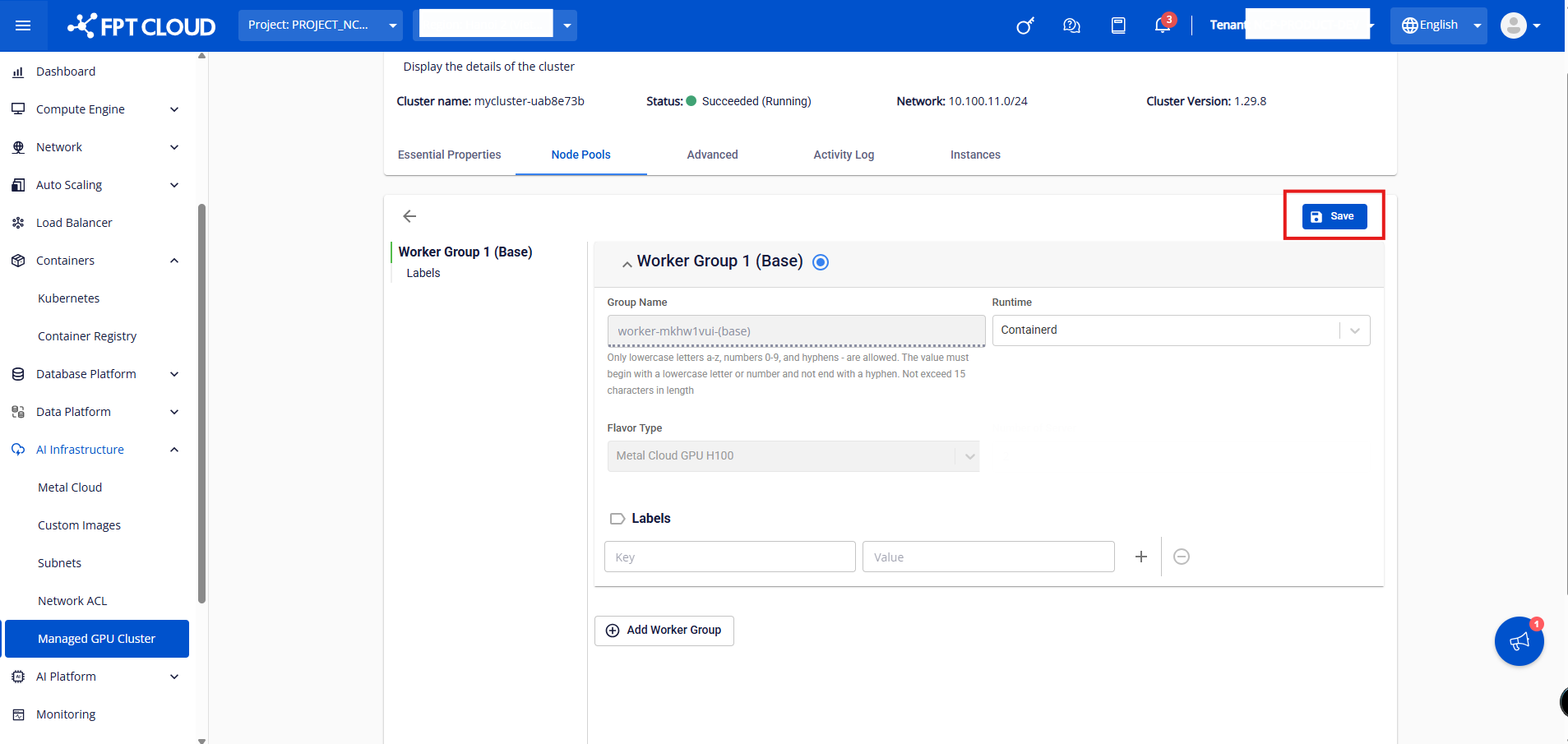
Step 3: Update the Number of Server to the desired value, then click Save.
Note:
The manual scale process will take a few minutes. The cluster status will change to Processing until the new worker successfully joins the cluster. The cluster continues to operate normally while scaling up with new servers.