Managing alarms
-
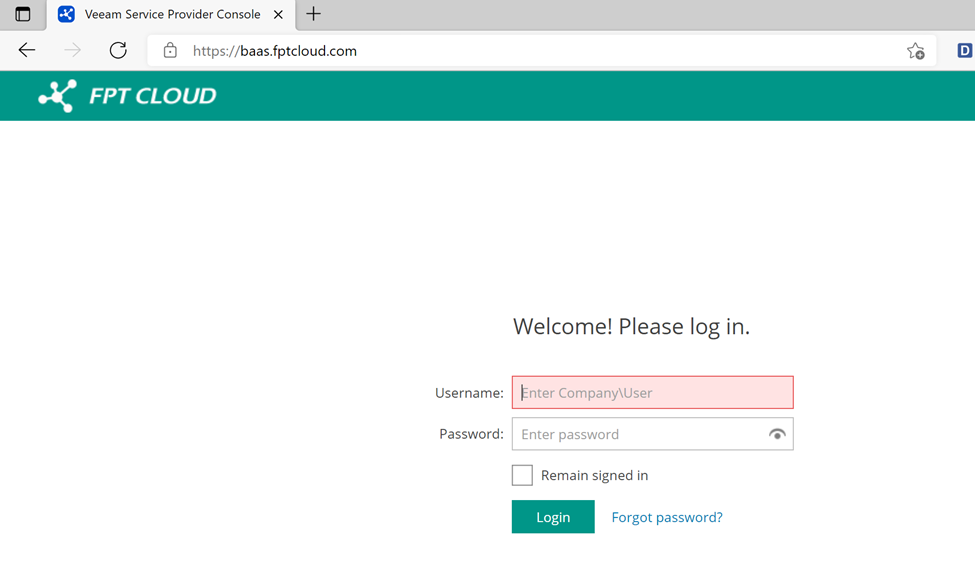
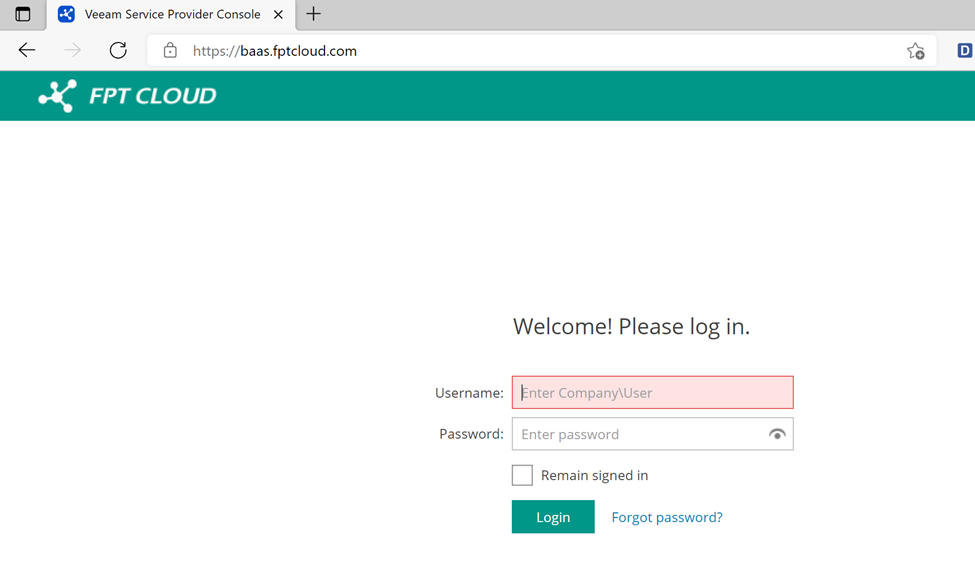
Log in to the BaaS management portal at https://baas.fptcloud.com.
-
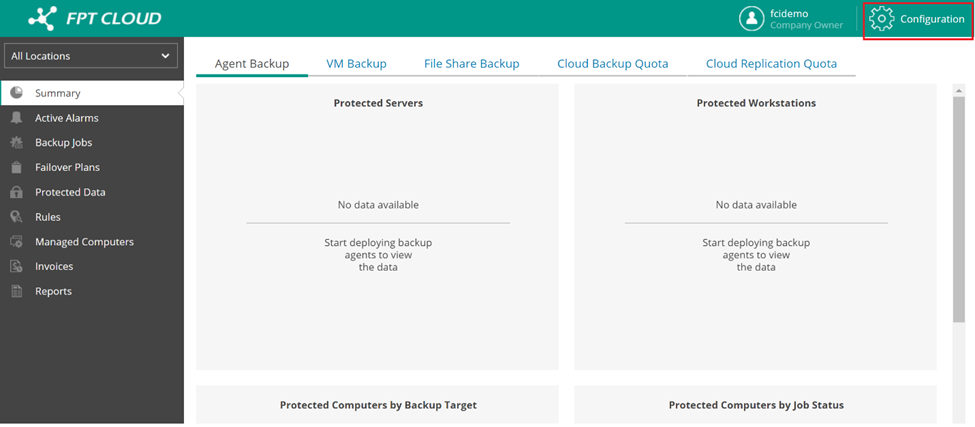
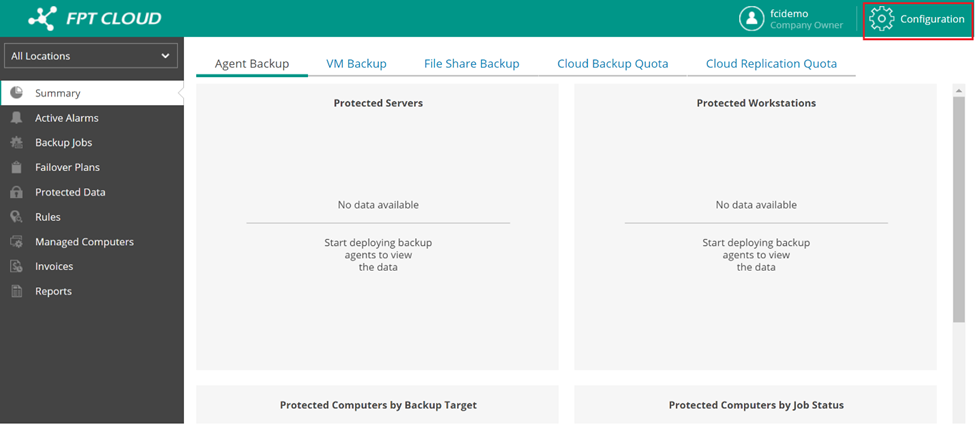
In the window that appears, select Configuration.
-
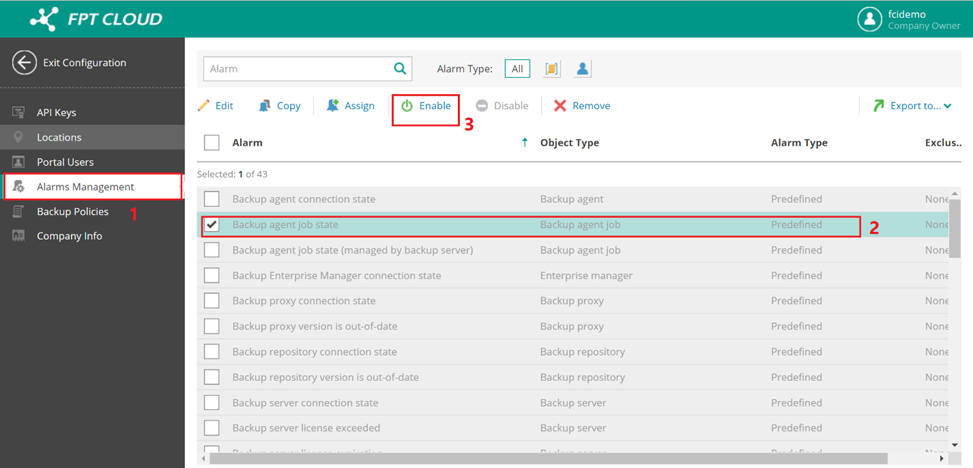
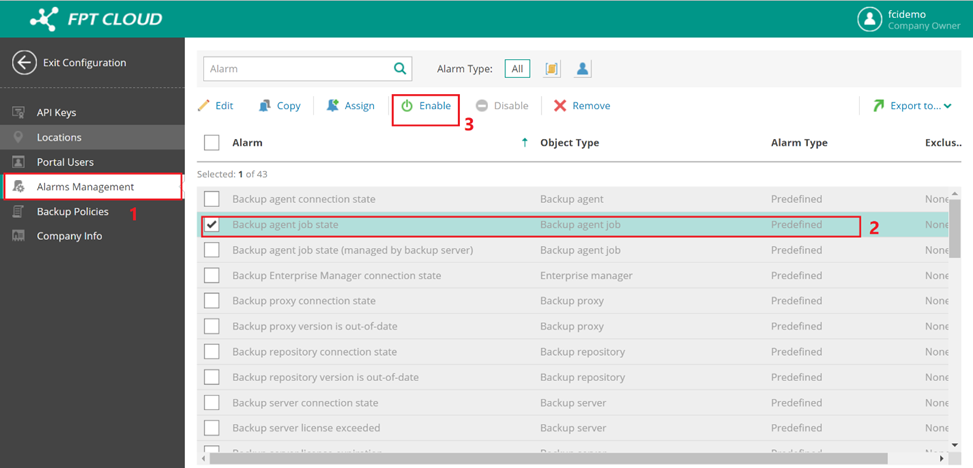
Select Alarms Management. Then select the alarm you want to use and click Enable.
-
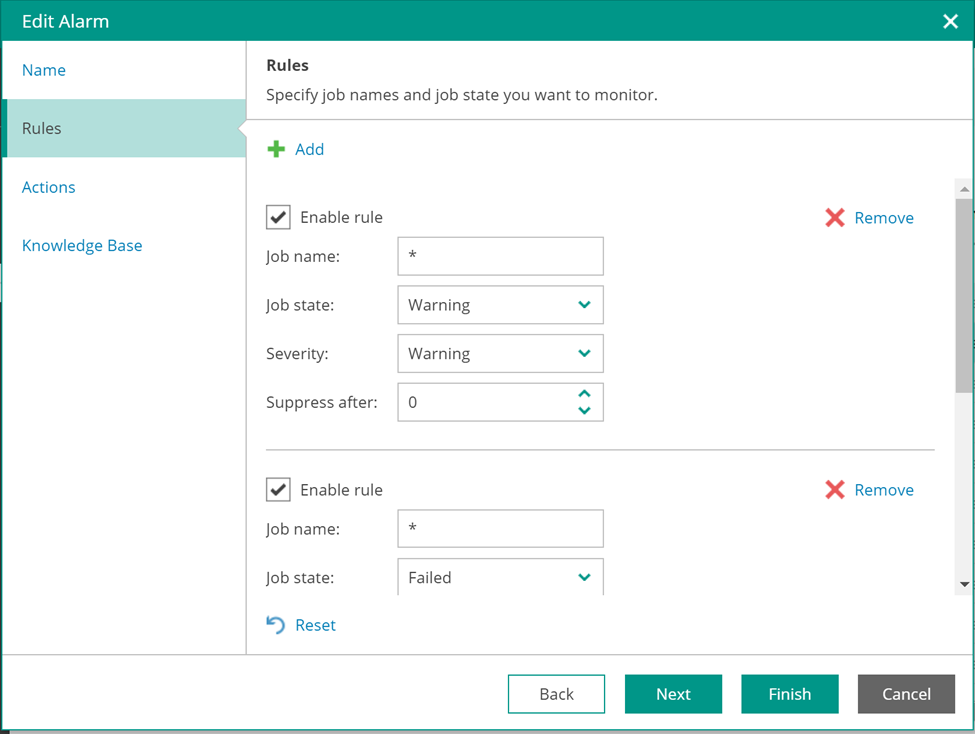
Click Edit to customize the alarm parameters to suit your needs.
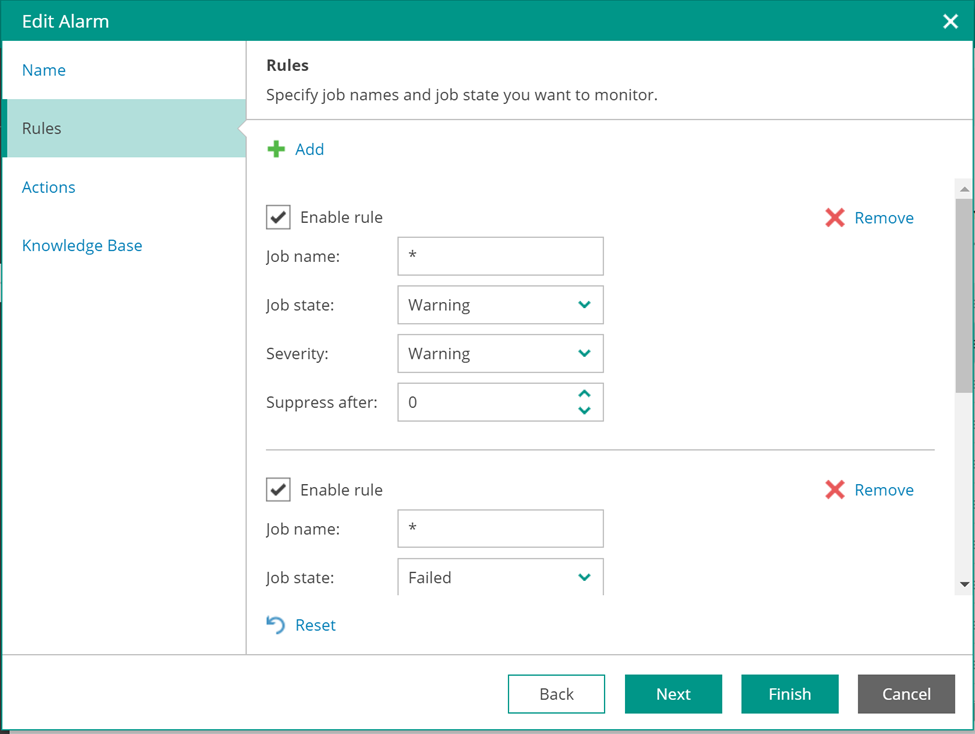
For more details, refer to the Veeam documentation on configuring alarms.