Restore files and folders for Linux
-
On the Linux server, run the
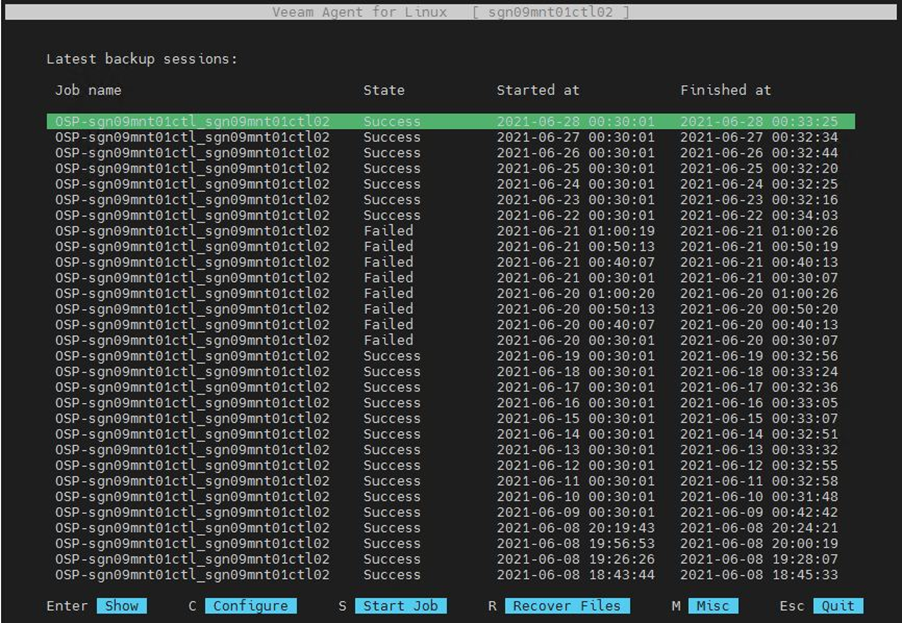
veeamcommand to open the backup management interface.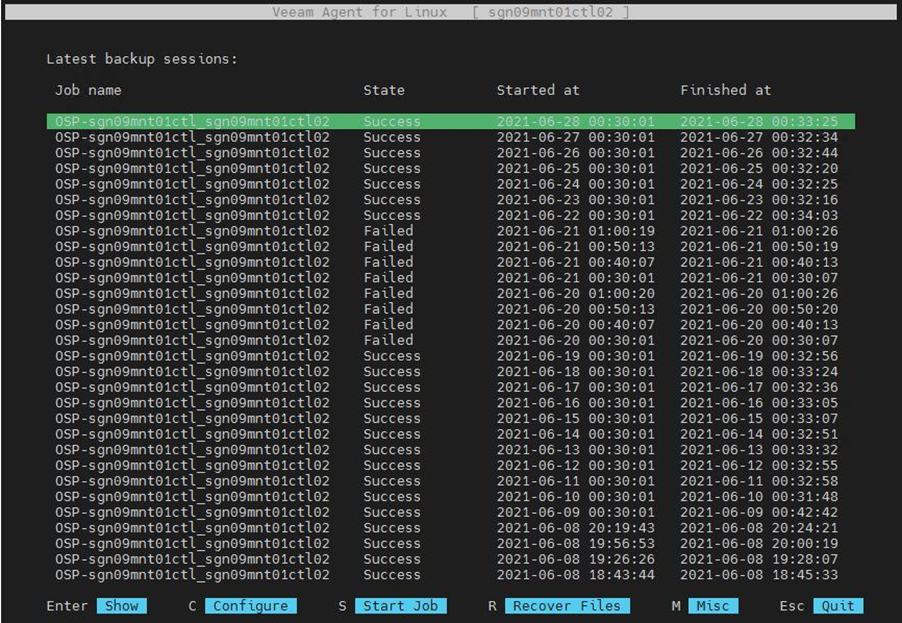
-
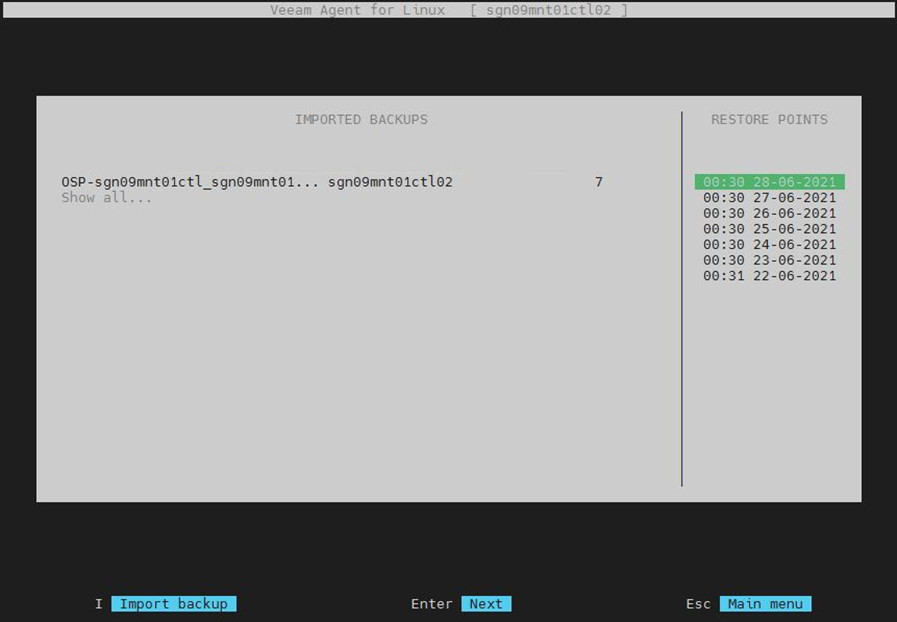
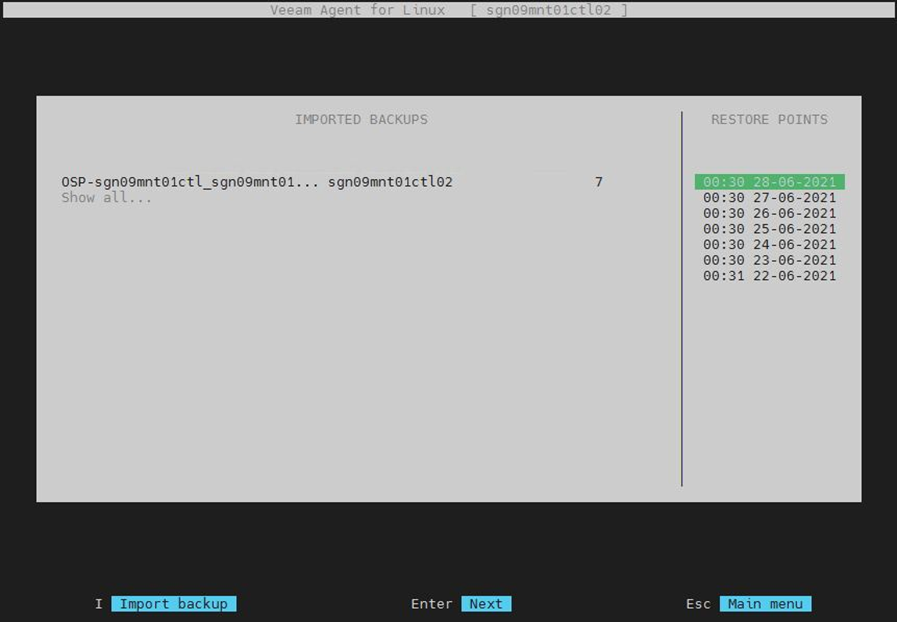
Press R to start restore. Use the Tab key to navigate and select the restore point you want.
-
Configure the network if needed.
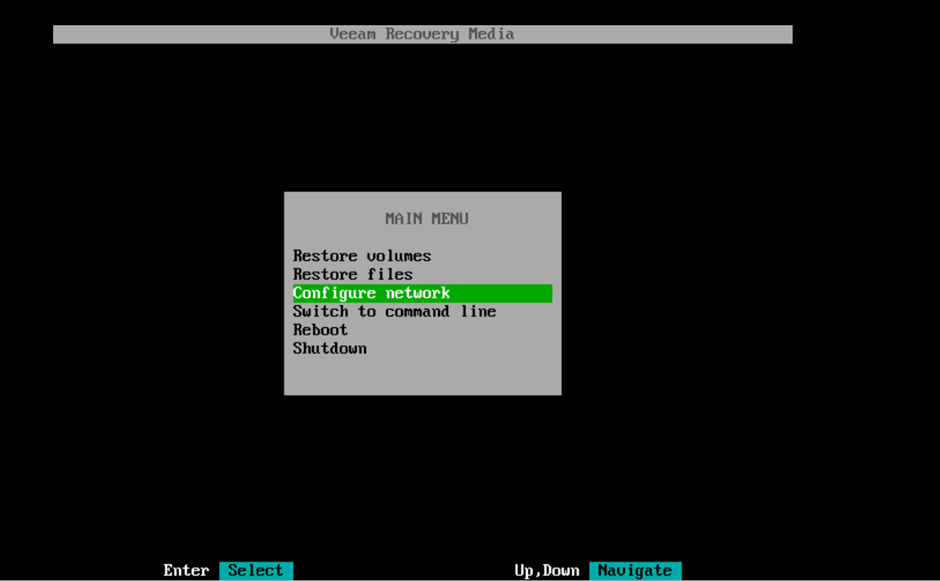
If the restore VM uses DHCP, skip this step. Otherwise, click Configure network to set a static IP for the restore VM.
noteThe VM IP must have internet access or connectivity to
baas-sgn-gw.fptcloud.com(Ho Chi Minh City) orbaas-han-gw.fptcloud.com(Hanoi) on port 6180 to perform the restore.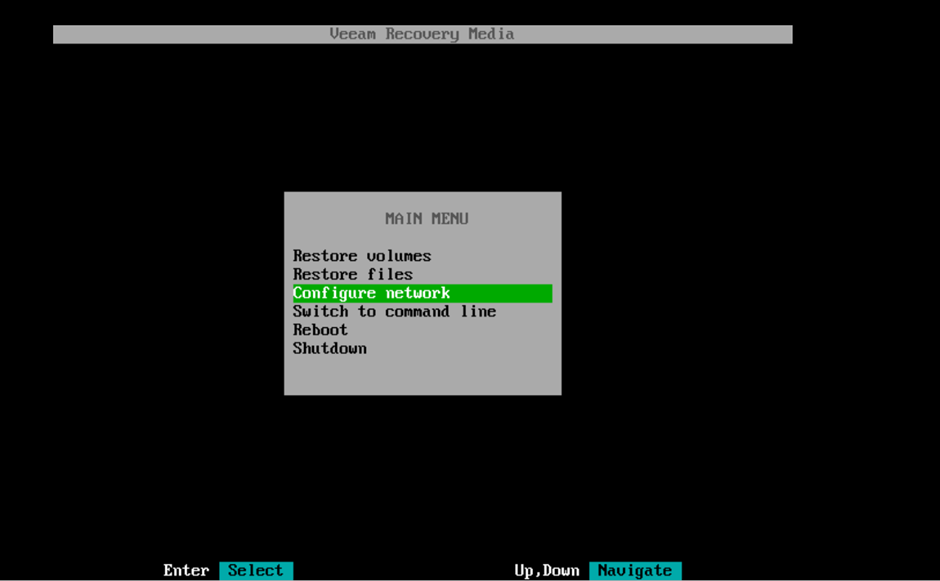
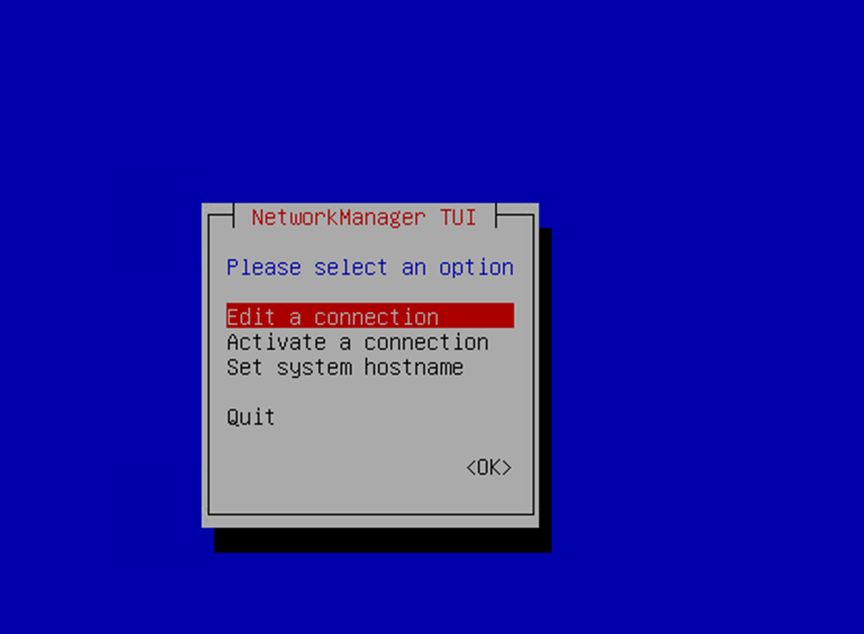
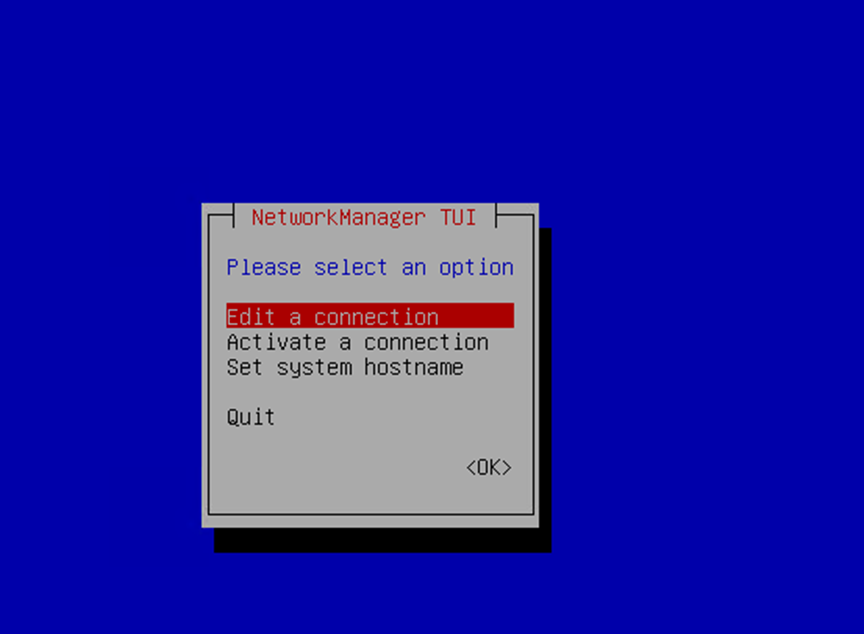
Select Edit a connection to set a manual IP:
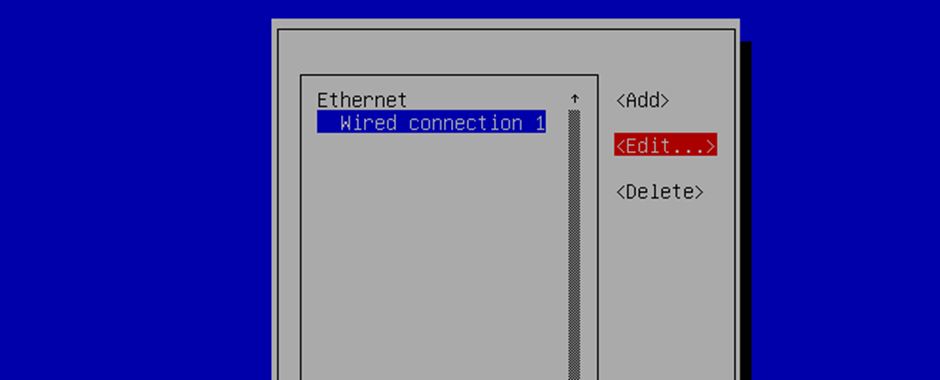
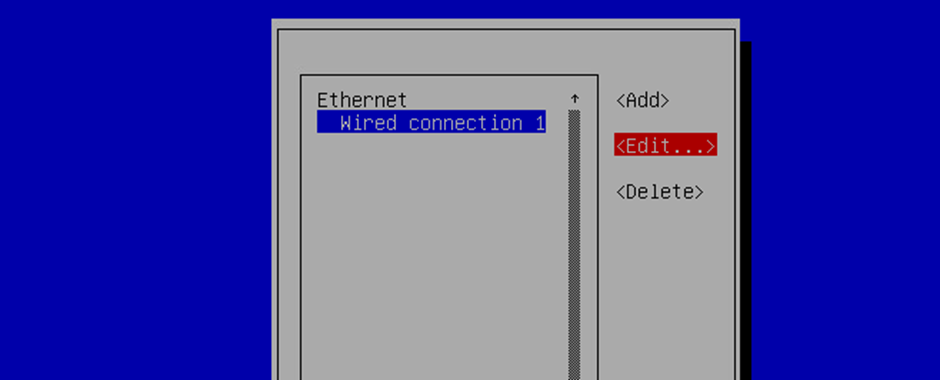
Select Edit to set the IP:
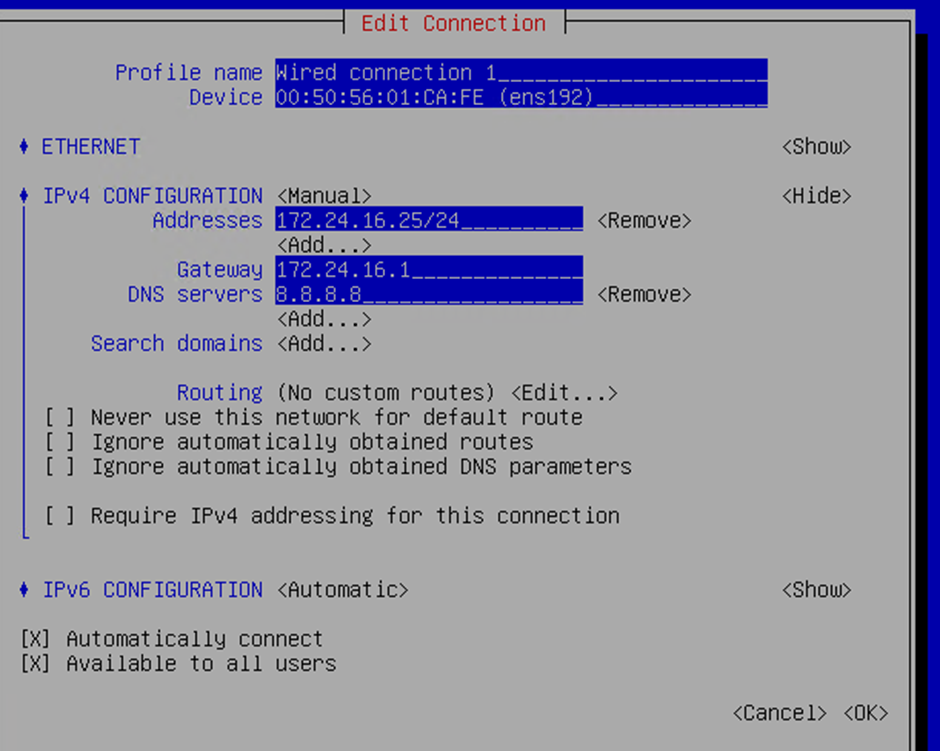
Select IPv4 Configuration, set mode to Manual, then click Show to enter the IP:
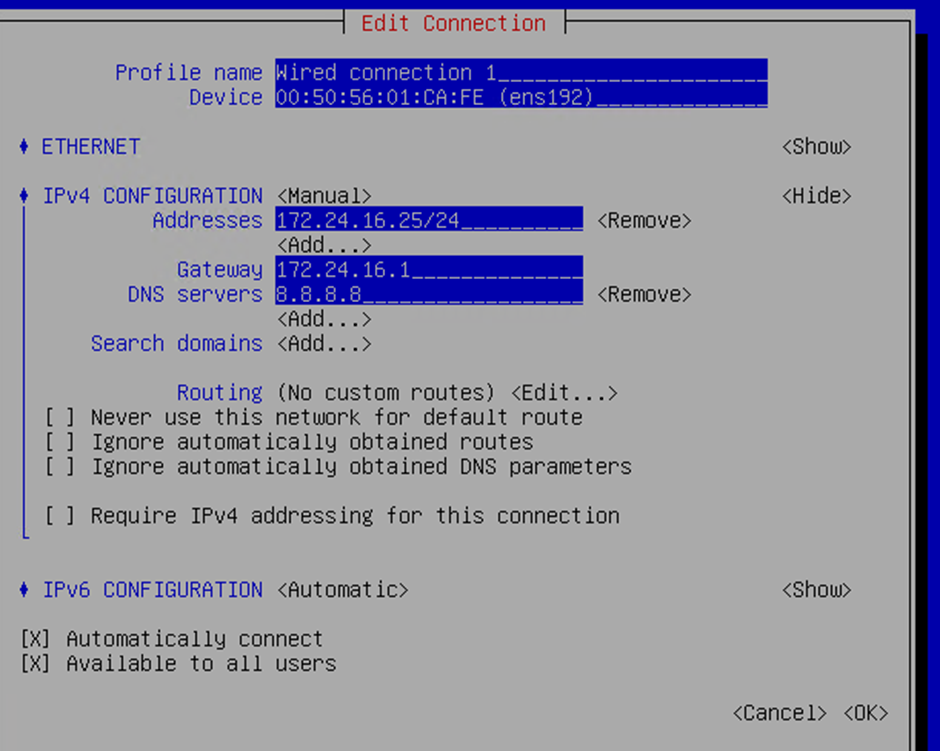
After setting the IP, select OK and press Esc to return to the main screen.
-
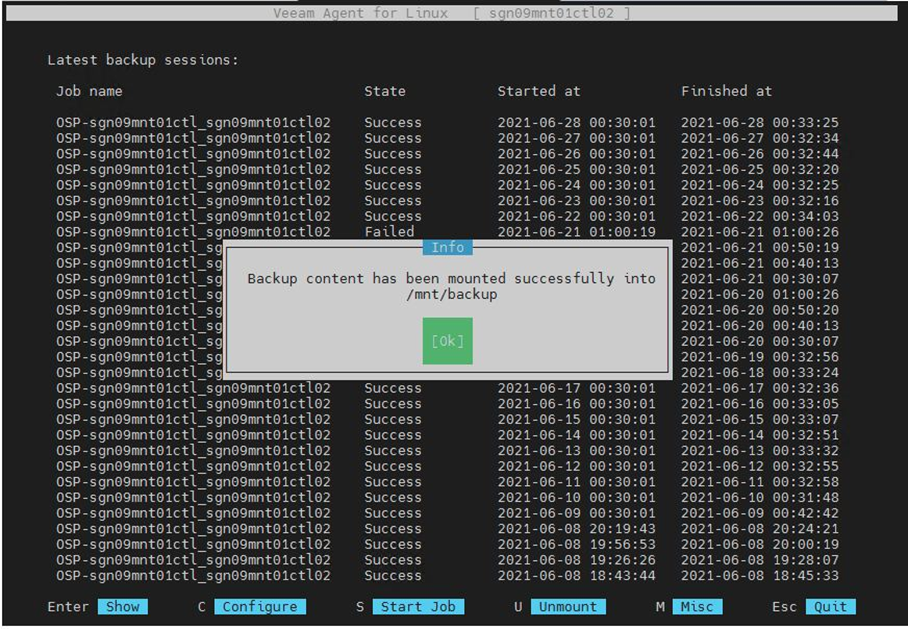
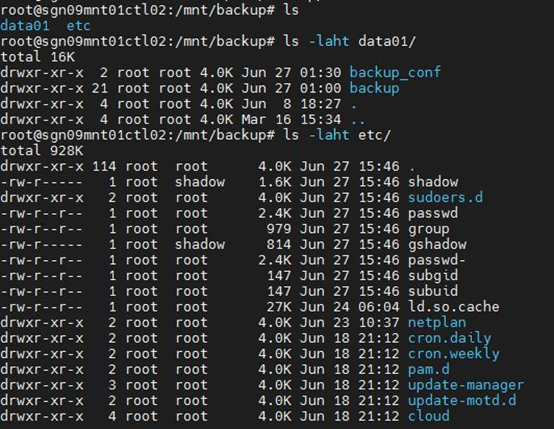
Press I to mount the partition containing the data to restore. Data is mounted at
/mnt/backup.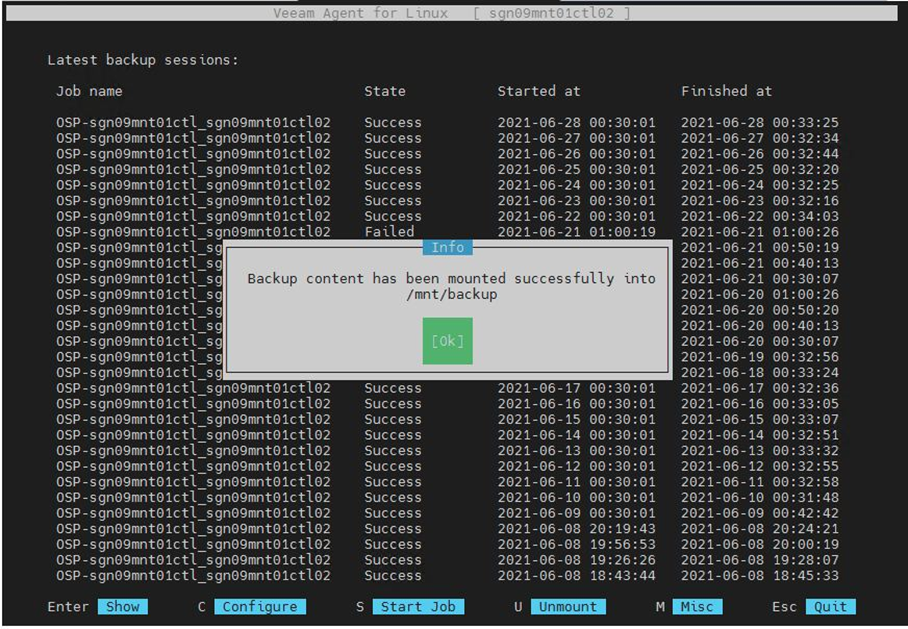
-
Navigate to
/mnt/backupand copy the files or folders to the restore destination.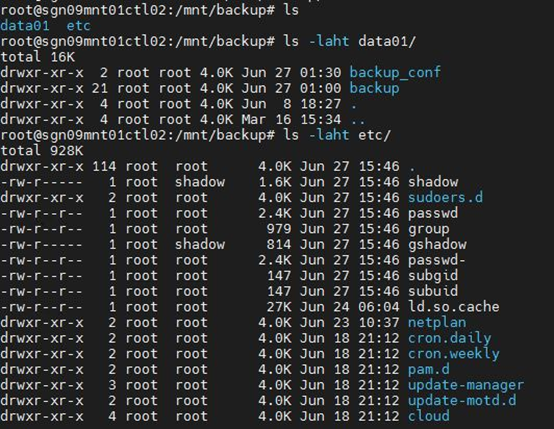
-
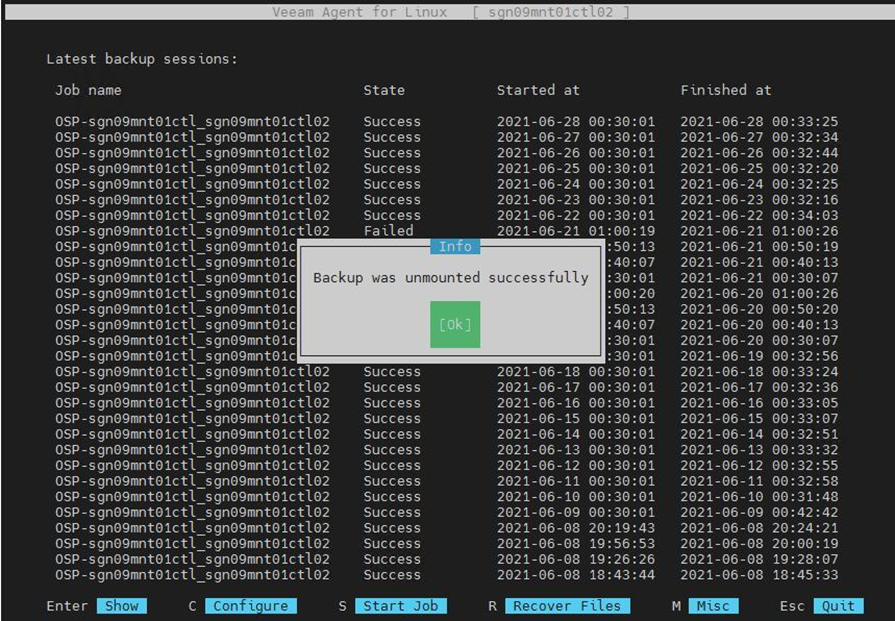
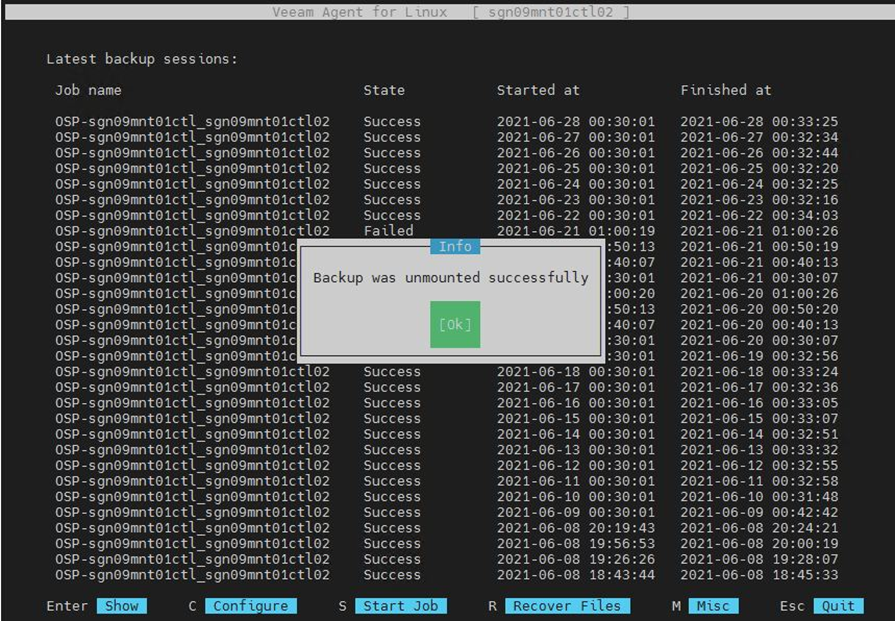
After completing the restore, return to the Veeam interface and press U to end the restore session.