Dashboard
To create a dashboard, follow these steps:
Step 1: Go to Home >> Dashboard >> New dashboard
Step 2: Add a variable to the dashboard by clicking the Settings icon >> Select Variables >> Add variables
Step 3: Declare the tag in the dashboard.
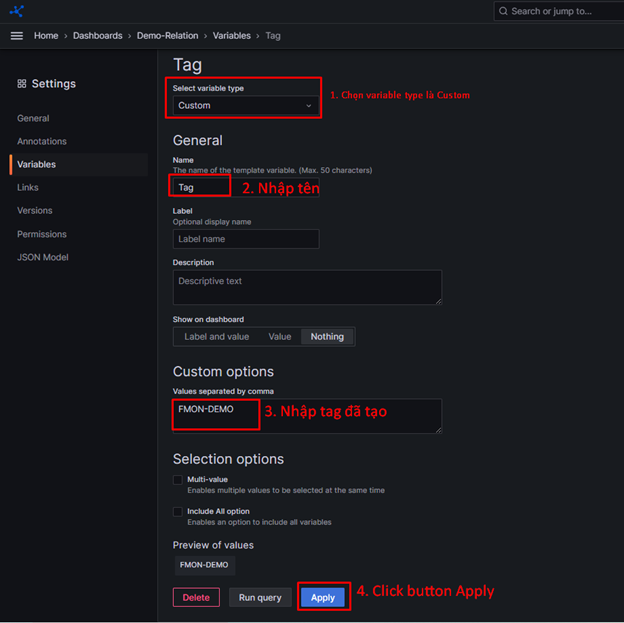
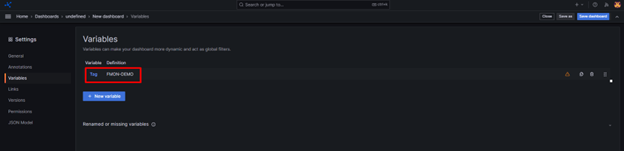
After creation, a declared variable will be displayed on the screen.
Step 4: Create variables corresponding to the components inside the tag.
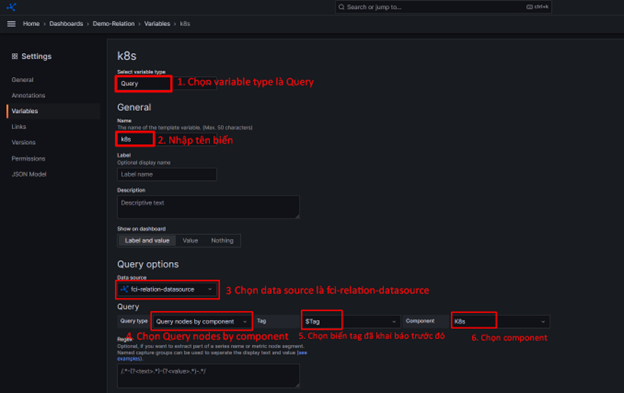
Click Apply to save the variable.
The declared variables will be displayed on the screen.
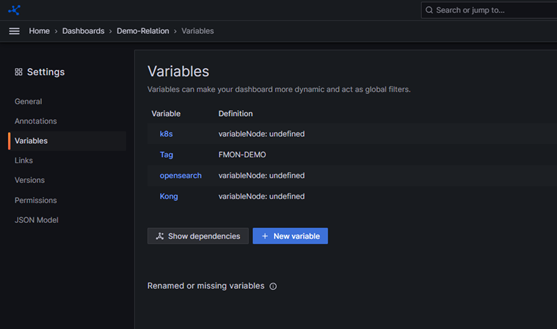
Step 5: Save the dashboard. Return to the dashboard page by selecting Home >> Dashboard >> Select the dashboard you created.
The dashboard will now display the variables you declared.
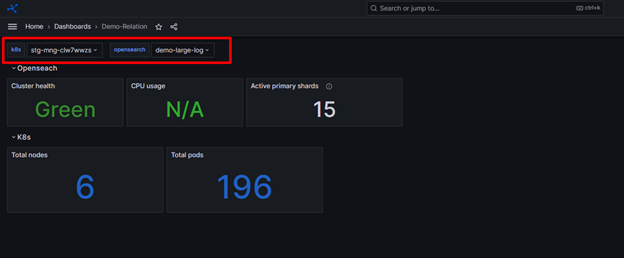
You can add panels as desired to monitor your data.