Change password
The system allows you to change the password for an existing account.
note
You can only change the password when the password is forgotten. Copying the password from the portal is not supported.
- Navigate to Security & Access → Local Account, then select Change Password.

- Enter the new password.
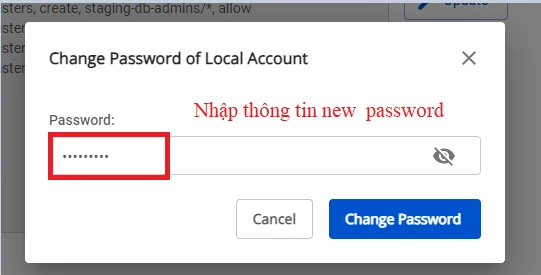
- Click Change Password to complete.