Create a new account on the Portal
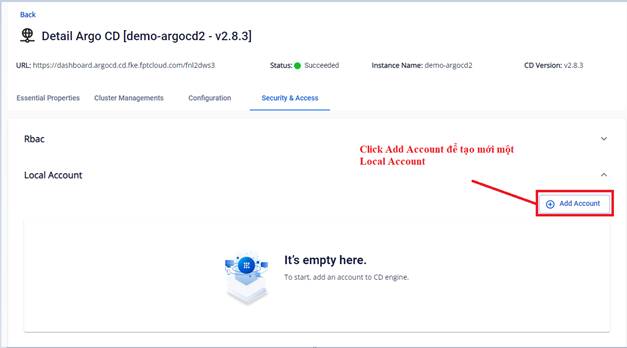
- On the Security & Access > Local Account screen, click Add Account.
- Enter the new account information:
- Username (required): login name — must be unique in the system
- Password (required): password for the account
- Capability: select at least one of
apiKeyorlogin - Status: select
enableordisable
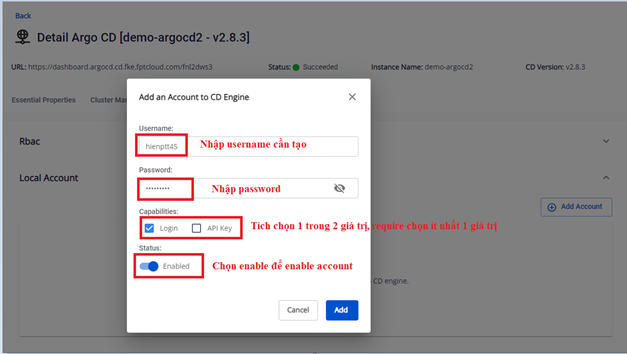
- Click Add to create the account.
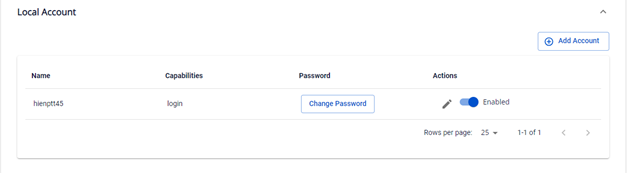
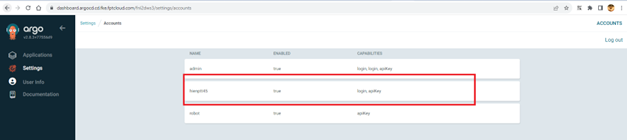
- Verify that the account has been created in ArgoCD.