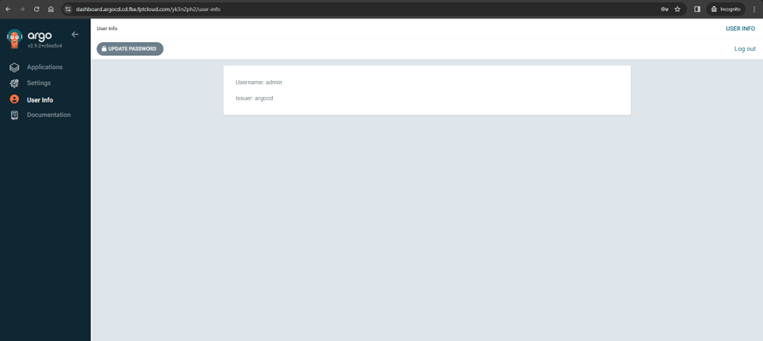
Manage the admin account
By default, the admin account is enabled when an ArgoCD instance is created. You can enable or disable the admin account as follows.
A. Disable the admin account
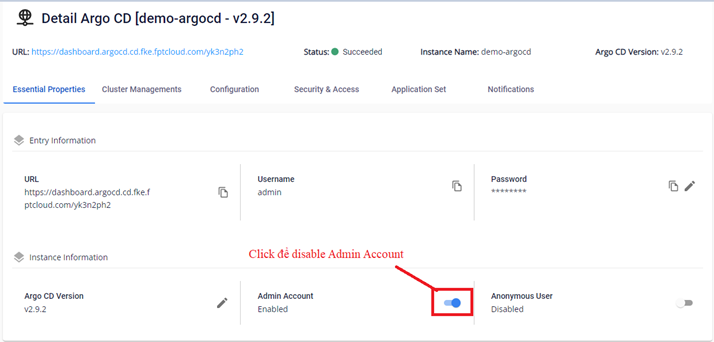
- On the Essential Properties screen, click Disable Admin Account.
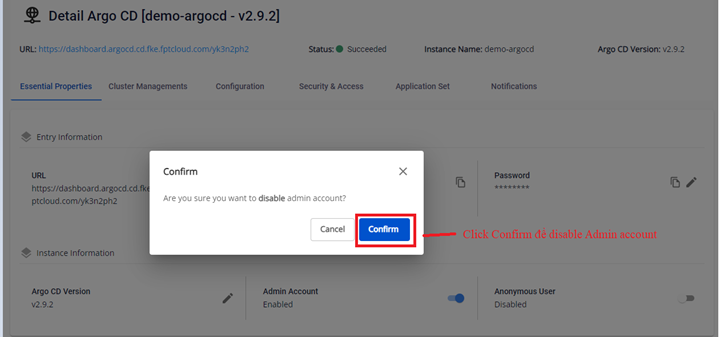
- Click Confirm to confirm.
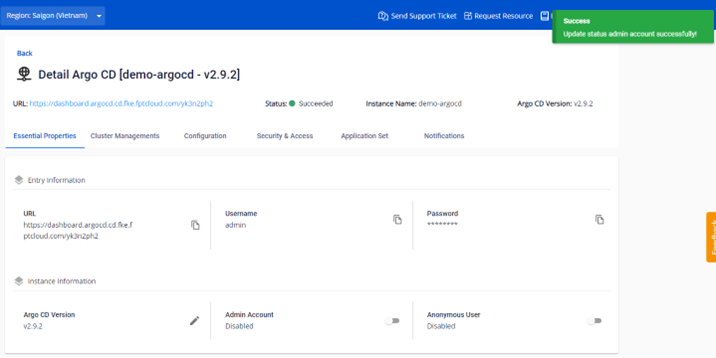
- The result after disabling:
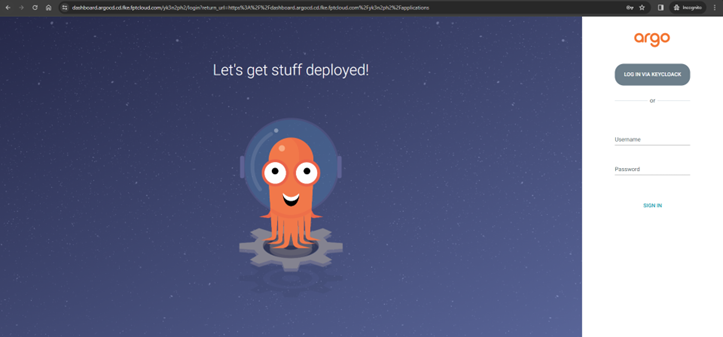
After disabling, you can access ArgoCD via a Local Account or OIDC. If neither is configured, the login screen appears as follows:

If a Local Account or OIDC Scope is already configured, you can still log in normally:
B. Enable the admin account
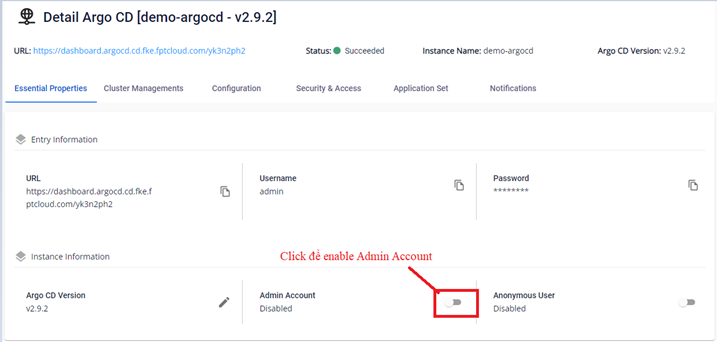
- On the Essential Properties screen, click Enable Admin Account.
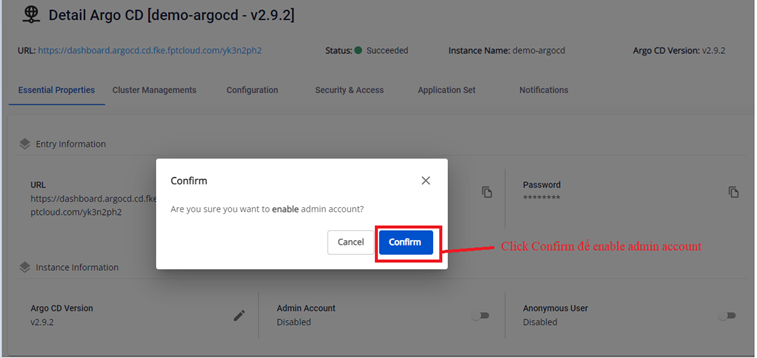
- Click Confirm to confirm.
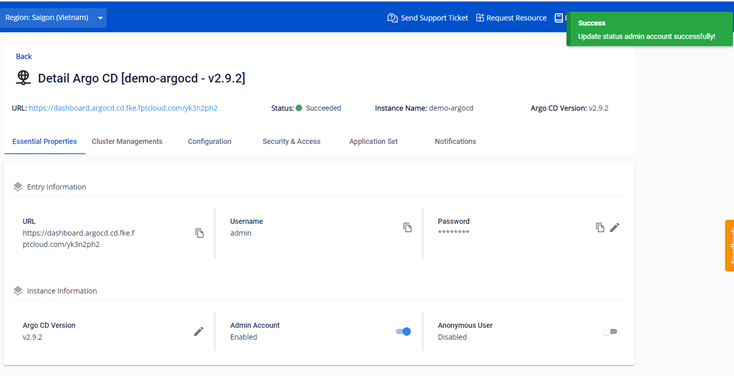
- The result after enabling:
After enabling, you can log in to ArgoCD with the admin account: