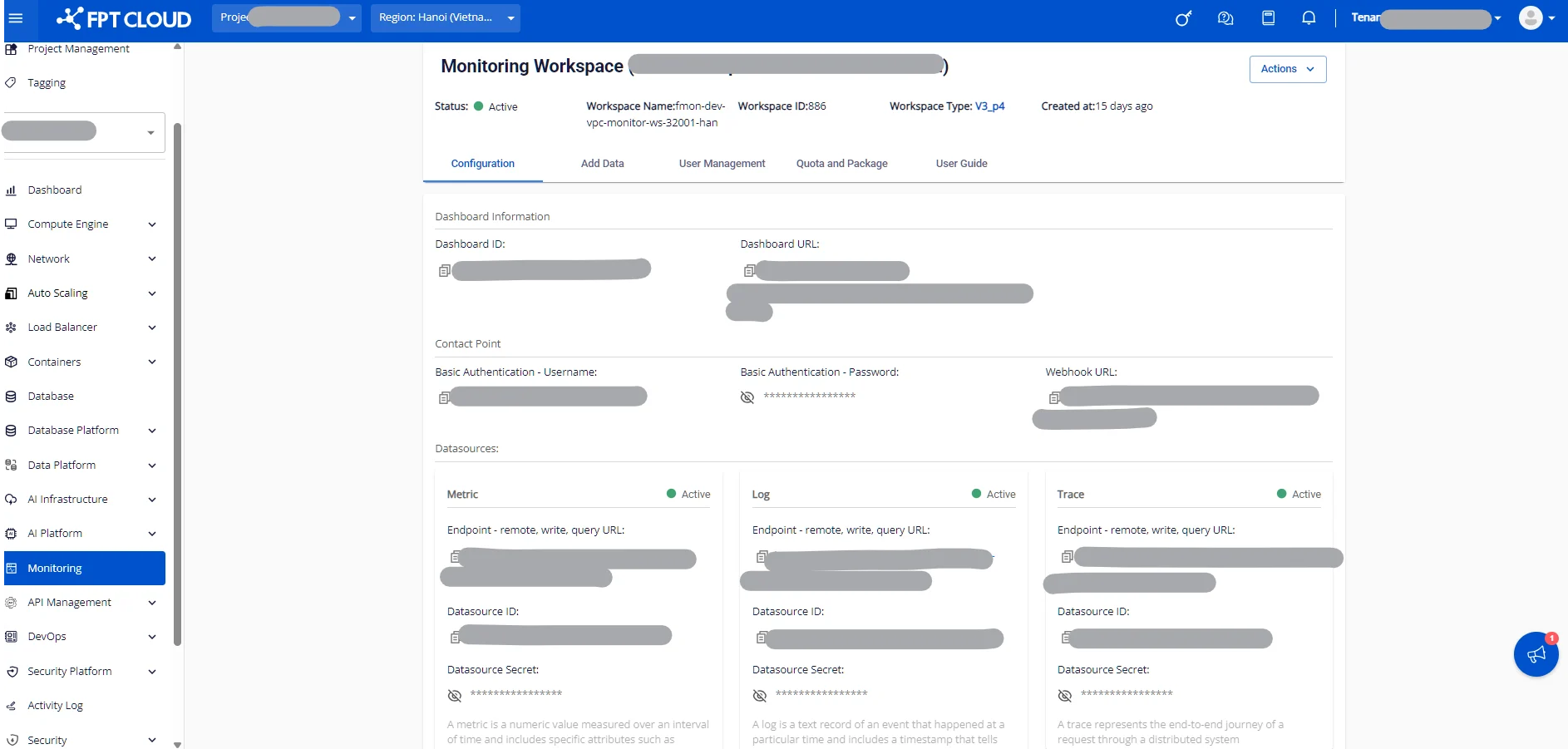
Add data tab
3.3. Add data tab
Provides comprehensive integration guides for infrastructure services, applications, and monitor endpoints.
Step 1: Log in to the FPT Cloud Portal at https://console.fptcloud.com.
Step 2: In the FPT Cloud Portal menu, click Monitoring to display the list of workspaces.
Step 3: Click a workspace name to view its details. The workspace detail screen will be displayed.
Step 4: Click the "Add data" tab.