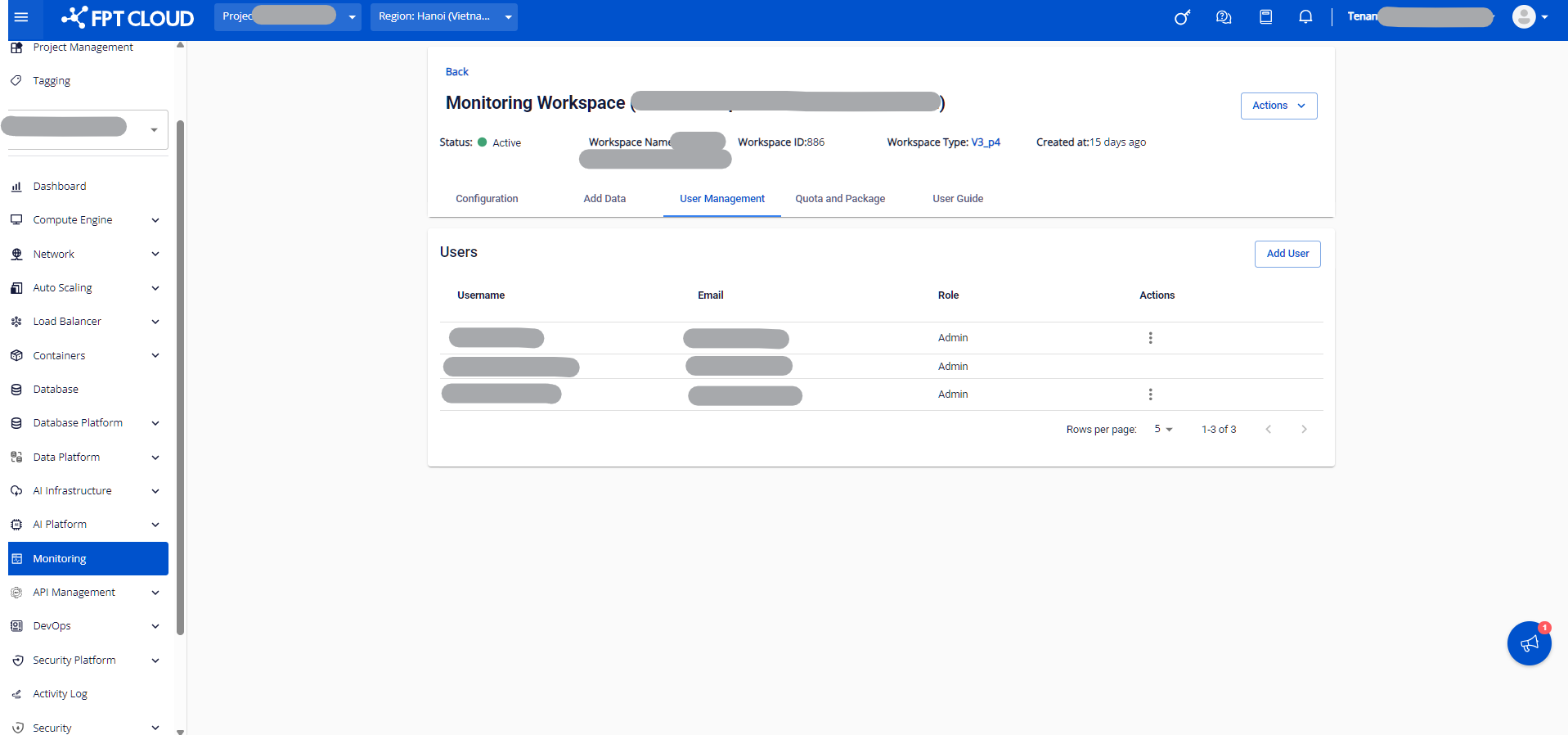
Quota and Package tab
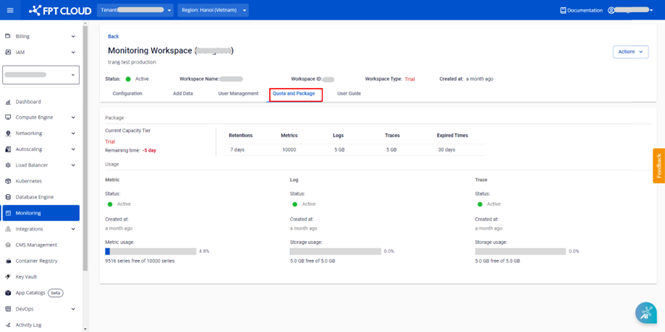
The Quota and Package tab shows the package information and resource quota currently in use.
Step 1: Log in to FPT Cloud Portal at https://console.fptcloud.com.
Step 2: In the FPT Cloud Portal menu, click Monitoring to display the workspace list.
Step 3: Click a workspace name to view its details.
Step 4: Select the Quota and Package tab.
For Custom, Trial, and Base packages:
For newer packages: