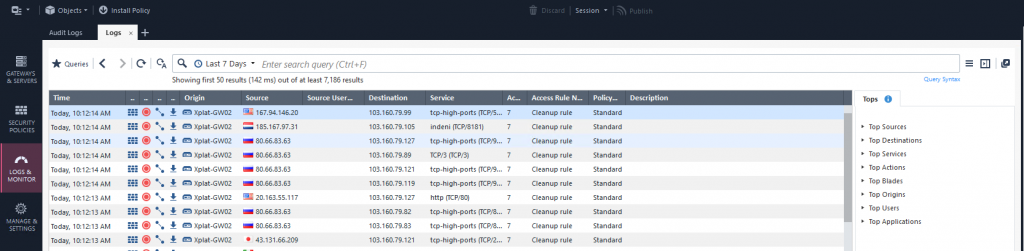
Investigate logs
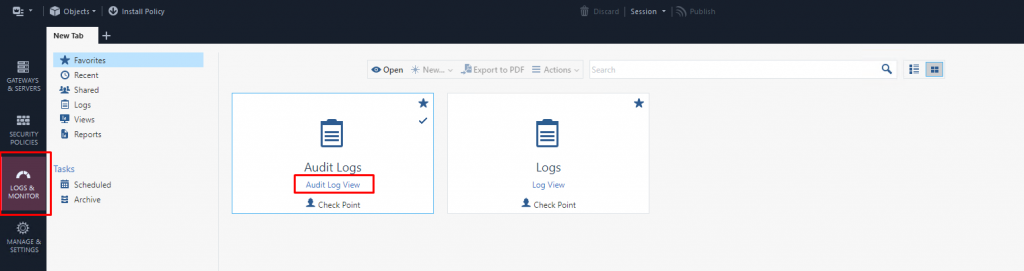
Step 1: In the menu, select Logs and Monitor (Ctrl + 3) > in the New Tab view > select Audit Log View.
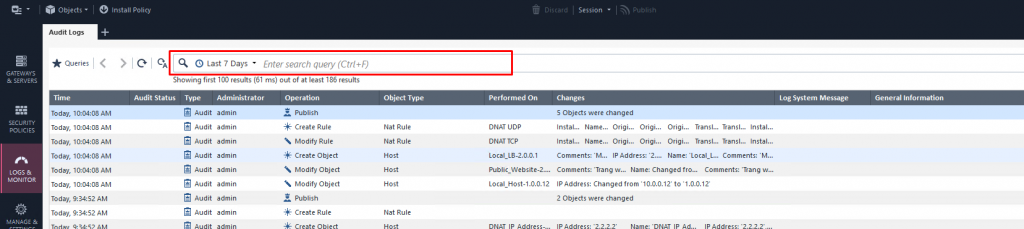
Step 2: Filter fields (Time / Account / Action / ...) to investigate.
Step 1: In the menu, select Logs and Monitor (Ctrl + 3) > in the New tab view > select Log View.
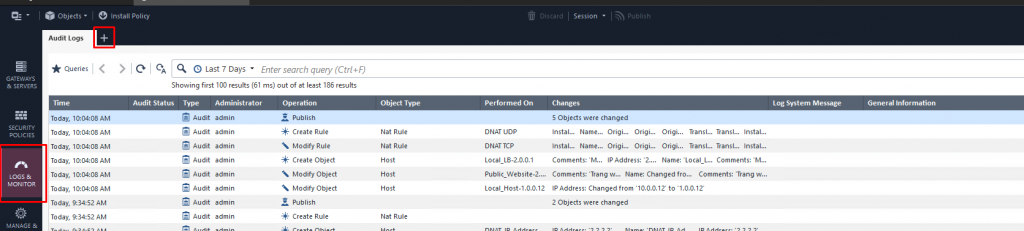
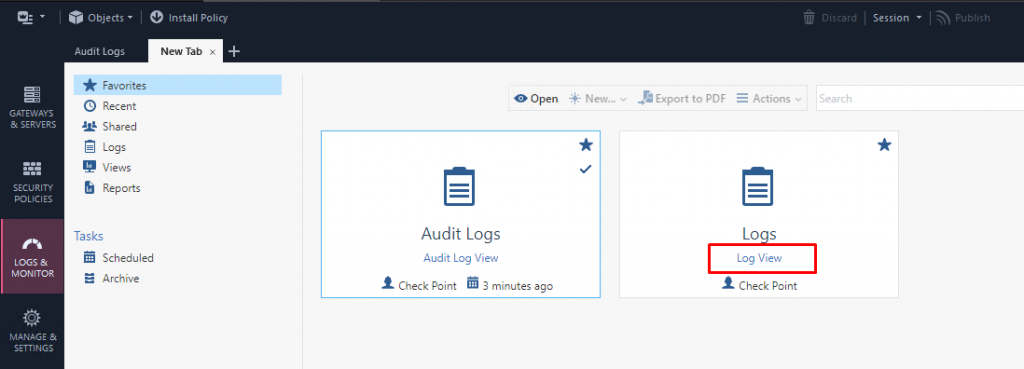
Step 2: Filter fields (Time / Source IP / Destination IP / Action / ...) to investigate.