Manage accounts
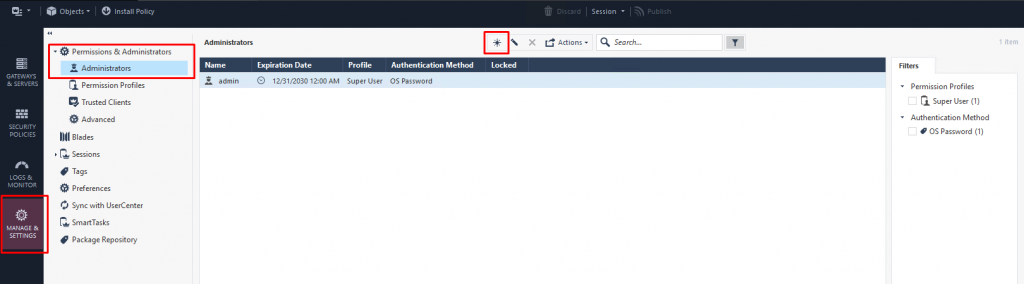
Step 1: In the Menu, select Manage and Settings (Ctrl + 4) > select Permissions & Administrators > click New.
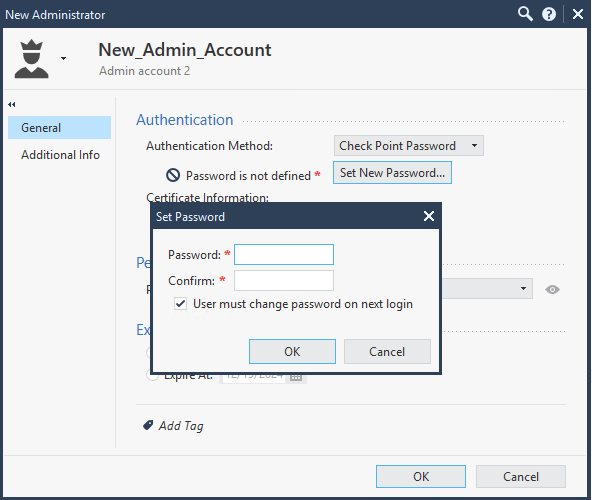
Step 2: Enter the account details: Name, Comment, Password, Permission, Expiration.
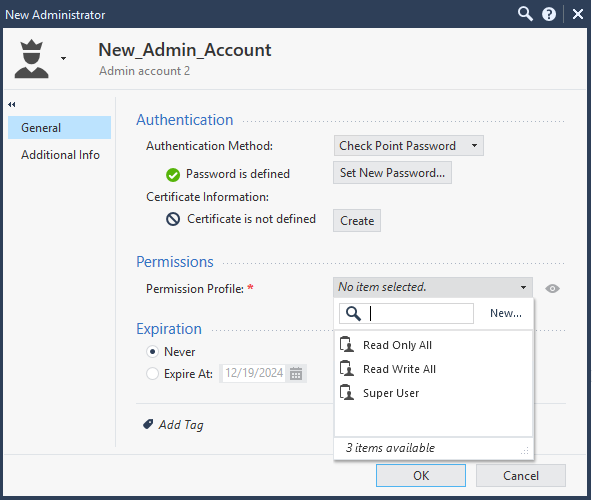
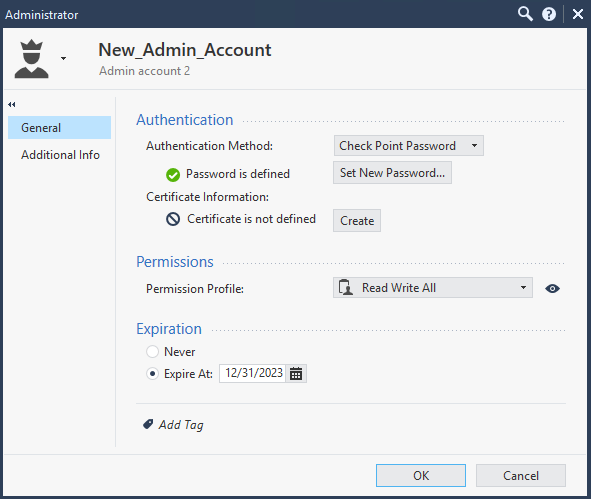
Step 3: Verify the created account and log in for the first time.
Step 1: In the Menu, select Manage and Settings (Ctrl + 4) > select Permissions & Administrators > select the account to edit > click Edit.
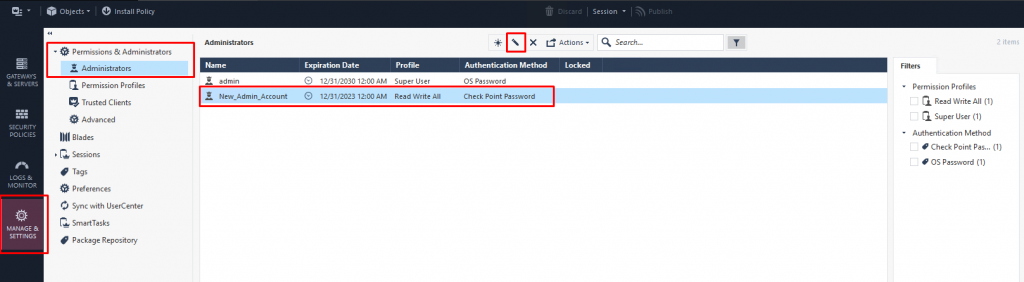
Step 2: Enter the new information.
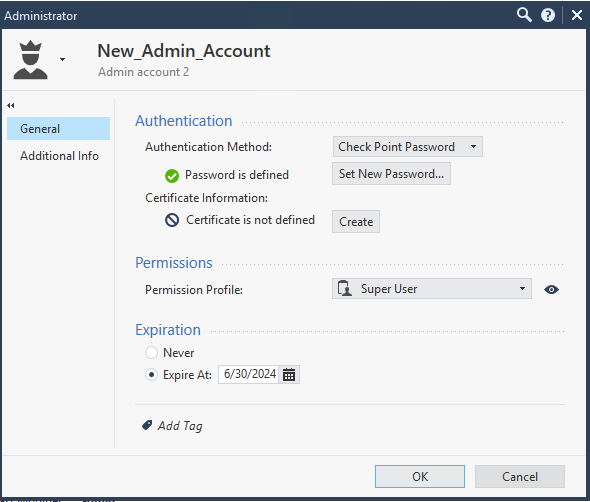
Step 3: Verify the updated account and log in.
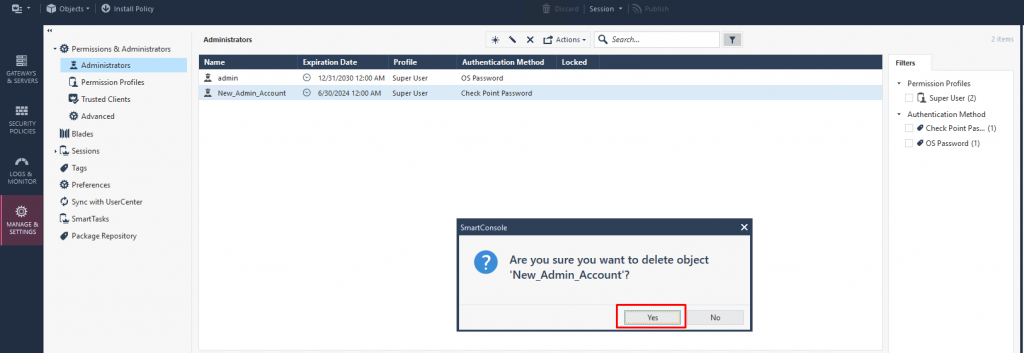
Step 1: In the Menu, select Manage and Settings (Ctrl + 4) > select Permissions & Administrators > select the account to delete > click Delete.
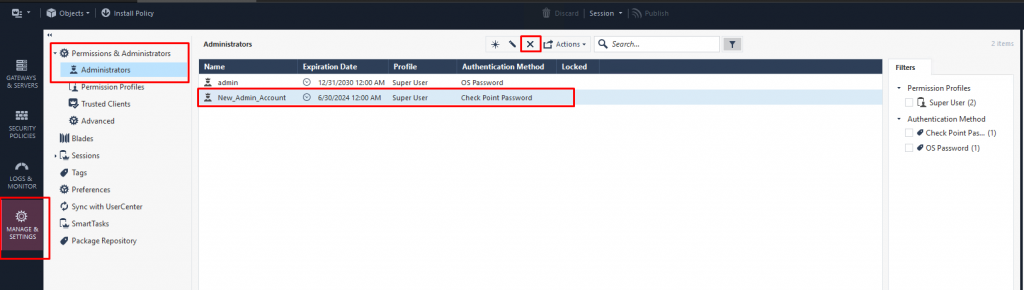
Step 2: Confirm the action.