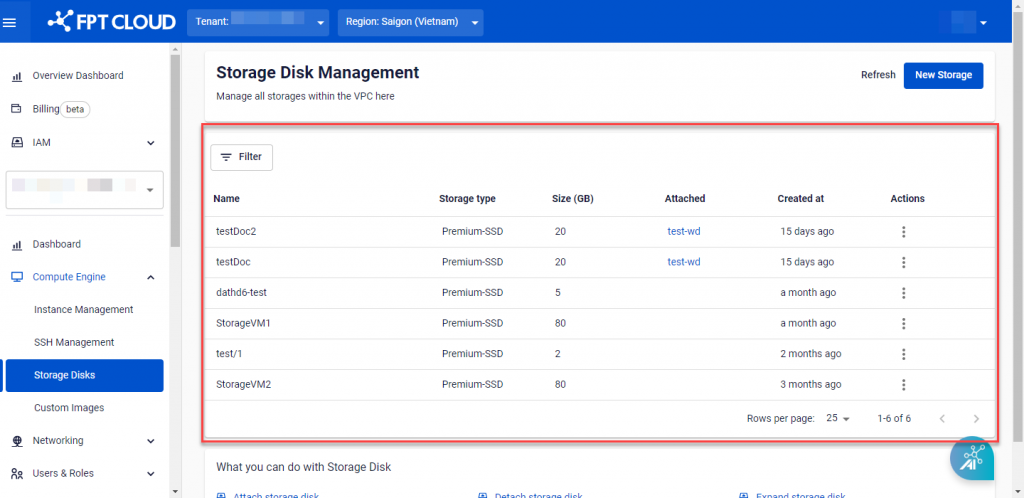
Block Storage Overview
FPT Block Storage provides disks for virtual machines on FPT Cloud — managed just like a physical hard drive attached to a machine.
FPT Cloud Portal includes Storage Disk Management, which lets you manage all Storage Disks created within a VPC: view the list, create new disks, attach/detach, edit, and delete.
Accessing Storage Disk Management
Select Compute Engine → Storage Disks from the menu.
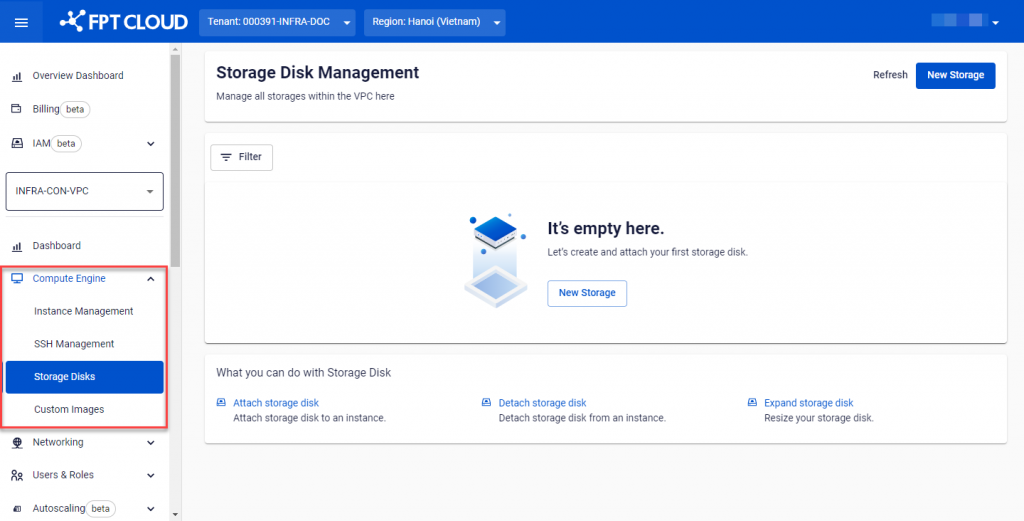
The list displays: Name, Storage type, Size, Created at, and Attached (the Instance the disk is currently attached to).