Attach a Storage Disk to an Instance
After creating a Storage Disk, you can attach it to an Instance to start using it — similar to connecting an external hard drive to a physical machine.
Attach a Storage Disk
-
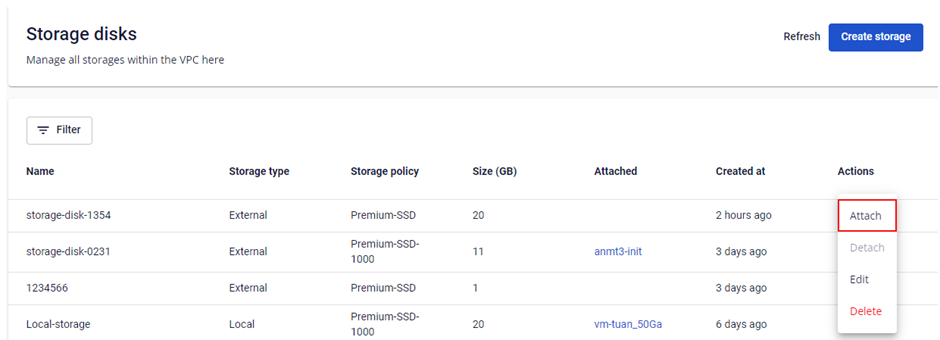
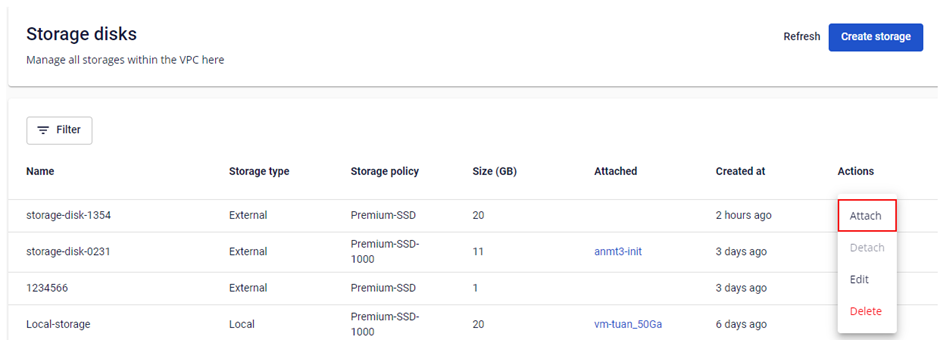
Select the Storage Disk you want to attach, then click Actions → Attach.
-
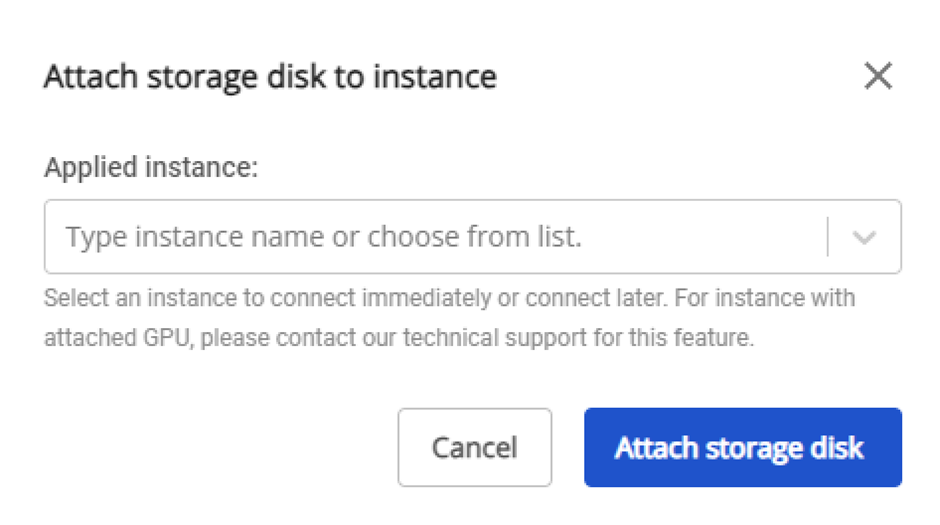
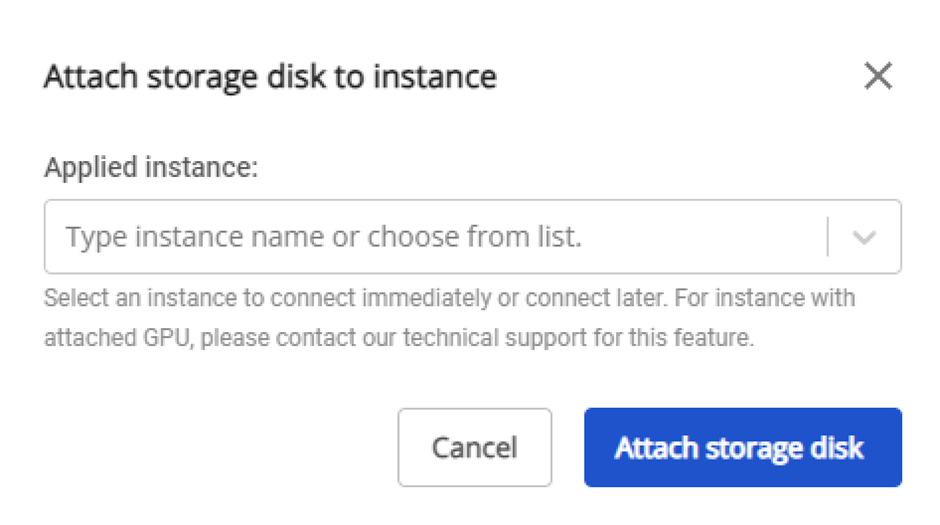
Select the target Instance in the popup, then click Attach.
note
- Each Storage Disk can only be attached to one Instance at a time.
- For Windows Instances, additional disk configuration steps are required after attaching.