Delete a Storage Disk
When a Storage Disk is no longer needed, you can delete it to avoid incurring additional costs.
danger
You can only delete a Storage Disk that is not currently attached to any Instance. Deleted data cannot be recovered.
Delete a Storage Disk
-
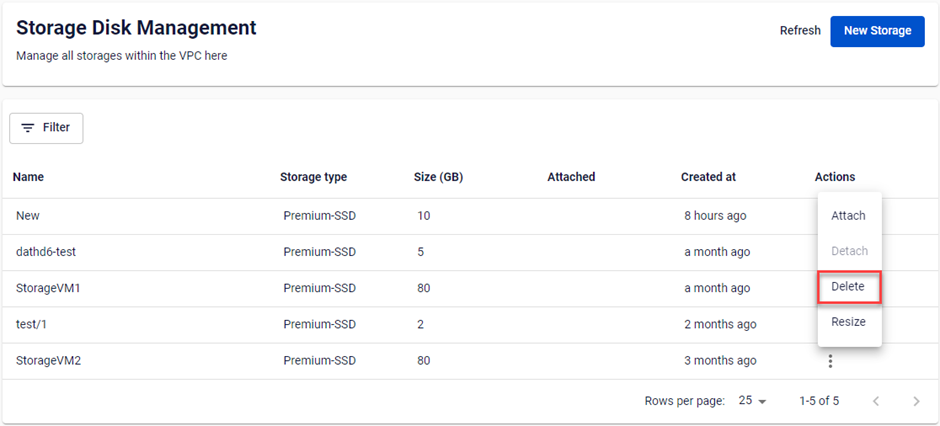
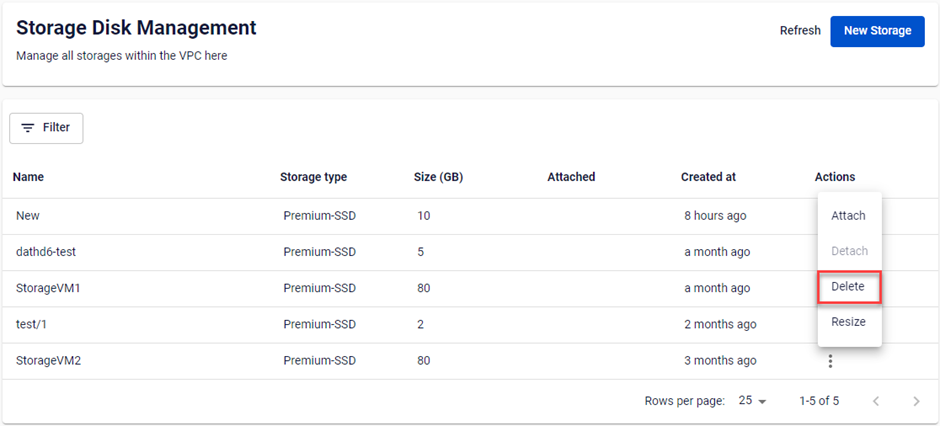
In the Storage Disk list, click Actions → Delete.
-
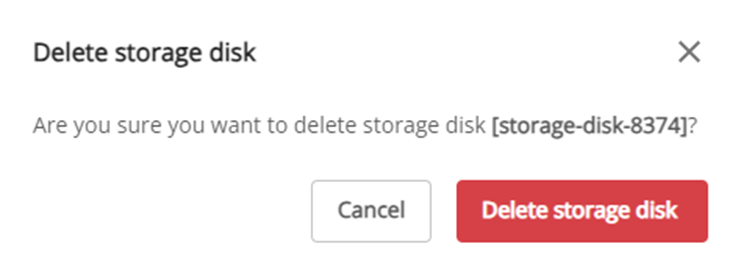
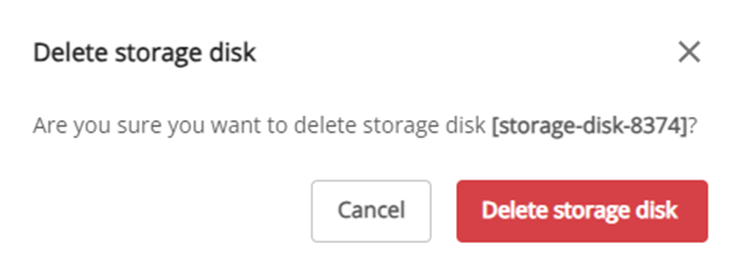
Review the details in the popup, then click Delete storage disk.