Detach a Storage Disk from an Instance
When a Storage Disk is no longer needed on an Instance, you can detach it. Your data remains intact and the disk can be attached to a different Instance later.
Detach a Storage Disk
-
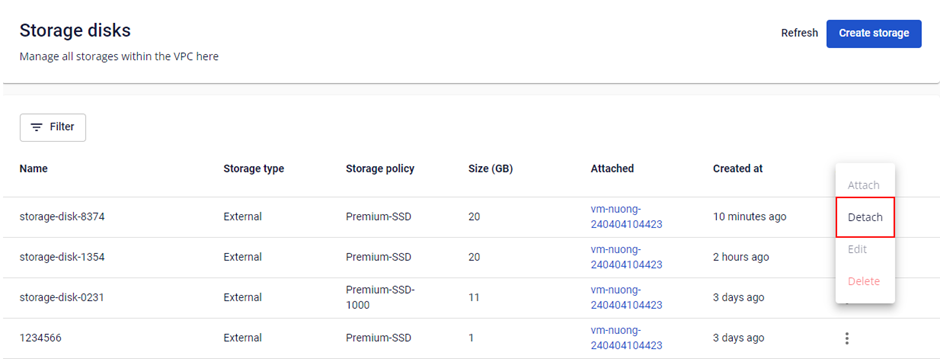
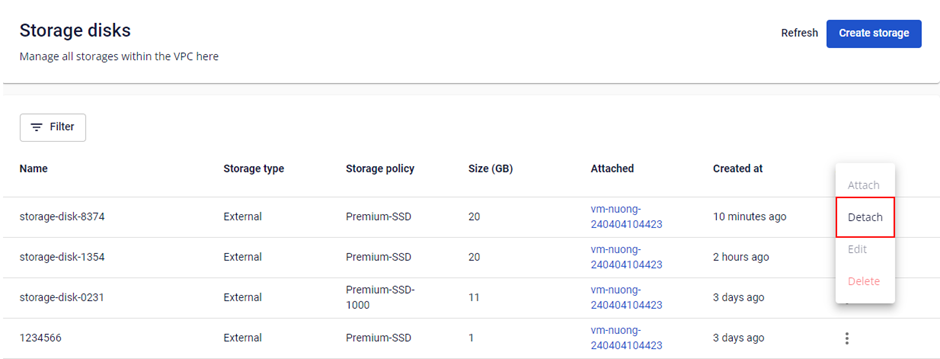
In the Storage Disk list, click Actions → Detach.
-
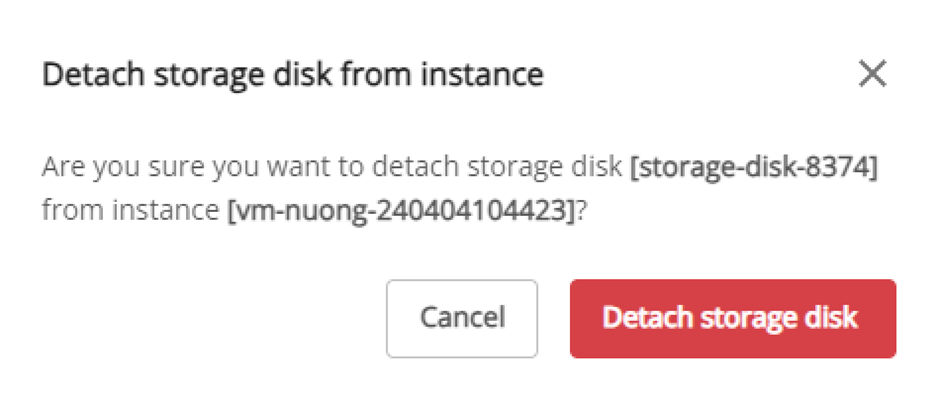
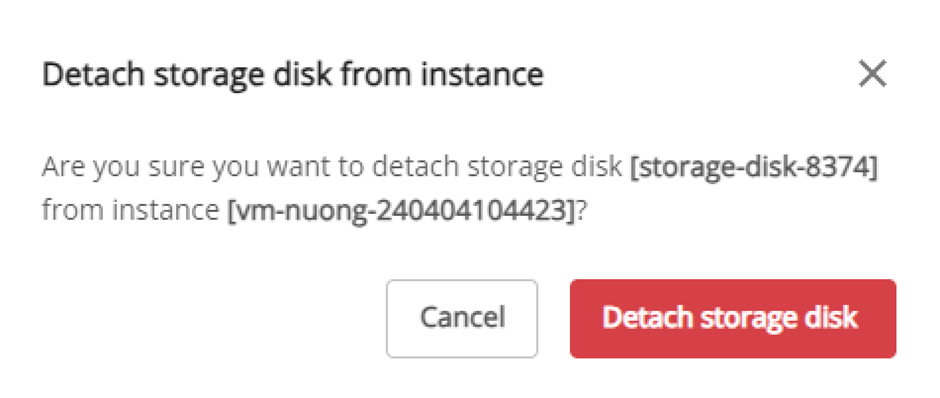
Review the details in the popup, then click Detach.