Edit a Storage Disk
You can edit the name, storage type, or increase the size of a Storage Disk when you need to change its storage configuration.
note
You can only edit a Storage Disk that is not currently attached to any Instance.
Edit a Storage Disk
-
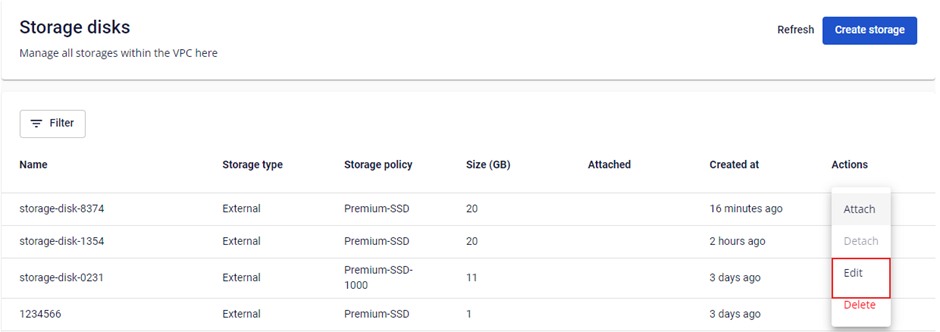
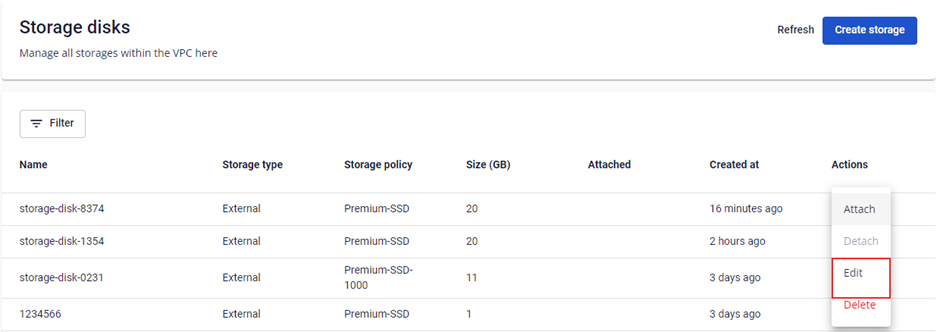
In the Storage Disk list, click Actions → Edit.
-
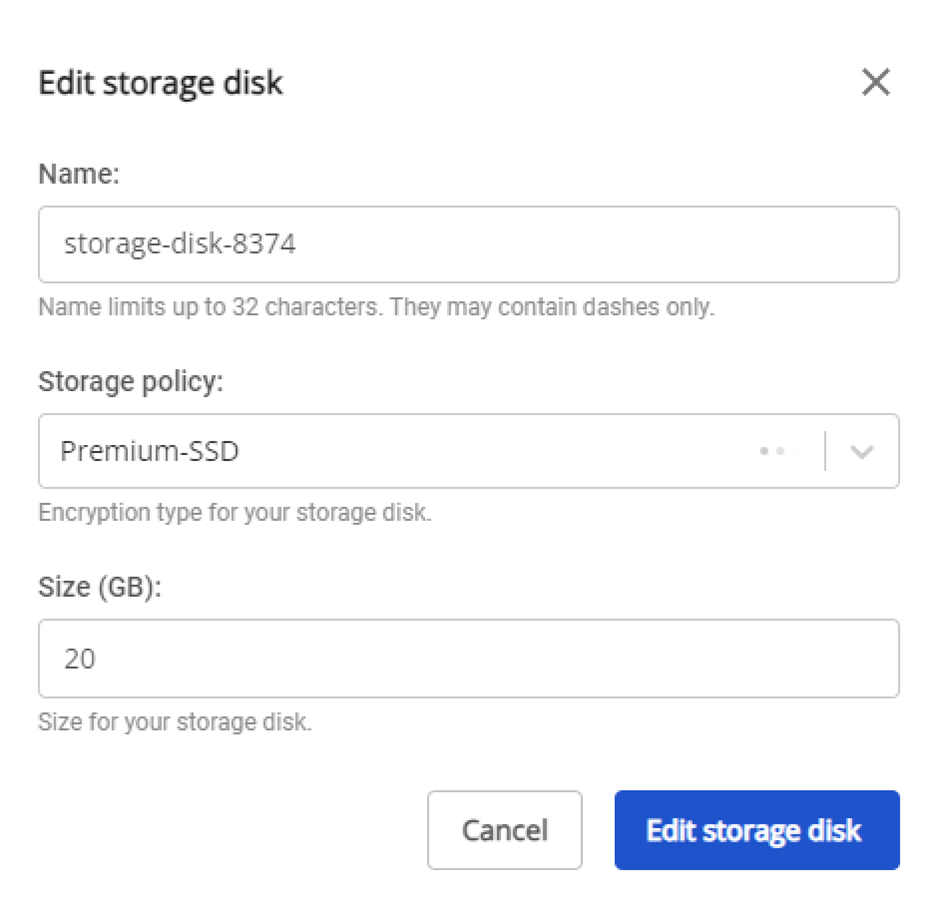
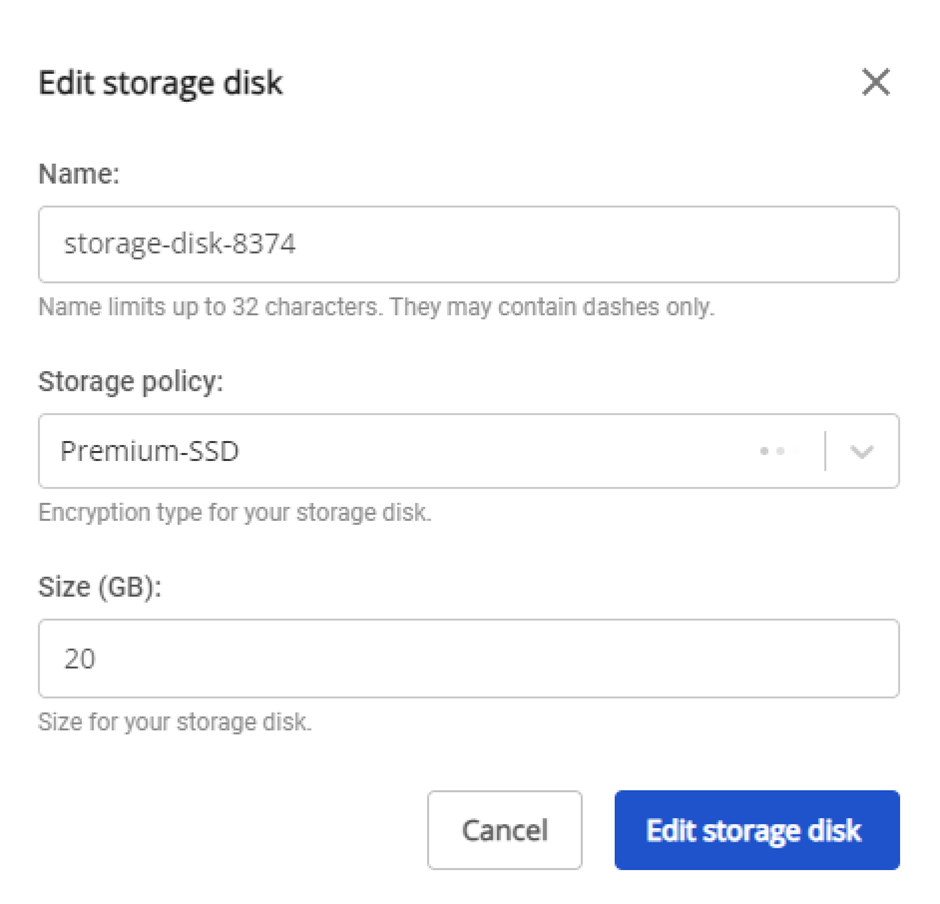
Update the details:
- Name: Storage Disk name.
- Storage Policy: Storage type.
- Size: Storage size.
Click Edit storage disk to save.
warning
The new size must be larger than the current size — you cannot reduce a Storage Disk's capacity.