Enable or disable an alert
The enable/disable feature lets you temporarily pause an alert without deleting it. This is useful when you want to stop receiving notifications from a specific alert for a period of time.
In the Alert Management table, select the alert you want to enable or disable. Click the switch button  to toggle the state.
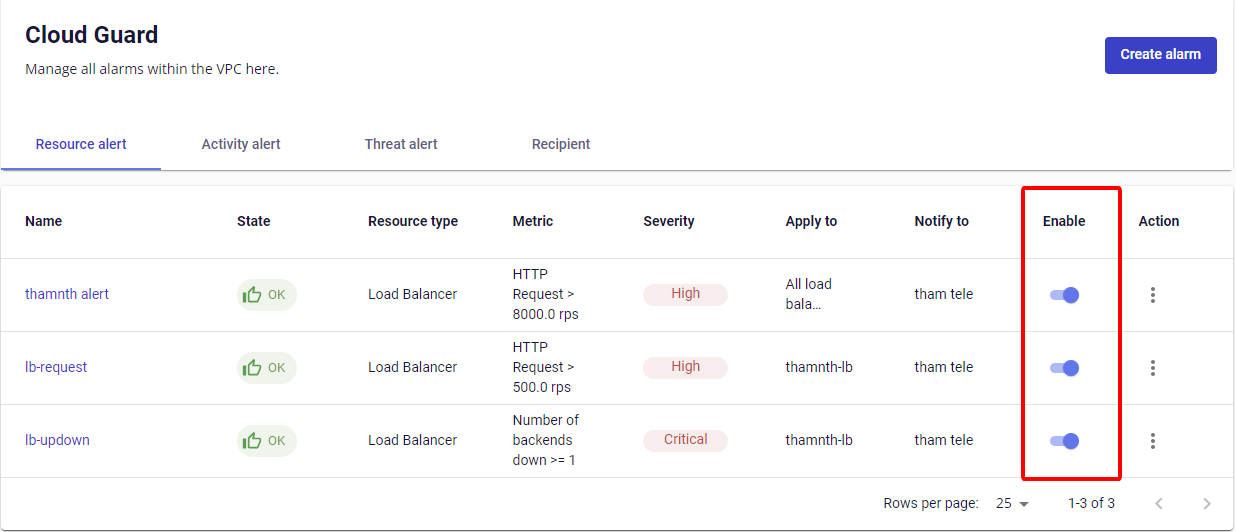
The alert status is shown in the Status field of the Alert Management table:
- Enabled: The system continuously evaluates and sends notifications when usage reaches the configured threshold.
- Disabled: The system stops evaluating and will not send automatic notifications.