Delete an alert
warning
This action permanently deletes all alert history and cannot be undone.
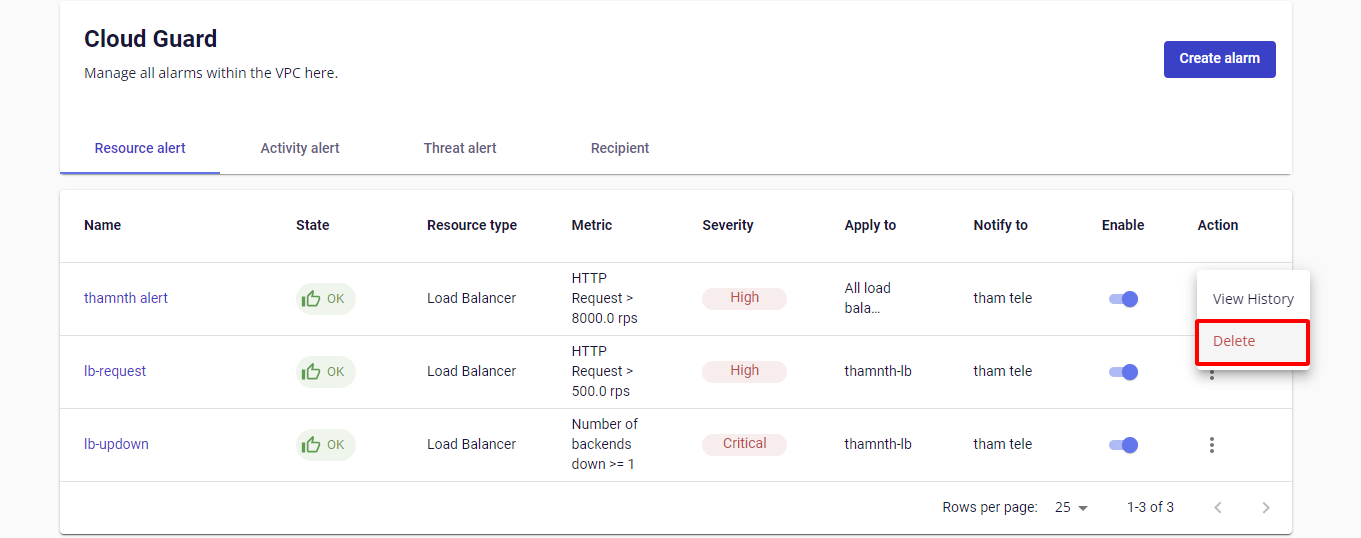
Step 1: In the Alert Management table, find the alert to delete and click Delete in the Action column.
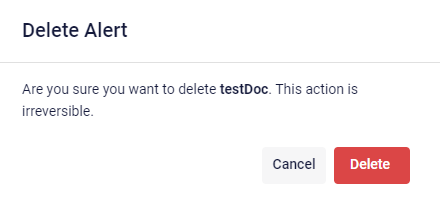
Step 2: A confirmation dialog appears showing the alert name. Click Delete to confirm.