Create an Activity Alert
Step 1: In the menu, go to Security > Cloud Guard, open the Activity Alerts tab, and click Create Alert.
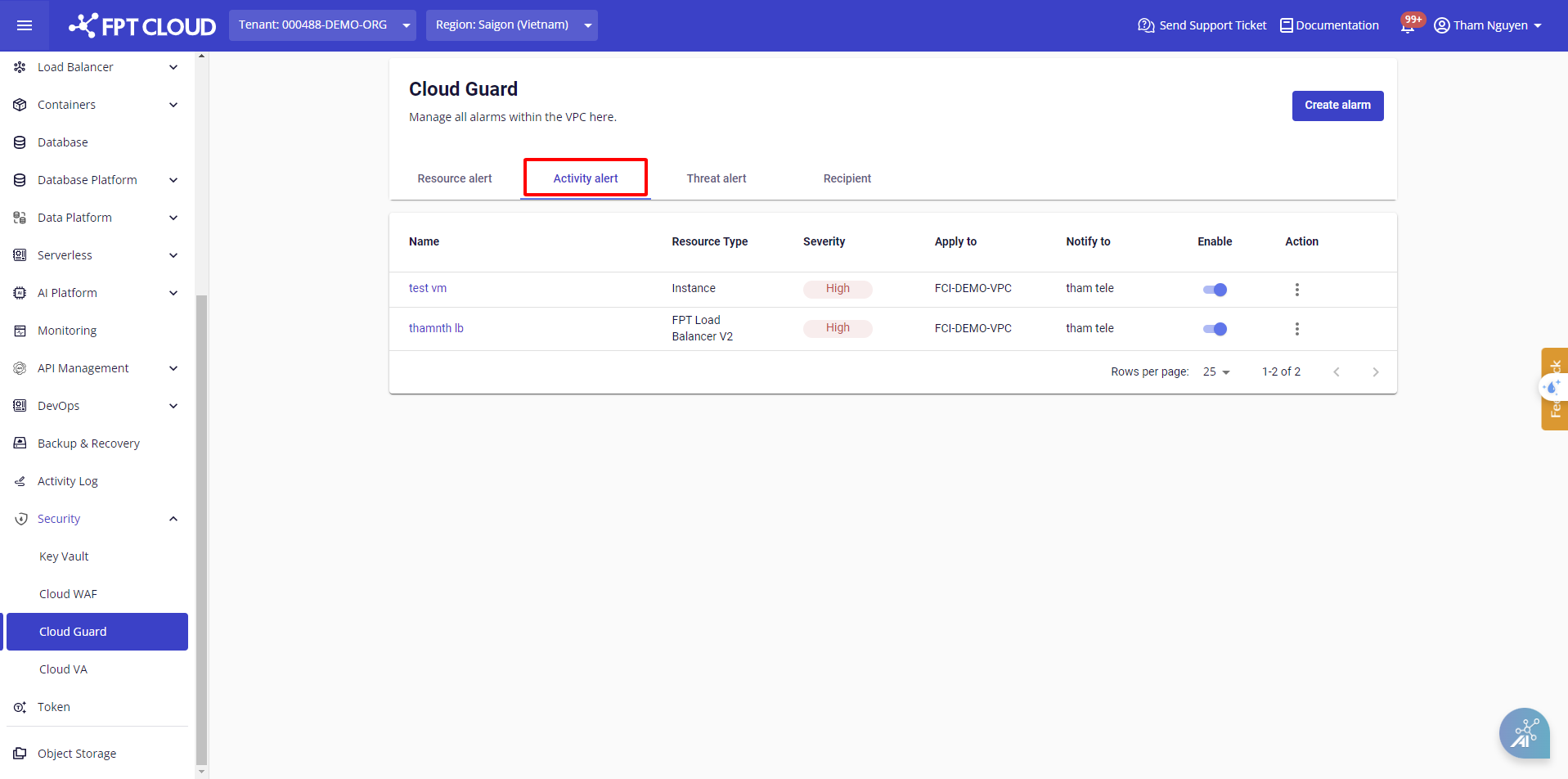
A dialog box appears to guide you through the configuration.
Step 2: Configure the alert by filling in the corresponding fields:
| Field | Description |
|---|---|
| Name | Enter the alert name |
| Resource Type | Select the resource type to monitor |
| Action | Select the actions that trigger an alert |
| Severity | Select the severity level: Critical, High, Medium, or Low |
| Notify to | Select the notification recipients |
note
Each resource type has different supported actions. Activity log alerts apply to the entire VPC by default.
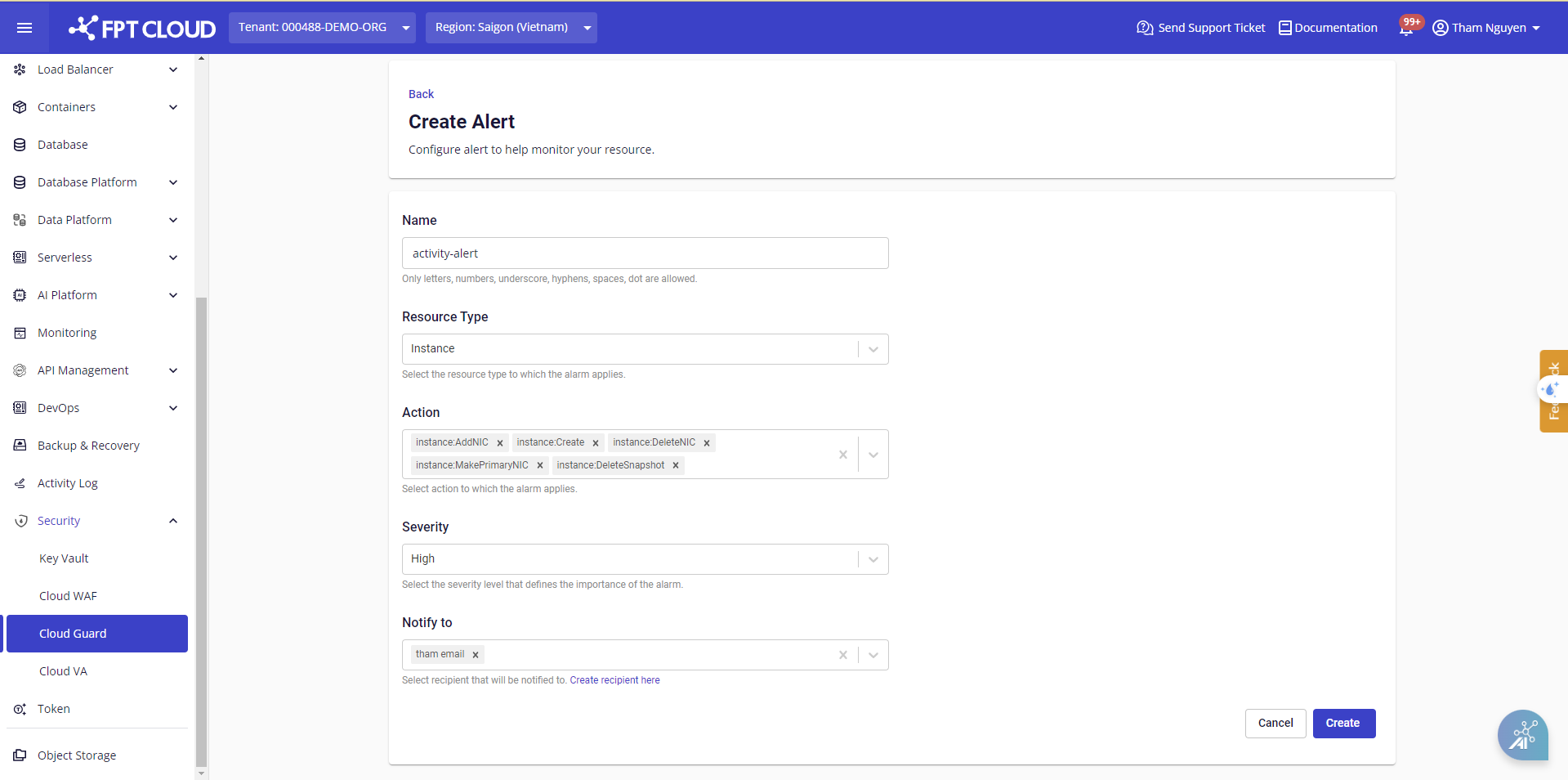
Step 3: Click Create to create the alert. The system validates the configuration and begins the creation process.
After creation, the new alert appears in the management table.