Remove a network card (NIC) from the virtual machine
When you no longer need a connection to a Subnet, you can remove the network card from the virtual machine to simplify your network configuration.
Remove a network card
-
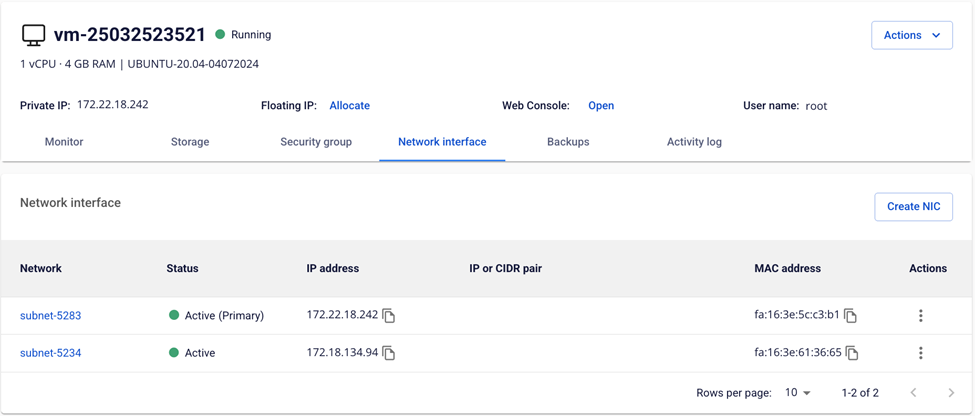
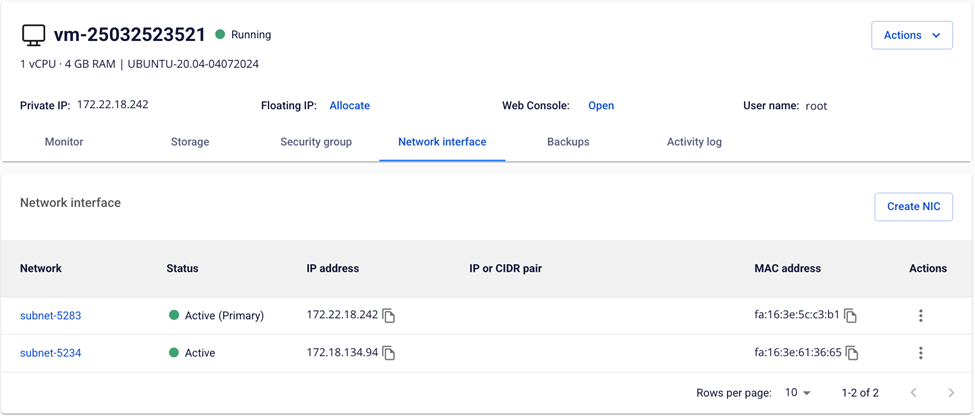
Open the Network Interface tab of the virtual machine.
-
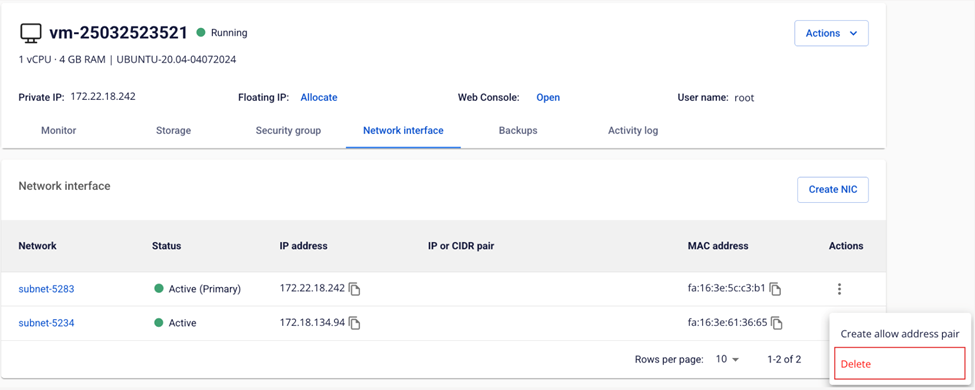
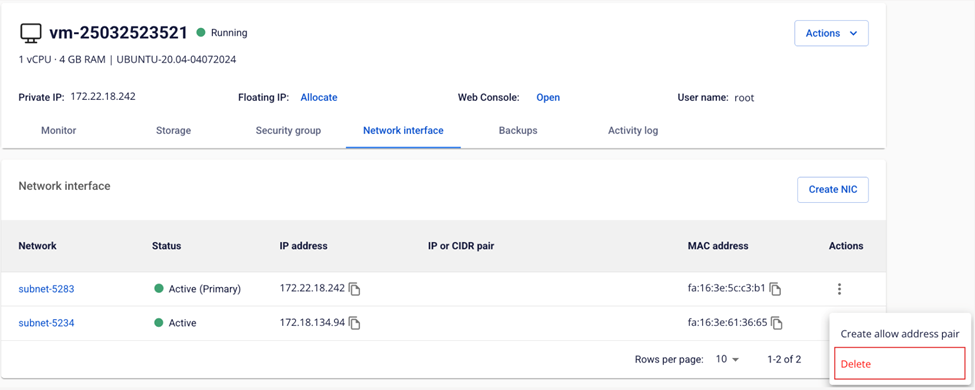
In the Network table, select Actions → Delete for the network card you want to remove.
-
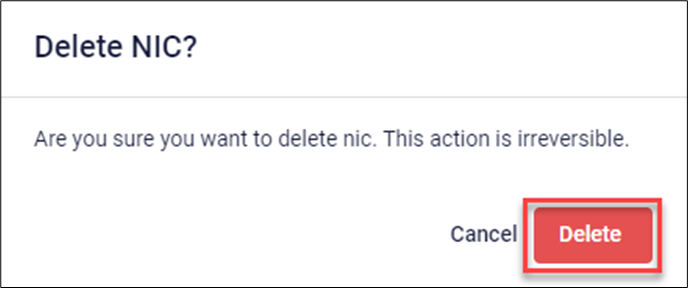
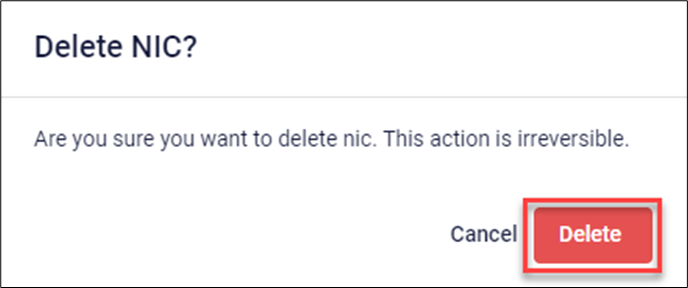
A confirmation dialog appears. Click Delete to confirm removal of the network card.