Look Up Technical Specifications of a Created Virtual Machine
Look Up Technical Specifications of a Created Virtual Machine
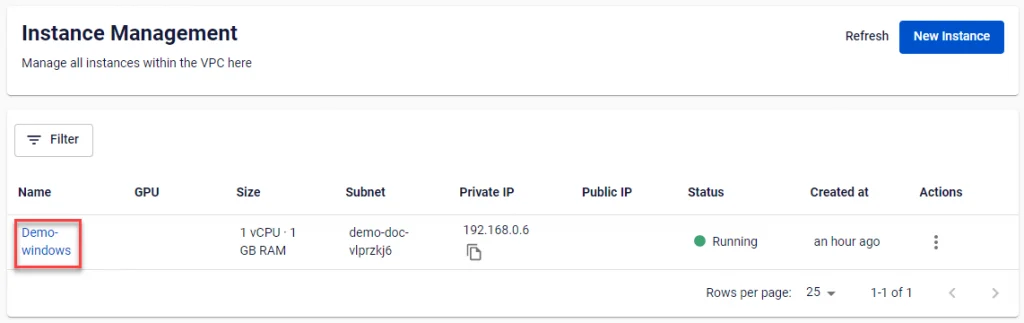
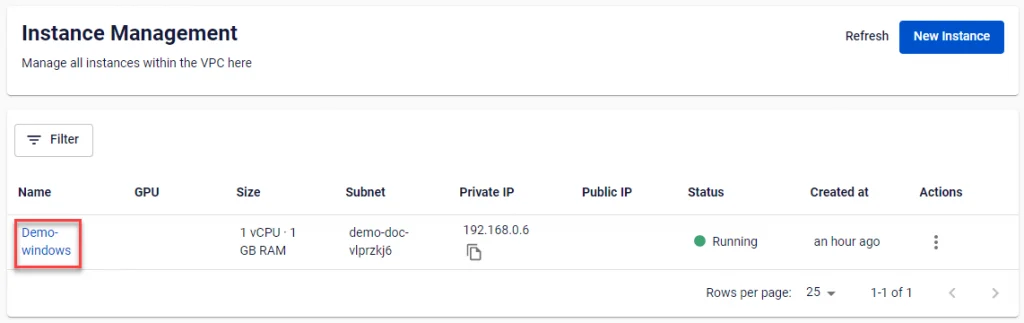
Step 1: In the menu, select Instance Management, then click on a specific virtual machine.
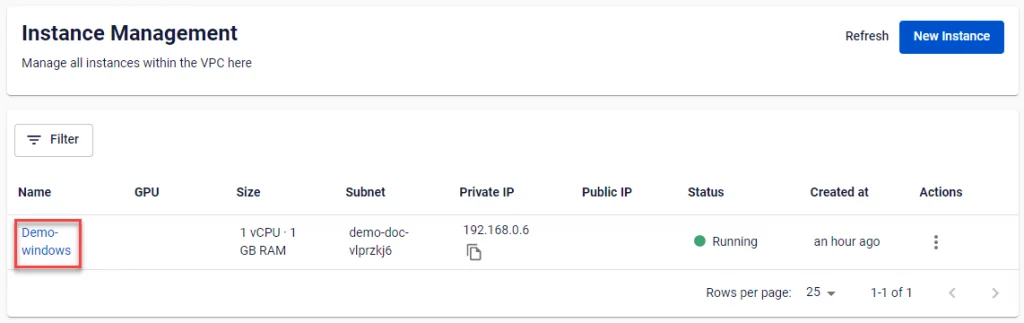
Step 2: Review the detailed information of the virtual machine, including Host name, configuration (RAM, CPU, Storage), Operating systems, Private IP address, Public IP address (if available), and operating status (off/on/suspended).

Additionally, on the Instance details page, users can configure and monitor other details via sub-menus such as:
- Allocate floating IP: Assign a Public IP to the virtual machine to enable internet access.
- Instance Monitoring: Monitor the activity, CPU usage, RAM usage, and disk read/write speed of the virtual machine by hour/day/week.
- Instance storage: Monitor and manage local storage disks and external storage disks attached to the virtual machine.
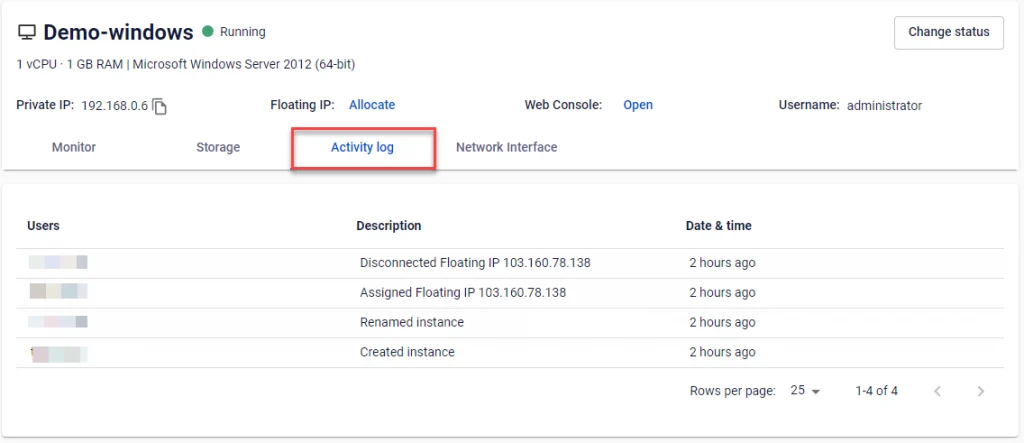
- Activity Log: Track and audit the history of actions performed by all users on this virtual machine.

1. View Activity Log
Activity Log displays the complete activity history of the virtual machine. The information shown includes the name of the user who performed the action, the action name, and the timestamp.
Step 1: Access the Instance details page by clicking the virtual machine name in the Instance Management dashboard.
Step 2: Select the Activity log tab.
2. Access Instance Monitor
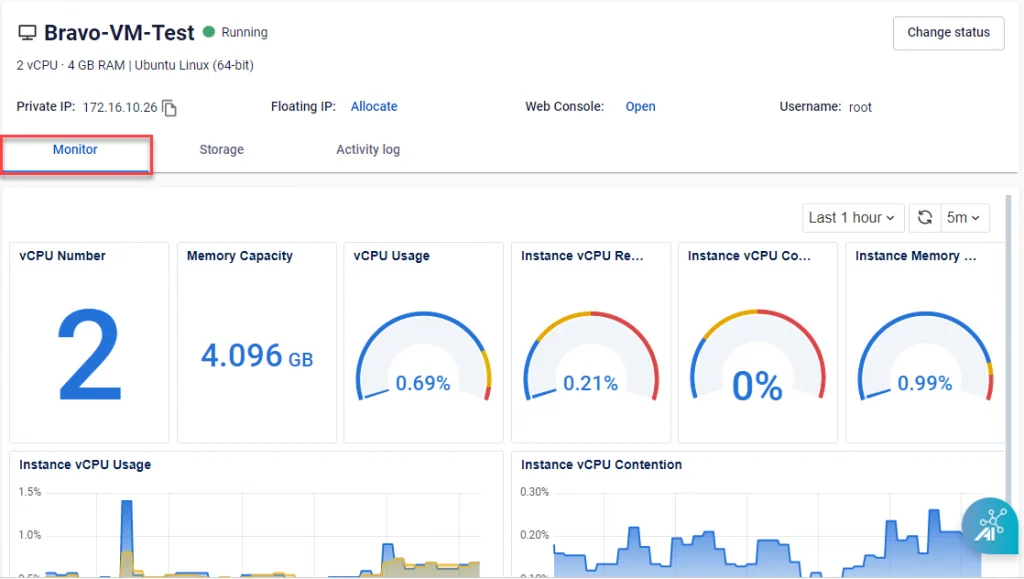
Monitor displays the key statuses and technical parameters of the virtual machine.
Step 1: Access the Instance details page by clicking the virtual machine name in the Instance Management dashboard.
Step 2: Select Monitor. This section displays real-time data for all Instance parameters such as Instance vCPU Usage, Instance vCPU Contention, and more.