Delete a virtual machine
Delete a virtual machine
If you no longer need a virtual machine, you can delete it from the system to avoid incurring additional costs.
To delete a virtual machine, follow these steps:
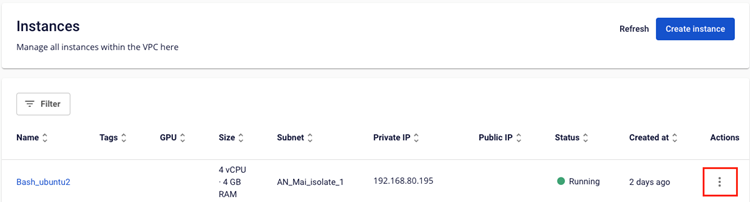
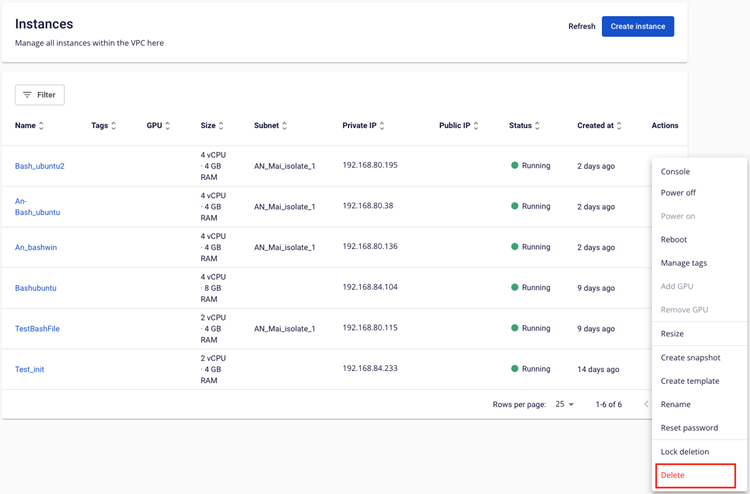
Step 1: In the menu, select Instance Management. In the Actions column, choose Delete.
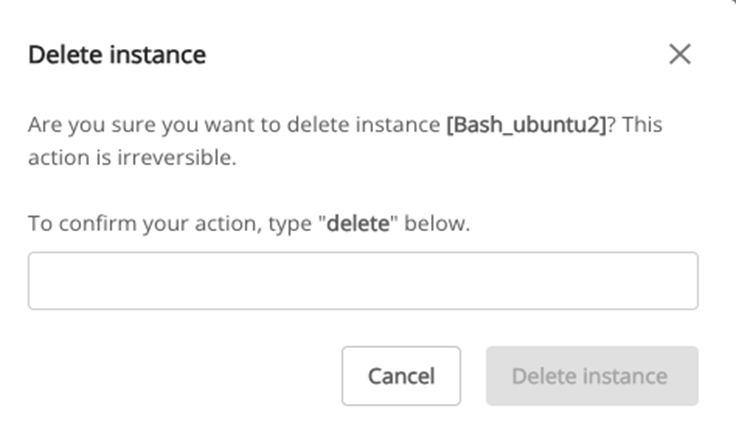
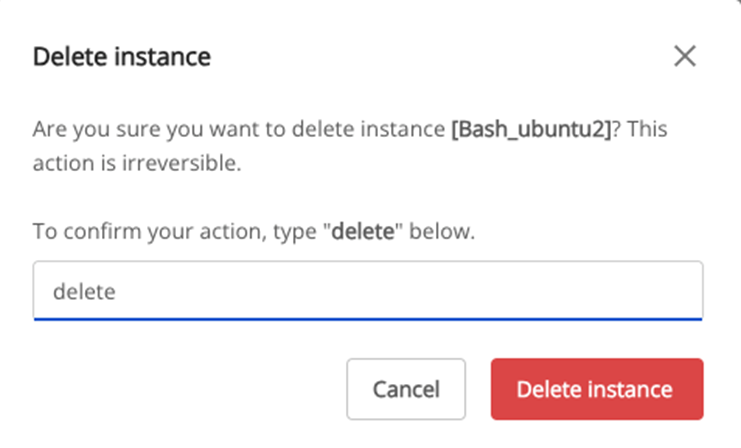
Step 2: A warning dialog will appear, displaying the virtual machine name and prompting you to confirm the action. Type "delete" to proceed with the deletion.
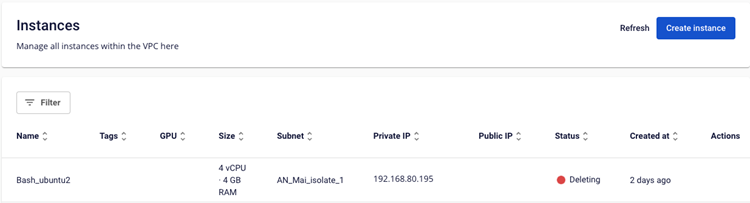
Step 3: The system will process the request and release all resources allocated to the virtual machine.