Change Internal Subnet Load Balancer Configuration
FPT Cloud lets you change the internal subnet load balancer (CIDR) range directly from the Unify portal. Follow the steps below:
Step 1: Select the cluster you want to change the Internal Subnet Load Balancer for and click on the cluster name.
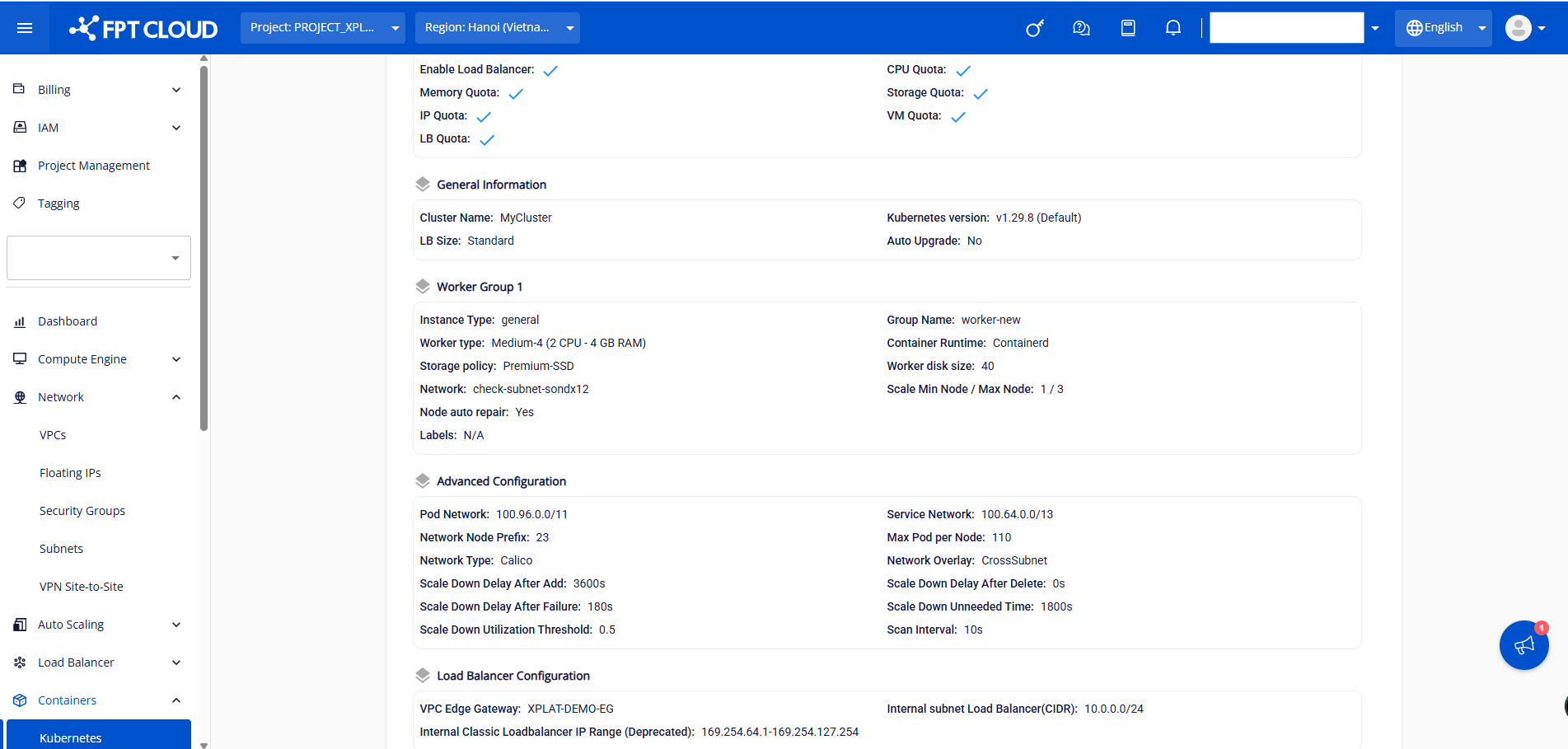
Step 2: Select the Advanced tab and click the Config Internal Subnet Load Balancer button.
Step 3: Enter a valid CIDR range and click Confirm.
The Internal Subnet Load Balancer update process takes a few minutes. The cluster status changes to Processing during this time. The cluster continues to operate normally while the new Internal Subnet Load Balancer (CIDR) is being applied.