View CDC Service Details
To view CDC Service details, follow these steps:
-
Step 1: In the menu bar, select Data Platform > Workspace Management > Workspace name
-
Step 2: In the My services section, click CDC service
-
Step 3: The screen displays the following general information:
-
Status: service status
-
Created at: service creation time
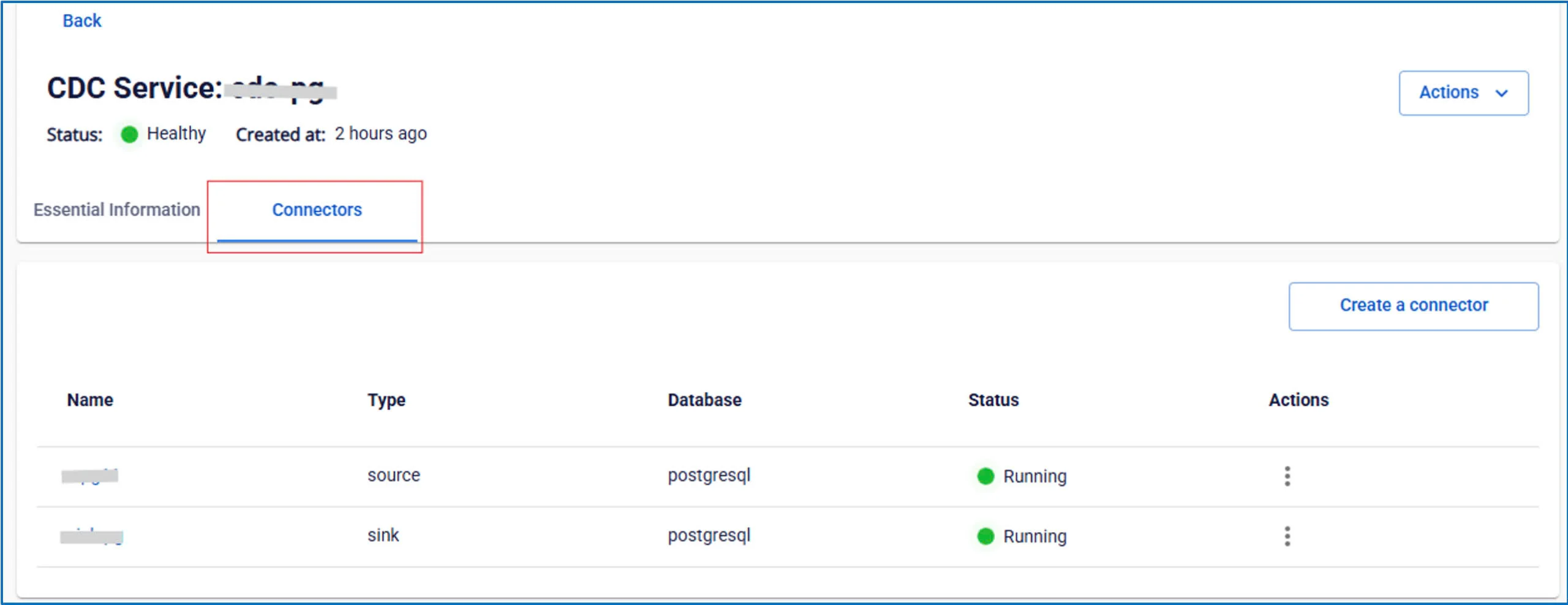
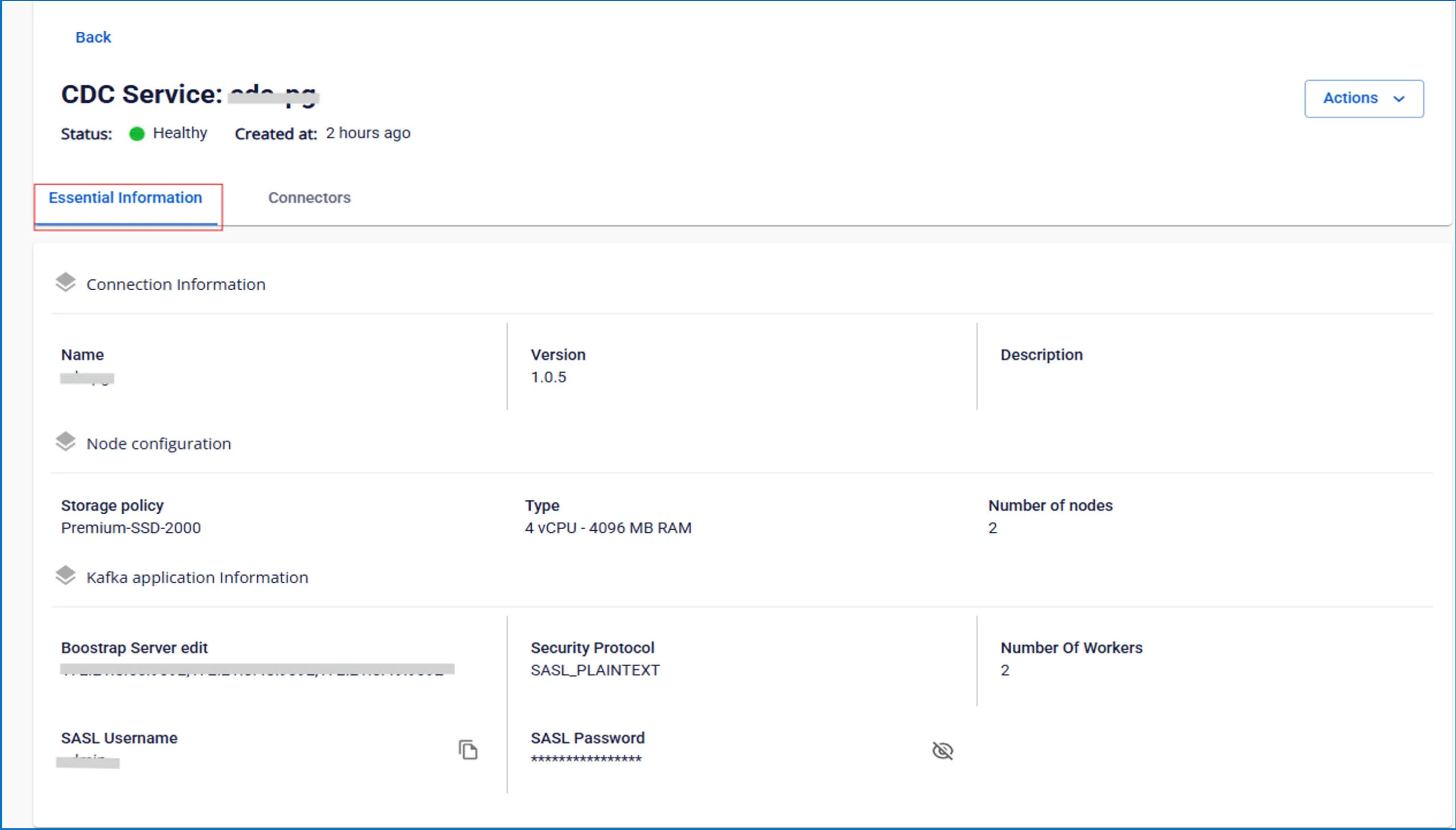
The screen displays 2 tabs: Essential Information, Connectors
- Essential Information tab
Displays detailed information about the CDC service
- Connectors tab
Displays the list of connectors configured for ingesting data from source or writing data to sink