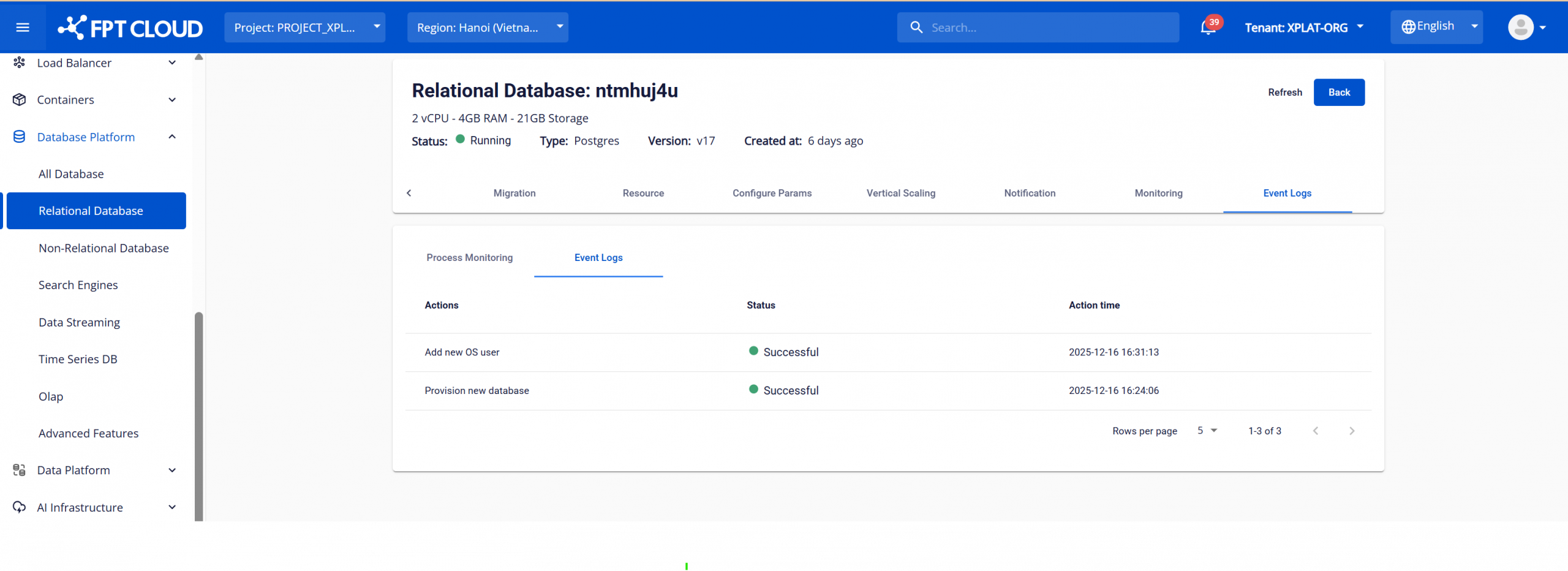
Event logs
The Event Logs feature in FPT Database Engine allows users to monitor and track all operational activities of the database system through two main log types:
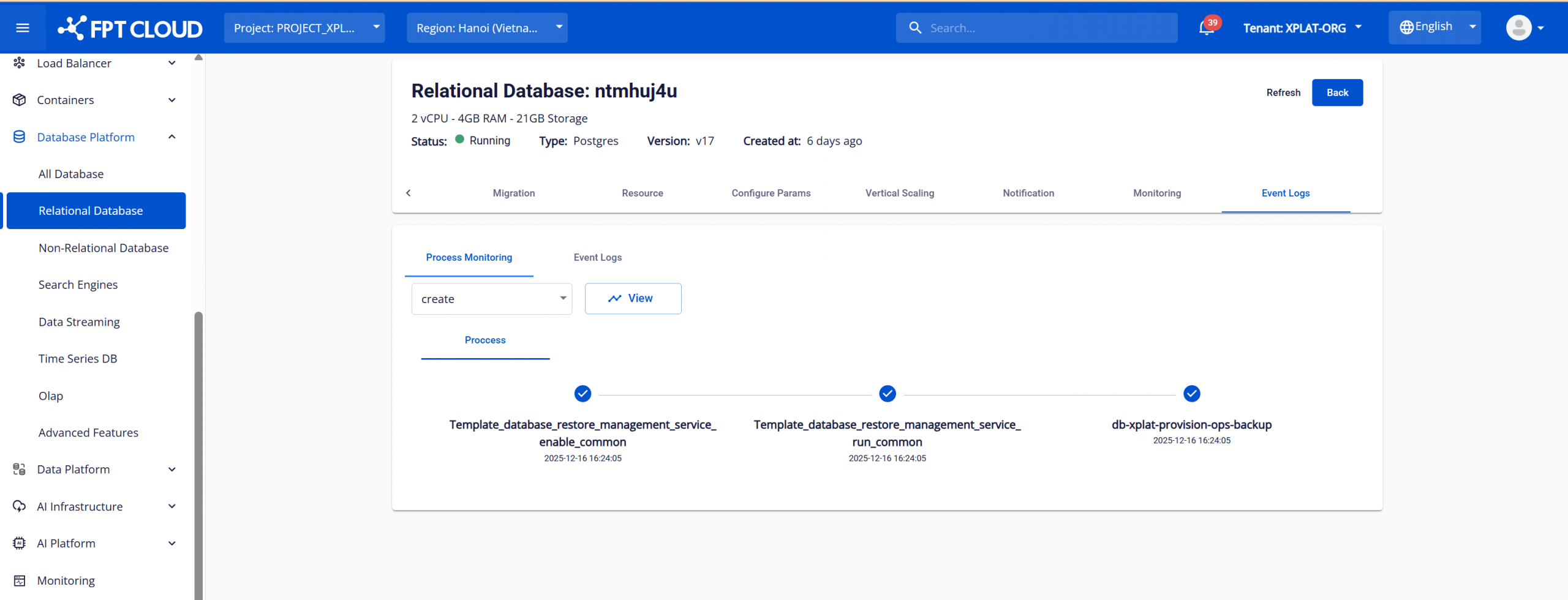
- Process Log (Process Monitoring) – displays the detailed processing flow of system tasks.
- Event Logs – records important events related to the lifecycle and configuration of the database, without displaying internal step-by-step processing details.
This feature supports:
- Verifying whether an operation was completed successfully.
- Tracking change history (audit trail).
- Reviewing administrative operations.
To access the Event Logs page, log in to FPT Cloud Console. From the main menu, select "Database Platform" > "All Databases". Click the ID of the database cluster to manage > select the "Event Logs" tab.
- Select the "Process Monitoring" tab to view process logs. Select an action and click "View" to see the results.
- Select the "Event Logs" tab to view event logs.