Build custom metric queries
This section is for users who want to write their own queries in Grafana.
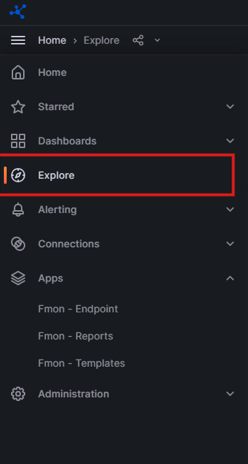
Step 1: On the Grafana menu, select Explore.
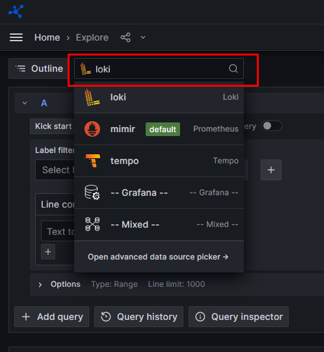
Step 2: Select a datasource, for example: loki.
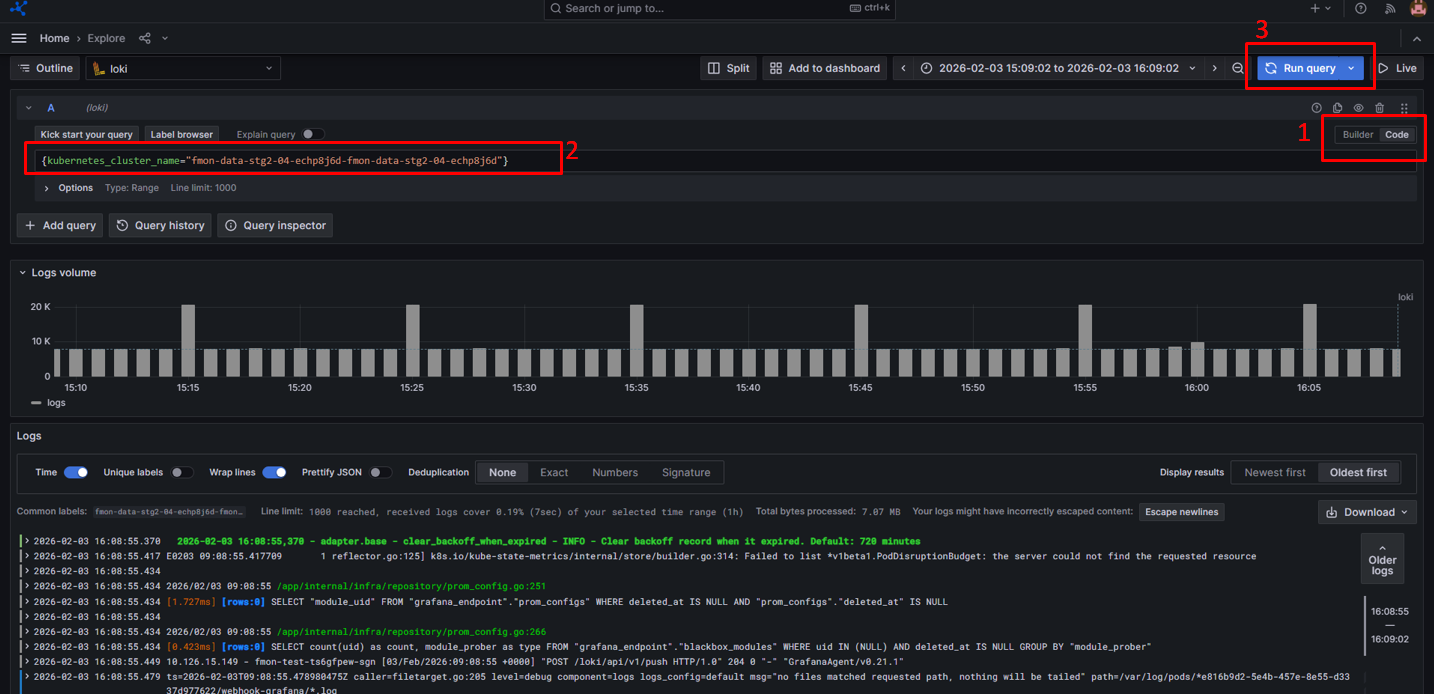
Step 3: Switch to code mode and enter your query.
Step 4: Click Run query in the top right corner.
The system returns results as shown below: