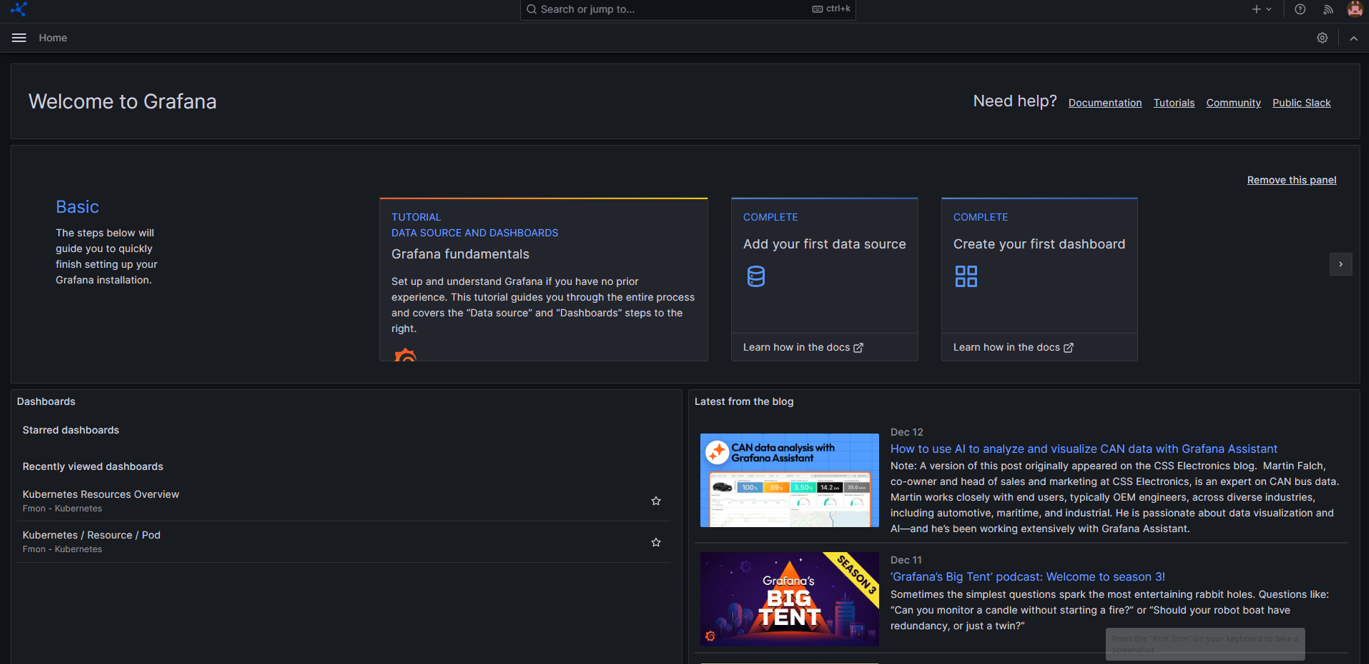
Access Grafana
After your workspace is created successfully:
- Go to the console portal at https://console.fptcloud.com.
- Select the workspace you want to use to view its details.
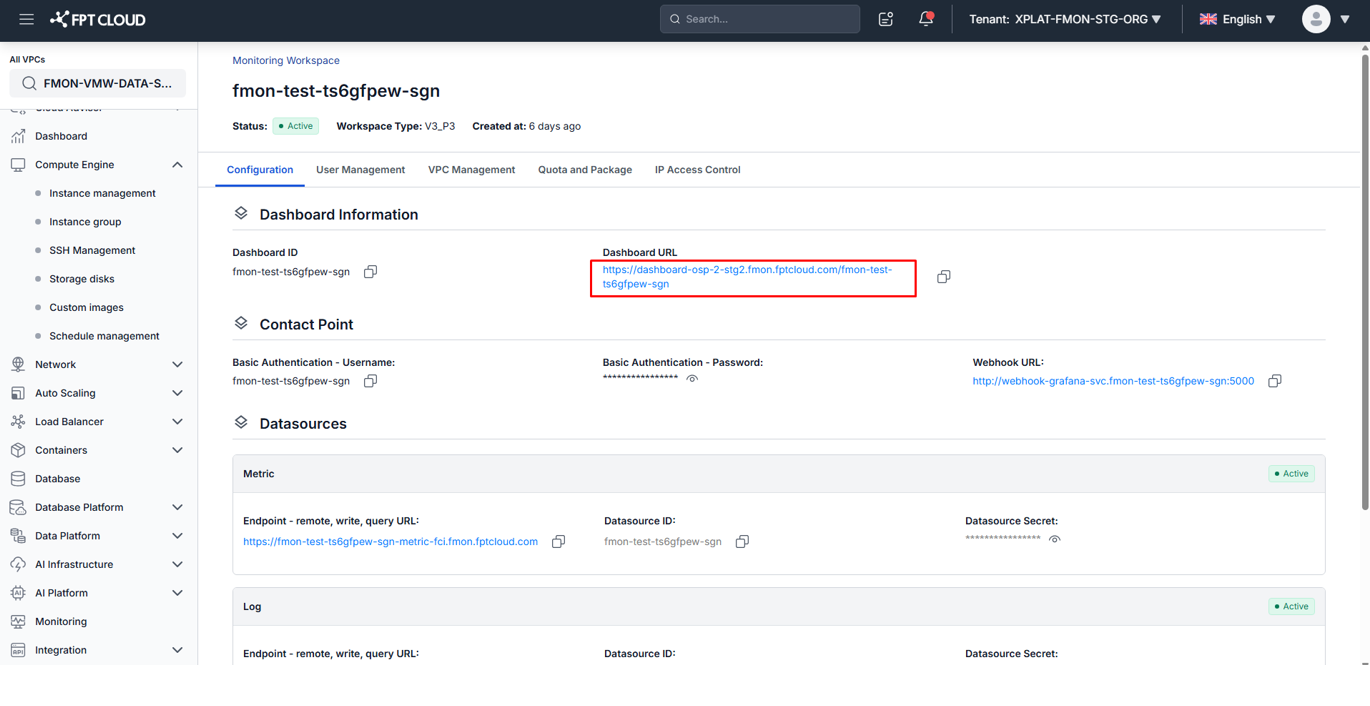
- On the Configuration screen, the system provides the Grafana Dashboard URL.
- Click the Dashboard URL to open Grafana.
The system automatically logs you in using your FPT ID. If login fails, please contact the support team.
Workspace detail screen:
Grafana interface after successful login: