View trace data
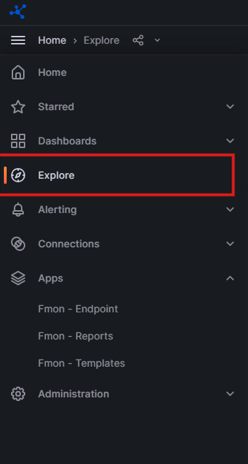
Step 1: On the menu, select Explore.
Step 2: Select the datasource: tempo.
The system opens the TraceQL tab where you can enter your query.
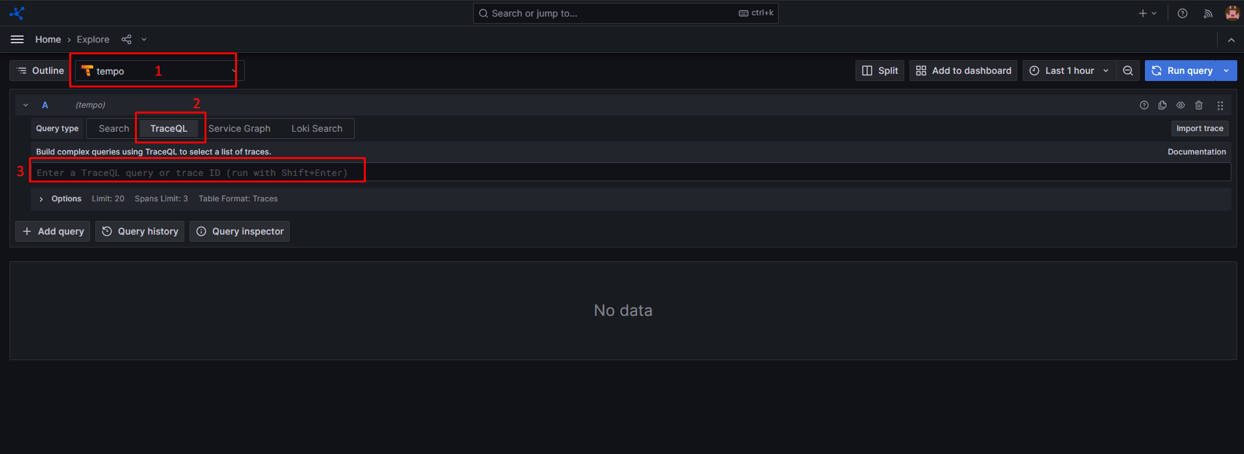
Step 3: Click Run query to display results.
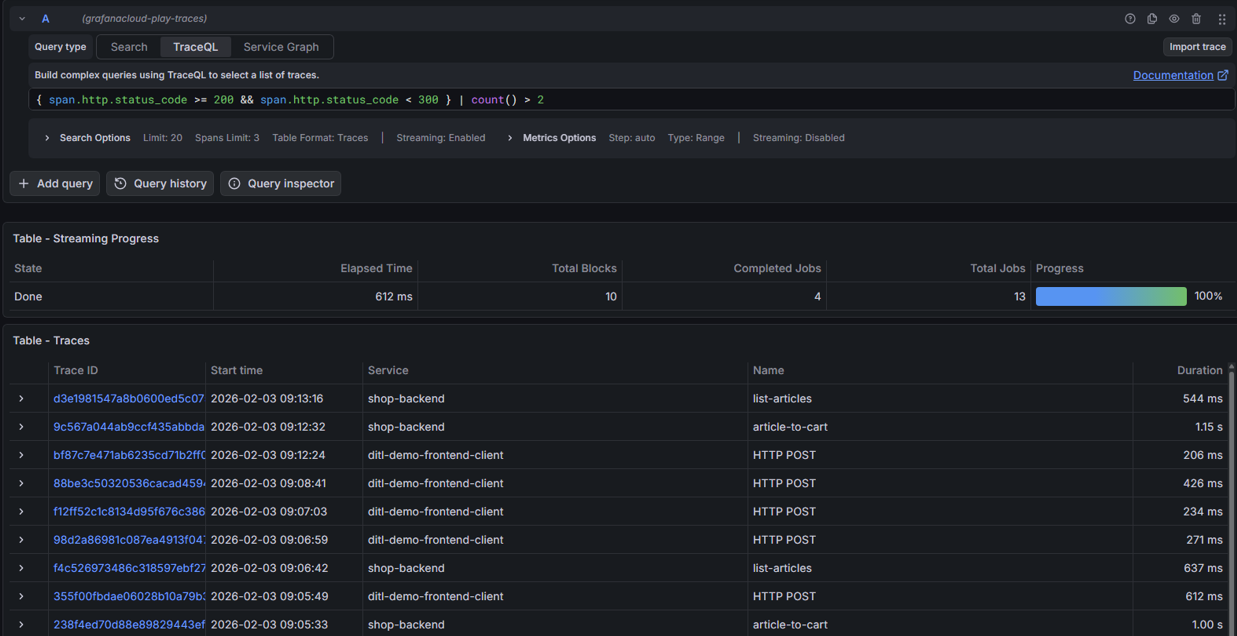
For detailed guidance, refer to the official Grafana documentation here.