Viewing the database list
The View database list feature provides an overview of all database clusters operating in the FPT Database Engine environment, allowing users to quickly monitor status, configuration, and perform administrative operations on each database.
To access the list of database clusters, log in to FPT Cloud Portal. From the main menu, select Database Platform > All Databases or choose the menu corresponding to the database group according to your needs, including:
- Relational Databases: PostgreSQL, MySQL, MariaDB, Microsoft SQL Server.
- NoSQL: MongoDB, Cassandra, Redis.
- Search Engine: OpenSearch.
- Data Streaming: Kafka.
- Time Series Database: TimescaleDB.
- OLAP: ClickHouse.
The Database List screen will display the list of existing databases in the environment, along with operational status and key information for monitoring and management:
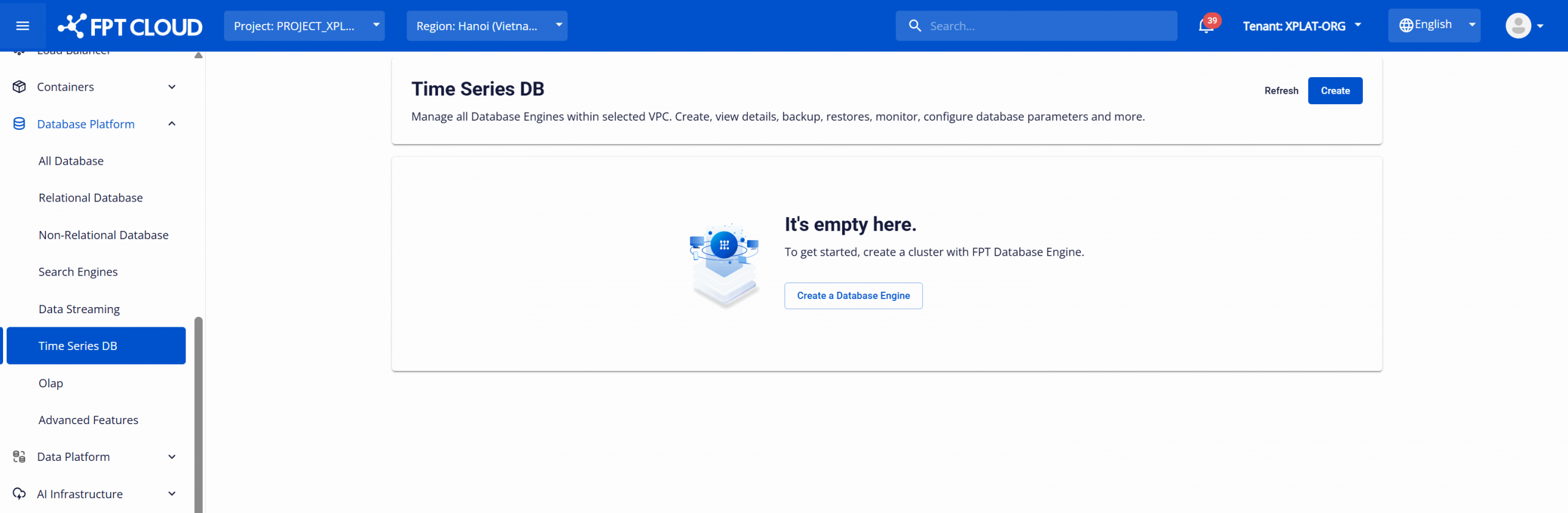
- If no databases exist: The list will be empty and display a create database option, allowing users to provision a new database cluster.
- If databases exist: The list displays all database clusters deployed in the VPC, including an overview and necessary management operations (start/stop/restart/delete).
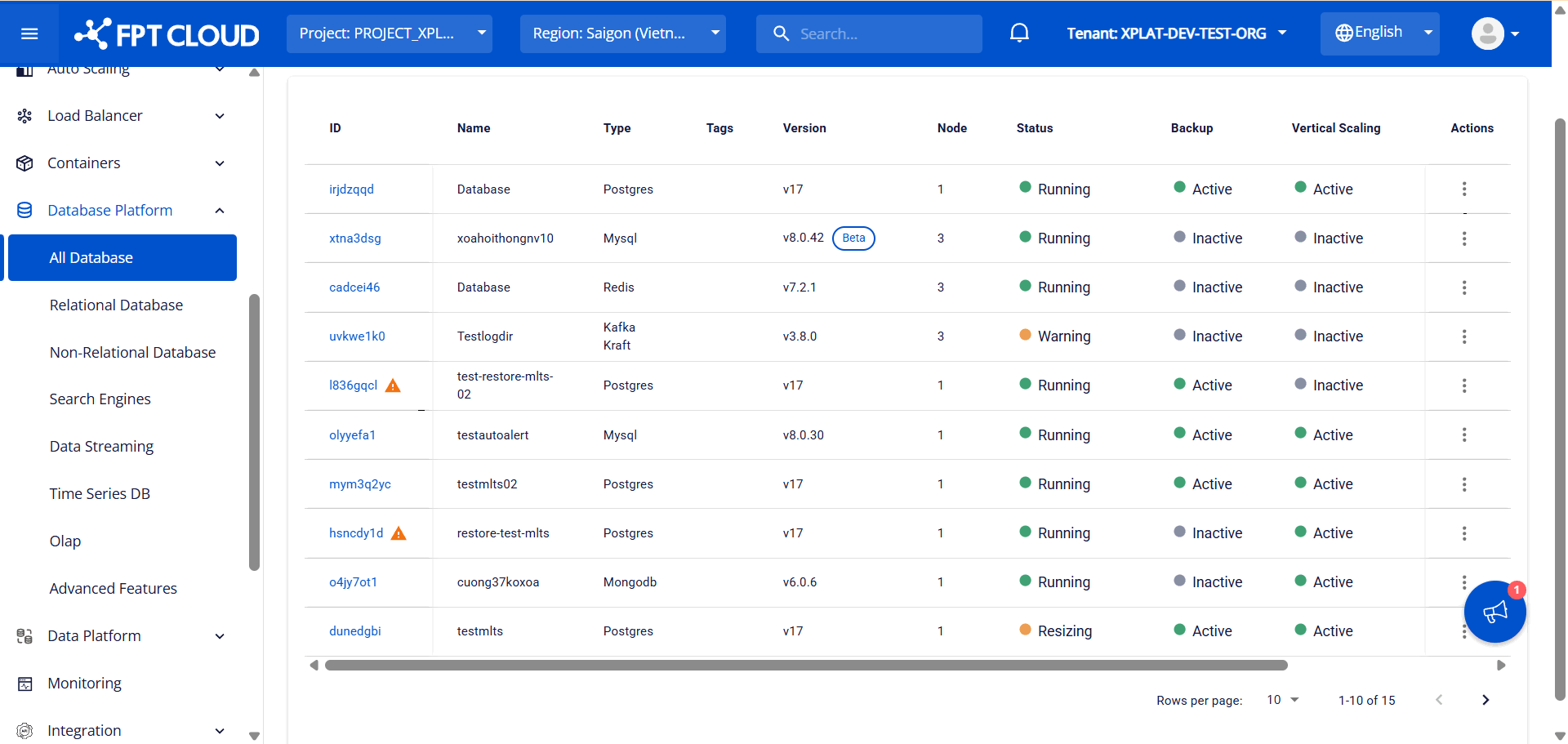
Information displayed in the list:
| Column name | Description |
|---|---|
| ID | Displays the database ID. Restart warning: If the database has had compute resources (CPU/RAM) adjusted but has not been restarted to apply the new configuration, the system will display a warning icon. To fully apply the new configuration and ensure performance and stability, users should perform a restart during low-traffic periods. The warning will disappear after the restart is complete and the new configuration has been applied. |
| Name | Displays the database name. |
| Type | Displays the database engine type. |
| Tag | Displays the list of tags attached to the database. |
| Version | Displays the database version: Beta versions are labeled "Beta"; General Availability (GA) versions display normally without a label; Deprecated versions are labeled "Dep."; End of Support versions are labeled "EoS". |
| Node | Displays the number of nodes in the database cluster. |
| Status | Displays the current status of the database (Running, Stopped, Warning, etc.). |
| Backup | Displays the activation status of the Backup service. |
| Vertical scaling | Displays the activation status of the Vertical Scaling service. |
| Monitoring | Displays the activation status of the Monitoring service. |
| Created at | Displays the database creation time. |
| Action | Displays the available operations for the database (Start, Stop, Restart, Delete, Resize, etc.). |